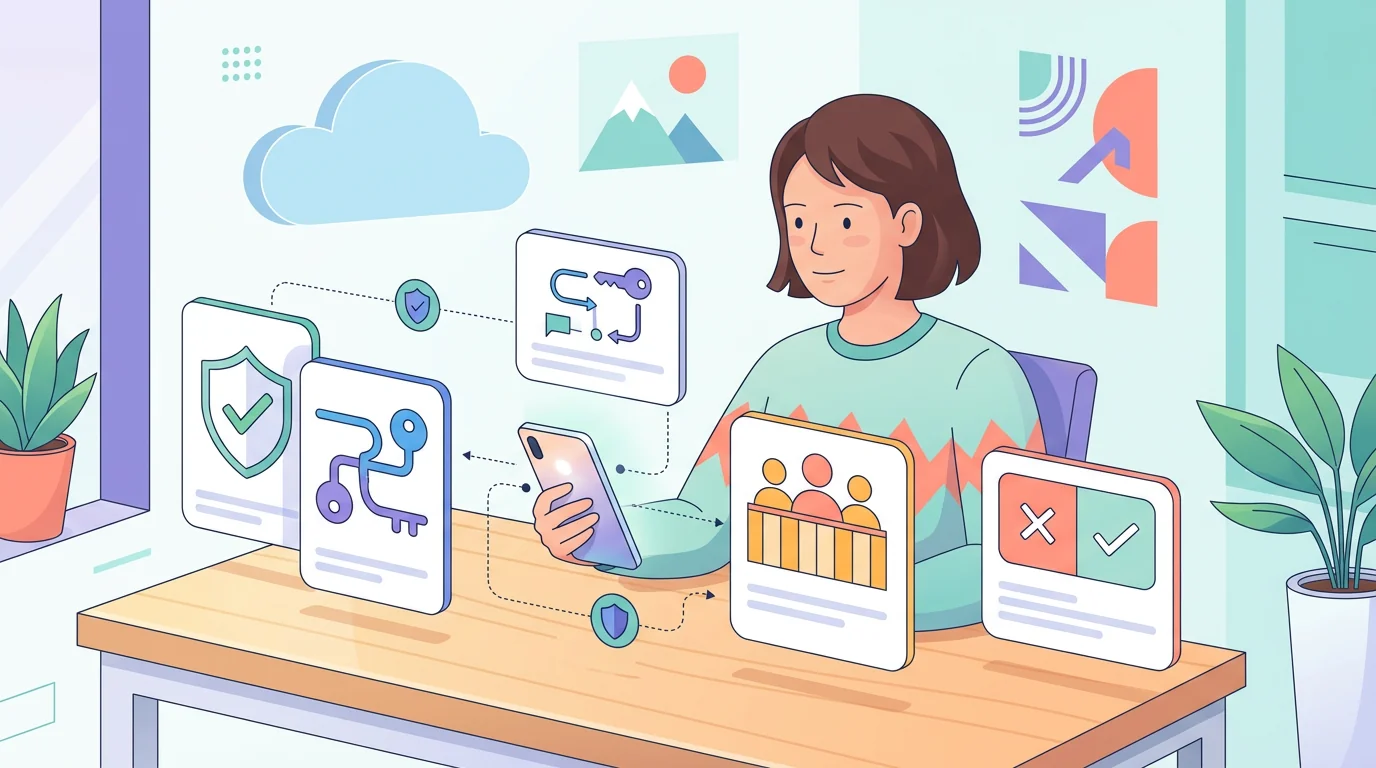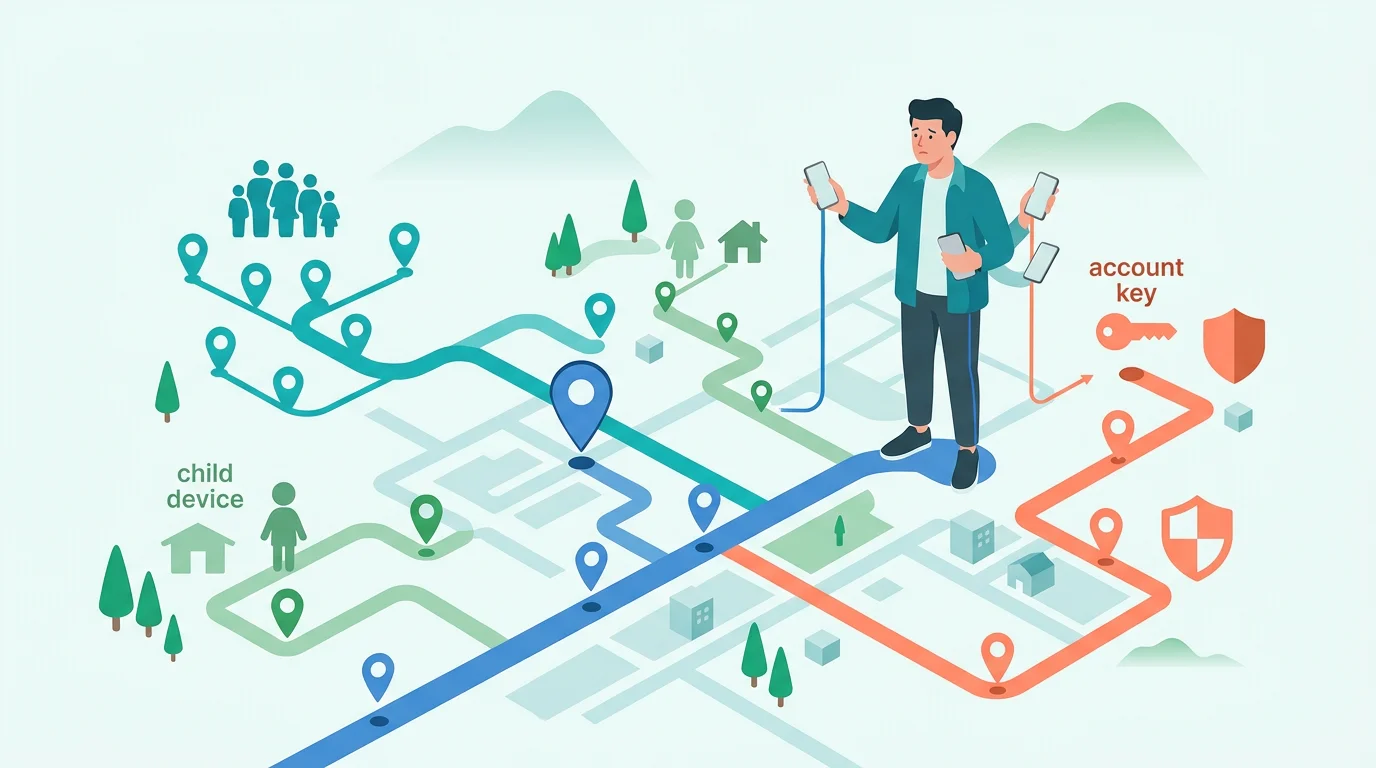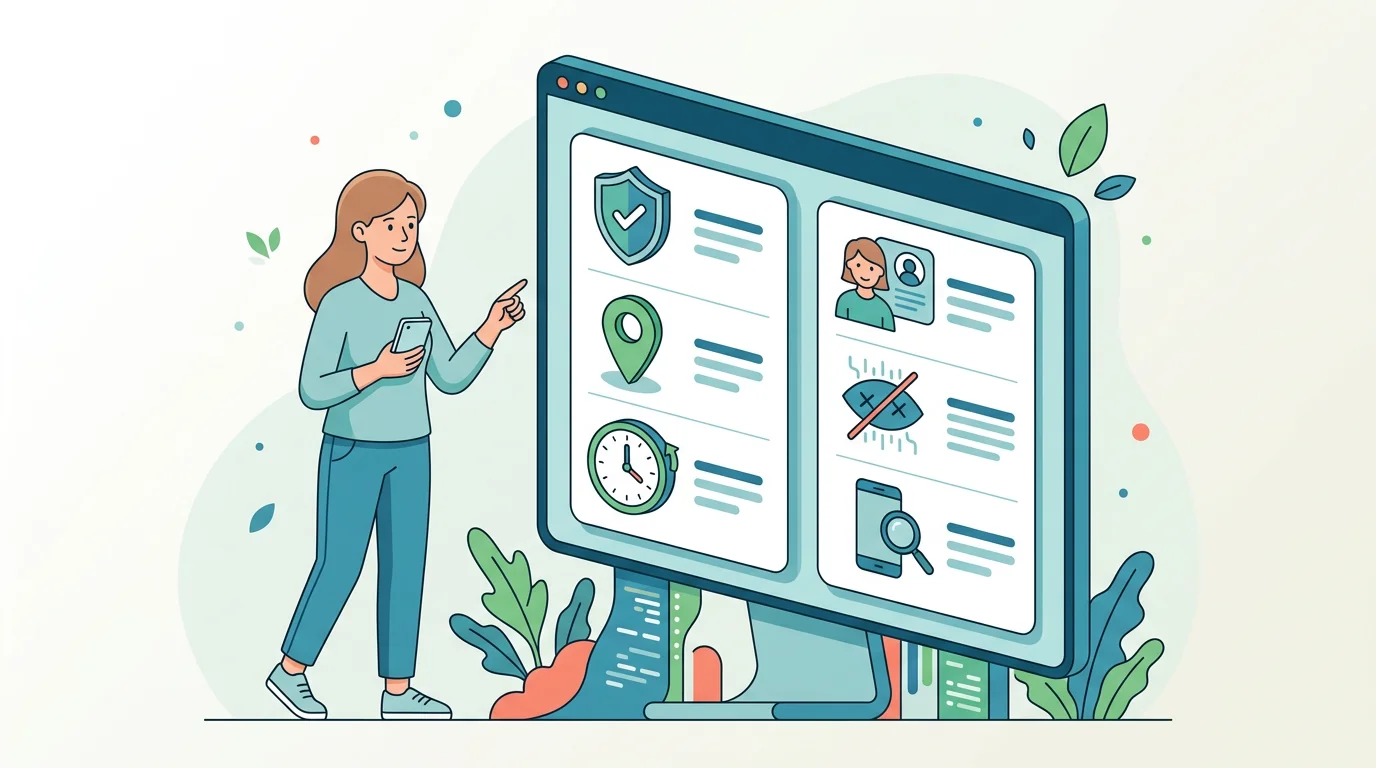
Businesses can manage a work phone for security, configuration, inventory, software updates, and loss response. That does not mean an employer can read every personal message or follow an employee everywhere. The answer depends on device ownership, enrollment type, purpose, notice, local law, and the exact management tool.
This guide separates company-owned phones, bring-your-own-device (BYOD) arrangements, and mixed-use devices. It explains what a responsible policy may cover without turning employee monitoring into covert surveillance advice.
Start with ownership and purpose
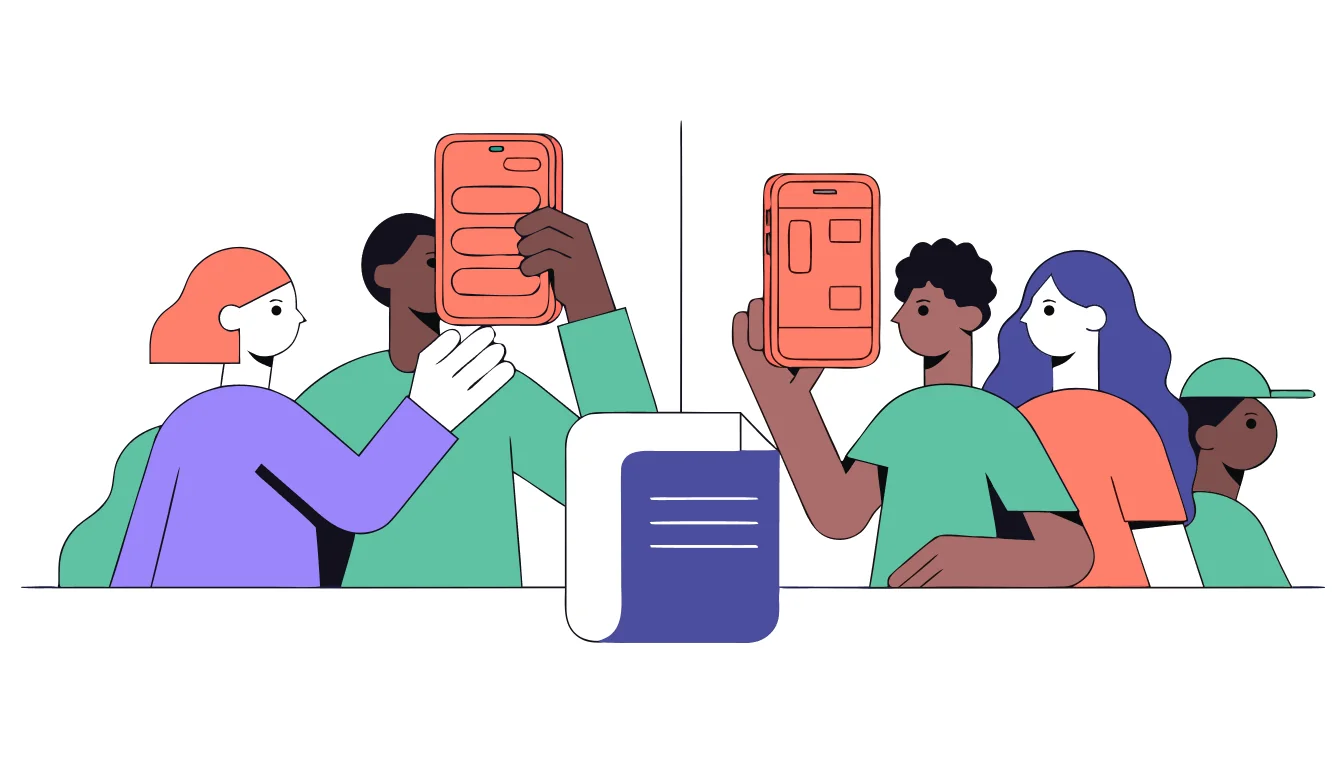
Ownership is the first question, but it is not the only one. A company-owned phone may be enrolled in a device-management service so IT can deploy apps, enforce security settings, check compliance, or lock and erase business data after a loss. A personal phone used for work requires a narrower boundary and a clear explanation of what enters the managed work space.
The purpose also matters. Protecting a work account is different from measuring every pause in a worker’s day. A policy should identify the specific risk, collect the least information needed, and define who can access it and when it will be deleted.
| Device arrangement | Reasonable starting point | Questions to ask |
|---|---|---|
| Company-owned phone | Security configuration, work apps, compliance, and loss response through disclosed management | What is managed, for what purpose, and what personal use is allowed? |
| BYOD personal phone | A separated work profile or managed work account with the narrowest practical visibility | Is personal data technically separated and is enrollment optional or required? |
| Mixed-use company phone | Written rules for work and personal use, plus a clear process for remote lock or wipe | What happens to personal photos, accounts, and data when the device is returned? |
| Temporary contractor device | Time-limited access and an exit process tied to the assignment | When does enrollment end and who confirms removal of work access? |
| Lost or stolen device | Lock, locate, or erase the business data using the approved management process | Does the action protect company data without claiming access to unrelated personal content? |
 Expert opinion Eva Galperin Cybersecurity director and technology-abuse researcher
 Full access to a person's phone is the next best thing to full access to a person's mind.Electronic Frontier Foundation
That is why a company policy should not describe a phone as an empty work container. It may include health information, family communications, travel details, and personal accounts even when the employer purchased the hardware.
What device management can legitimately control
Apple Business and other device-management services can send configurations, profiles, apps, and commands to enrolled devices. They can help an organization enforce updates, check policy compliance, and remotely lock or wipe a device or managed work data. The exact behavior depends on the platform, enrollment type, vendor, and policy.
Apple describes User Enrollment for BYOD as a way to separate work and personal data with narrower management capabilities. Full-device enrollment on a company-owned phone gives IT more control over settings, but it is not a blank check to read personal messages, photos, browser history, or every personal-app screen. A management label cannot grant access that the operating system and policy do not provide.
Work-management side
Install approved work apps, configure security settings, require updates, check compliance, protect work accounts, and respond to a lost device.
These actions should be tied to a stated business purpose and documented in the enrollment notice.
Personal-content side
Personal messages, photos, unrelated accounts, and private app content should not be treated as ordinary management telemetry.
BYOD and work-profile models should keep the work container separate and explain what the administrator can actually see.
| Action | What it may do | What it does not automatically prove |
|---|---|---|
| Configuration | Set passcode, security, network, or app settings | That an administrator can read all personal content |
| Inventory | Report enrolled device facts, work apps, or compliance status | That every personal app activity is visible |
| Remote lock | Restrict access after loss or a security event | That the employer may inspect private conversations |
| Remote wipe | Remove managed data or reset a managed device under the policy | That personal data can be erased without warning or a defined process |
| Work profile | Separate business accounts, apps, and data from personal use | That the work administrator owns the personal side of a BYOD phone |
Location, apps, communications, and productivity data

Monitoring labels are too broad to answer an employee’s question. “Device activity” could mean an update status, an inventory record, a work-login event, or an invasive recording practice. The policy should name the data category, collection interval, purpose, retention period, and authorized viewers.
Location deserves special care. A company may need location for a delivery route, lone-worker safety, or a managed fleet, but continuous off-duty tracking is a different intrusion. The same principle applies to app inventories and productivity metrics: a security signal is not automatically a record of a person’s private life.
| Data category | Narrow business use | Red-flag question |
|---|---|---|
| Device status | Security patch, enrollment, encryption, or compliance state | Why is more detail needed than the status? |
| Work apps and accounts | Deployment, access, and protection of company software | Are personal apps or accounts included? |
| Location | A stated route, safety event, or fleet purpose during working time | Is it collected off duty or without a defined purpose? |
| Communications | Protecting company systems under a specific policy and legal review | Are personal messages, private calls, or union communications captured? |
| Productivity signals | A limited operational measure explained to workers | Does an algorithm infer performance from unrelated personal behavior? |
 Expert opinion Lorrie Cranor Privacy and usable-security researcher
 I realized that not a lot was known about how to make privacy or security tools usable, so I decided to make that the focus of my research.Carnegie Mellon CyLab
Usability applies to workplace privacy notices too. If a worker cannot tell what is collected, why it is collected, or how to challenge an error, the program is not meaningfully transparent even if a policy technically exists.
Build a responsible monitoring policy
-
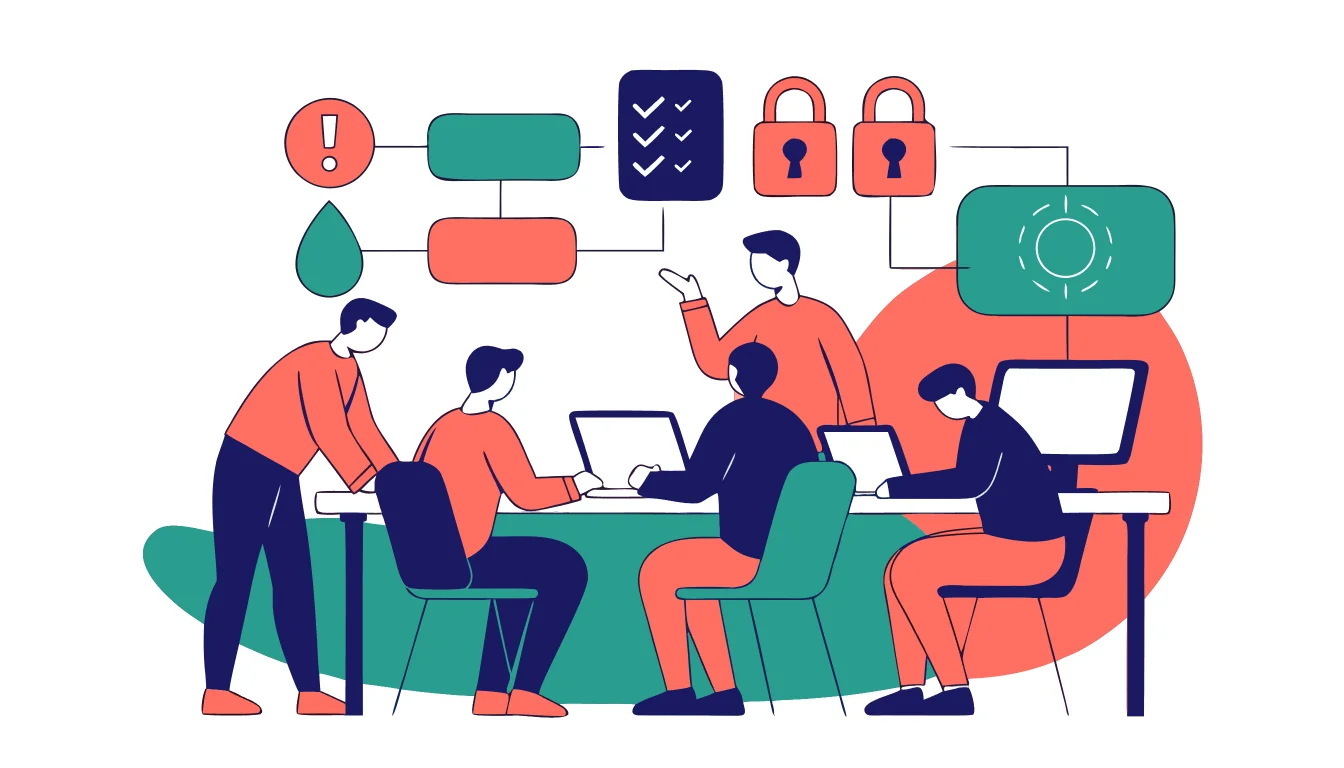
Explain the data, devices, timing, purpose, viewers, and retention before enrollment.
-
Tie each collection to security, safety, compliance, or an operational need.
-
Collect less, separate work from personal data, and avoid continuous observation by default.
-
Audit access, update the policy, and provide a way to challenge inaccurate or excessive monitoring.
A responsible monitoring program at a glance
Pros
- Protects company data and lost devices
- Gives employees a clear scope and contact point
- Can separate work and personal data on BYOD
- Creates an auditable reason for each control
Cons
- Requires policy, legal, and security work
- Platform capabilities vary by enrollment type
- Remote lock or wipe can affect personal data on mixed-use devices
- Poorly designed analytics can become intrusive or inaccurate
The policy should also explain the exit path. When employment ends, the company should remove work access, reclaim company hardware, and handle any personal data on a mixed-use device according to the documented process. “The app is installed” is not a complete policy.
A four-step employee-facing review


Read the notice
Find the device scope, data categories, purpose, retention, viewers, and contact for questions.
Identify enrollment
Confirm whether the phone is company-owned, BYOD, fully enrolled, or using a separated work profile.

Ask scope in writing
Ask what the administrator can see, when collection occurs, how long it is kept, and how personal data is separated.

Escalate safely
Use HR, a privacy officer, a union representative, counsel, or an appropriate regulator when the policy and practice do not match.
MDM pricing is not a reliable universal benchmark. Vendor, seat count, support, enrollment model, and security features can change the total. Businesses should check the current official plan or quote and compare the data practices, not only the monthly cost. Employees should be able to ask which service is used and what its enrollment model means for their data.
If monitoring may be abusive

If monitoring appears to exceed the written policy or creates a personal-safety risk, do not try to bypass management or remove controls secretly. Use a safer device or location to preserve the policy, ask a trusted representative for advice, and document dates and notices in a way that does not expose you to additional risk.
Policy disagreement
Ask the employer’s privacy, HR, security, or compliance contact to explain the scope and correct inaccurate information.
Possible coercion or retaliation
Use a safer device and seek a union, legal, regulator, or worker-support channel appropriate to your location and situation.
Bottom line
Businesses can monitor and manage company-owned phones for defined security, configuration, compliance, and loss-response purposes. BYOD and mixed-use phones need narrower boundaries, clear separation of work data, and stronger attention to notice and proportionality. MDM enrollment does not automatically give an employer access to personal messages, photos, or every app.
The responsible standard is specific purpose, minimum necessary data, visible notice, defined retention, access controls, and a safe way to question the practice. Legal rules differ, so a written policy and qualified local advice matter more than a vendor’s feature list.
Employee phone monitoring FAQ
01 What can an employer see on a company phone versus my personal phone?
A company-owned phone may be managed for settings, work apps, security status, compliance, and loss response. A personal BYOD phone should use the narrowest work container or profile practical. The exact visibility depends on enrollment, platform, policy, and local rules.
02 Can an employer read my personal texts, WhatsApp, or iMessage?
MDM enrollment does not automatically mean an administrator can read personal messages. Ask what the policy and specific platform actually collect, and treat any communications monitoring as a high-risk practice requiring legal and privacy review.
03 Does an employer have to tell me before monitoring my phone?
Notice and consultation requirements vary by jurisdiction, workplace, device, and data type. A notice is important but is not a universal legal safe harbor. Seek qualified local advice if the policy is unclear or the practice is intrusive.
04 What are remote lock and remote wipe?
They are device-management responses to loss, theft, or a security event. The policy should explain whether the action locks the whole device or removes managed work data, what happens to personal data, and who can authorize it.
05 What should I do if monitoring feels abusive or exceeds the policy?
Do not try to bypass controls secretly. Use a safer device or location, preserve relevant policy information safely, and contact HR, a privacy officer, union representative, counsel, regulator, or worker-support service appropriate to your situation.