
The best Android keylogger app is not the one with the loudest “hidden” promise. It is the one whose access requirements, Android version support, typed-input capture, dashboard quality, and limits match the situation you are trying to solve.
In practice, Android keyloggers fall into three buckets: current monitoring apps that still require device access and permissions, high-access tools whose strongest features may depend on root or deep system privileges, and legacy products with unverifiable or risky setup paths.
This guide compares the realistic options without pretending that a phone number, IMEI, or remote web form can install a keylogger by magic.
Fast answer
Hoverwatch, mSpy, FlexiSPY, uMobix, iKeyMonitor, SPYERA, and KidLogger are the current candidates worth checking first, but they do not offer the same access model.
No-root Android monitoring can collect some typed input, screenshots, app activity, notifications, or clipboard data depending on the product, permissions, keyboard method, and OS version.
Physical access to the unlocked Android phone is the normal requirement. Claims that only a phone number or IMEI is enough are usually scam signals.
Root may unlock deeper keylogging or message capture in some products, but it also weakens device security and is not available or practical on many modern phones.
Legacy names such as Copy9, Spyzie, and Spirix/Spyrix should be treated carefully unless current official support evidence is clear.
What an Android keylogger can and cannot do

An Android keylogger tries to capture typed input or text-like activity from the device. Depending on the app, that may mean keystrokes from an on-screen keyboard, clipboard entries, searches, app names, screenshots, notification text, or typed messages before they are sent.
That does not mean every product can read every private chat. Modern Android versions restrict background access, accessibility services, notification access, screen capture, storage, and app overlays. A product’s marketing page may say “keylogger” while the actual result depends on permissions, the keyboard used, the target app, Android version, and whether the phone is rooted.
Expect typed-input logs, clipboard text, screen snapshots, notification text, browser searches, app activity, or messaging metadata only when the app is installed, granted permissions, and compatible with the Android version.
Be skeptical of pages promising keylogging from a phone number, silent remote installation, WhatsApp decryption without access, or full invisible control without permissions, account access, root, or an enterprise setup.
Use these tools only where you have authority over the device and the monitoring itself. The rest of this article focuses on technical capability, limitations, and product risk rather than moral lectures.
Best Android keylogger apps compared

The useful comparison is not “which app is most hidden?” It is “what does the app claim, what access does it require, and how much risk is attached to that setup?”
| App | Best fit | Access reality | Main caveat |
|---|---|---|---|
| Hoverwatch | Typed-input tracking with a direct Android keyboard-tracker claim | Installed app with account setup and Android permissions | Background monitoring claims still need device-specific checking |
| mSpy | Mainstream parental-style monitoring with Android compatibility documentation | Physical access required on Android; OS 5+ stated by its compatibility policy | Feature-level keylogger wording should be checked before buying |
| FlexiSPY | High-access monitoring where broad data categories matter | Physical access required; some advanced behavior may depend on device state/root | Powerful but intrusive; avoid assuming every feature works no-root |
| uMobix | Broad Android monitoring with typed-input and app-activity positioning | Physical access and permission grants are part of the practical setup | Vendor wording around root, retention, and visibility needs careful reading |
| iKeyMonitor | Parental or employee-device monitoring with non-root Android claims | Physical access to an unlocked device is stated; compatibility page lists broad Android support | Free plan and full plan differ; verify which features are included |
| SPYERA | High-access Android monitoring with explicit keylogger pages | Physical access required; vendor currently advertises no-root Android keylogging | Strong stealth and no-root marketing makes compatibility verification especially important |
| KidLogger | Free or lighter parental-style logging on supported Android devices | Installed Android app; official site lists Android 8-16 | Less polished than commercial dashboards; plan limits need checking |
The table deliberately excludes several legacy names from the main recommendations. A product can still have a website and still be a poor recommendation if the setup path asks users to weaken Android security, the domains conflict, or current support is unclear.
How we evaluated Android keylogger apps

We evaluated each app as a technical monitoring product, not as a slogan. The first filter was whether there is current official evidence for Android support and keylogger or typed-input monitoring.
The second filter was access. If a vendor says Android requires physical access, we treat that as the practical baseline. If a vendor claims remote install without access, we treat that as a warning sign unless it is tied to a legitimate account, MDM, or enterprise enrollment path.
We also separated “works no-root” from “works fully no-root.” Those are different claims. A tool may collect app activity or notification text without root while reserving deeper keylogging, social-app capture, or stealth behavior for rooted phones.
 Expert perspective Serge Egelman Senior Research Scientist and Usable Privacy and Security Group Lead, ICSI
 For Android monitoring apps, the useful question is not only what a vendor says it can collect. It is whether the app’s disclosures, permissions, setup path, and security tradeoffs give the device owner enough information to make a real decision.
That approach produces a shorter list than the old “12 best” page, but it gives a cleaner answer: which products deserve inspection now, which are conditional, and which names are safer to leave in a legacy bucket.
No-root, root, and hidden mode explained
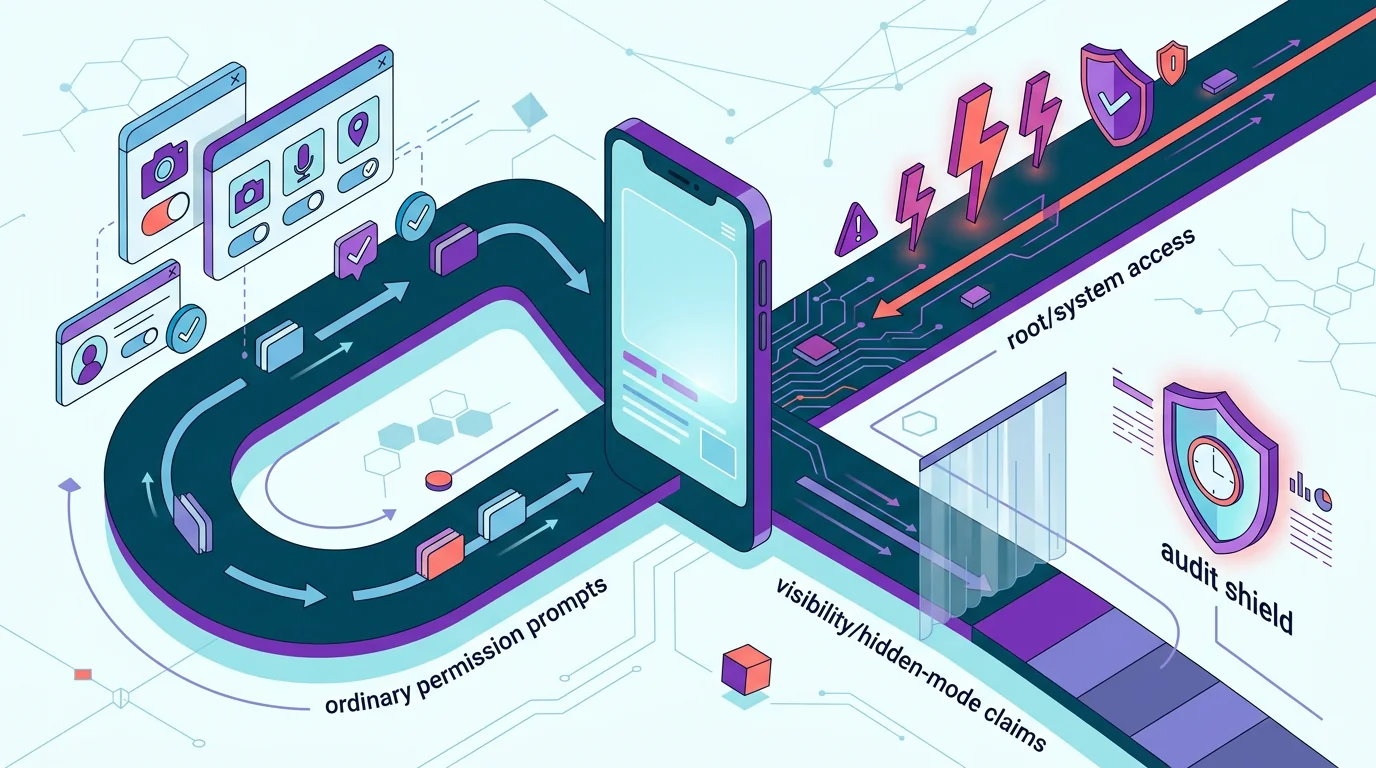
No-root Android monitoring means the app works within ordinary Android permissions or accessibility-style access. It can still be powerful, but it is not unlimited.
Root means the phone’s system restrictions have been weakened or bypassed. That can expose deeper data, but it can also break updates, trip security checks, void support paths, and make the device easier to compromise.
More realistic for parents, company-owned phones, and supported Android devices. Expect permission prompts, compatibility limits, and differences between keyboards, apps, and Android versions.
Can unlock deeper capture in some products, but it is fragile. Modern Android devices vary by manufacturer, bootloader policy, security patch level, and whether root is even practical.
“Hidden” also needs careful translation. Some vendors mean the app icon can be removed, notifications can be reduced, or the dashboard is remote. That is not the same as being impossible to detect by Android, Play Protect, security tools, a device audit, or a careful user.
Current Android keylogger app reviews

These reviews focus on capability signals and buying risk. They are not installation instructions, and they avoid repeating stealth setup steps that would reduce the target device’s security.
Hoverwatch

Hoverwatch has the strongest current typed-input positioning among the verified set because its official Android keyboard tracker page directly describes keyboard tracking and saved typed text.
It fits scenarios where the buyer wants an Android-focused monitoring dashboard and accepts that the app must be installed and configured on the device. The practical question is not whether Hoverwatch says “keylogger”; it does. The question is how well it works on the exact Android version, keyboard, and apps you care about.
Price snapshot: Hoverwatch’s public pricing page showed Personal at around 29.95/month for one device, with lower monthly equivalents on longer plans. Treat that as a budget check, then confirm the live currency and checkout price.
Hoverwatch
Pros
- Direct official Android keyboard-tracker positioning
- Clear fit for typed-input monitoring intent
- Useful first product to check before broader spy-app suites
Cons
- Still depends on installation, permissions, and device compatibility
- Background visibility and security prompts need real-device checking
- Not a magic remote keylogger
Bottom line: check Hoverwatch first when typed-input logging is the main need and the budget fits roughly the 30/month single-device class.
mSpy

mSpy remains a mainstream name in phone monitoring, and its compatibility policy states that Android monitoring requires physical access and Android OS 5 or higher. That is useful because it cuts through one of the biggest scam claims in this niche.
For keylogger-specific buying, verify the exact current Android feature page and plan before paying. Navigation and product positioning can mention keylogger or screen recorder features, but the final decision should be based on the Android device, plan, and current feature documentation.
Price snapshot: mSpy’s public pricing article listed Premium at $48.99 for 1 month, $28/month on a 3-month plan, and $11.67/month on a 12-month plan. The one-month plan is relatively expensive, so longer billing changes the comparison.
mSpy
Pros
- Current Android compatibility policy is easy to find
- Physical-access requirement is stated rather than hidden
- Broad monitoring suite may fit buyers who need more than typed input
Cons
- Feature pages and pricing should be checked immediately before purchase
- Keylogger coverage can vary by OS version and app context
- Not the strongest choice if you only need lightweight typed-input logs
Bottom line: mSpy is easier to justify when you want a broader monitoring suite, not only typed-input logs, and can accept the higher short-term monthly price.
FlexiSPY

FlexiSPY is best understood as a high-access monitoring suite, not a simple no-root keylogger. In our prior Android monitoring review, official/captured evidence showed physical access requirements, Android 15 support messaging, and broad typed-input or recording categories.
That breadth is the appeal, but it is also the caveat. Before you buy, map the exact Android model, Android version, root status, and desired features against FlexiSPY’s current documentation.
Price snapshot: FlexiSPY pricing was not reliably captured as a stable public table during this pass. Use the current checkout or redirect page before comparing it with Hoverwatch, mSpy, or SPYERA.
Consider FlexiSPY when the requirement is a broad monitoring suite and you can verify that the target Android setup supports the features you need.
Skip it if you need a low-friction no-root tool and the purchase depends on assuming every advanced feature works on every modern Android phone.
Review FlexiSPY’s current requirements before treating it as a fit.
Bottom line: FlexiSPY is a conditional broad-suite option; verify current price, Android feature coverage, and access requirements before comparing it with cheaper keylogger-focused tools.
uMobix

uMobix belongs in the current candidate set because it maintains active Android monitoring positioning and has been verified in our recent Android visibility work as requiring physical access and offering broad monitoring categories.
The caution is claim precision. Do not reduce uMobix to a single “no-root” or “root required” label without checking the current feature page, because broad monitoring suites often split capabilities by OS version, permissions, and access level.
Price snapshot: uMobix pricing should be checked at live checkout. Do not rely on old affiliate prices, because discounts, plan names, and billing periods in this niche change frequently.
uMobix
Pros
- Current Android monitoring product with broad feature positioning
- May fit buyers who want typed input plus app and activity context
- More useful than legacy keylogger-only names
Cons
- Root, retention, and visibility language needs careful reading
- Exact feature availability can change by Android version
- Broad marketing can overstate what a specific device will deliver
Bottom line: uMobix belongs in the comparison when you want activity context around typed input, but do not buy until the live checkout price and Android feature split are clear.
iKeyMonitor

iKeyMonitor is a current candidate because its official pages state physical access, Android compatibility, non-root Android claims, and the important limitation that phone-number or IMEI-only monitoring is not possible.
That last point matters. A vendor that says what it cannot do is more credible than a page promising invisible remote access to any phone.
Price snapshot: iKeyMonitor has a free basic plan, while paid add-ons start from $9.99 for 3 days or from $16.66/month. Its self-hosted business option is priced separately at $10/month/device with a 25-device minimum.
Bottom line: iKeyMonitor is one of the better budget-first checks because it has a free basic plan and separately priced add-ons, but keylogger-style features are not the same as the free core.
SPYERA

SPYERA has current official Android keylogger pages and is explicit enough to include, but it should be handled as a high-access product. Its current Android keylogger page advertises no-root keylogging, physical access for setup, and broad invisibility-style claims.
That makes SPYERA a conditional recommendation at best. It may interest readers who want a deep monitoring suite, but the no-root and visibility claims should be checked against the exact phone, Android version, security settings, and current feature documentation.
Price snapshot: SPYERA’s smartphone plan was listed around EUR 79/month, EUR 189 for 3 months, or EUR 339/year. That puts it in the premium tier compared with lighter keylogger-focused tools.
SPYERA
Pros
- Current official Android keylogger documentation exists
- Current vendor page directly advertises Android keylogging
- Broad monitoring suite for high-access scenarios
Cons
- No-root and invisibility-style claims need careful device-level verification
- Strong stealth marketing increases buyer and device-risk concerns
- Not suitable for readers who want the lowest-risk Android setup
Bottom line: SPYERA is expensive compared with lighter tools and should be treated as a high-verification choice, especially if the buying decision depends on no-root keylogging and low visibility.
KidLogger

KidLogger is worth checking if you want a lighter or free-oriented option rather than a heavy commercial monitoring suite. Its official site lists Android 8-16 compatibility and Android keylogger capability for on-screen keyboard keystrokes and clipboard text.
The tradeoff is polish and limits. It may be enough for simple parental or own-device logging, but it is not the same class of dashboard as the larger commercial products.
Price snapshot: KidLogger is the clearest low-cost option in this set: Basic is free, Standard was listed at $9 for 3 months or $29/year, and Professional at $29 for 3 months or $89/year.
Try KidLogger when budget matters, the use case is simple, and you can test the exact Android keyboard and apps before relying on it.
Skip it when you need polished reporting, broad app coverage, commercial support, or a guaranteed no-root result across many Android devices.
Bottom line: KidLogger is the cheapest serious option to test, especially for simple parental or own-device logging, but it is not a polished commercial dashboard replacement.
How much do Android keylogger apps cost?

Prices change often in this niche, and checkout pages may show different currencies, discounts, or add-ons. Treat the numbers below as a snapshot checked on July 29, 2026, not as a guaranteed checkout price.
| Product | Approximate entry point | Plan note | Price confidence |
|---|---|---|---|
| Hoverwatch | Around 29.95/month for 1 device | Official pricing page showed Personal, Professional, and Business tiers; currency display may vary. | High |
| mSpy | $48.99/month, or lower monthly equivalent on longer plans | Official mSpy pricing article lists 1-, 3-, and 12-month Premium options. | High |
| iKeyMonitor | Free basic plan; paid add-ons from $9.99/3 days or from $16.66/month | Input Logger is listed under add-on features; self-hosted business is $10/month/device with a 25-device minimum. | High |
| SPYERA | Smartphone plan around EUR 79/month or EUR 339/year | Official pricing page lists smartphone, tablet, computer, and all-in-one plans; currency switcher may change display. | High |
| KidLogger | Free Basic; Standard $9/3 months or $29/year; Professional $29/3 months or $89/year | Official upgrade page lists Basic, Standard, and Professional account types. | High |
| FlexiSPY | Check current checkout / redirect page | Public pricing was not reliably captured during this pass; verify live pricing before purchase. | Low |
| uMobix | Check current checkout page | Public homepage was available, but a stable public price table was not reliably captured during this pass. | Low |
Official price sources checked: Hoverwatch pricing, mSpy pricing article, iKeyMonitor purchase page, SPYERA pricing, and KidLogger upgrade page.
Current but secondary or high-risk tools

MobiStealth and TheTruthSpy have current-looking official pages and Android monitoring claims, so they should not be treated as dead products. The issue is whether they deserve a main recommendation.
MobiStealth advertises Android monitoring, keystroke logging without rooting, physical access, and hidden operation. That is enough to document it as current evidence, but the overlap with stealth-heavy monitoring makes it a secondary choice unless you specifically need to evaluate that product.
TheTruthSpy has current official pages, Android 6+ language, physical-access requirements, typed-activity visibility, and terms updated in 2026. The spouse-style and quiet-monitoring framing make it a product to inspect cautiously rather than a clean top pick.
| Product | Why it is not in the main list | How to handle it |
|---|---|---|
| MobiStealth | Current claims exist, but the stealth-heavy positioning overlaps higher-risk monitoring categories. | Treat as a secondary product and verify Android support, payment, and support responsiveness before purchase. |
| TheTruthSpy | Current pages exist, but marketing tone and visibility claims raise trust concerns. | Use only with careful source checks and do not rely on spouse/quiet-use messaging as proof of quality. |
Legacy, risky, and unverifiable keylogger apps

The old version of this page listed more products because that was normal in legacy affiliate roundups. For a current reader, more names are not automatically more useful.
Copy9 still has official-looking pages, but its Android installation guidance tells users to disable Play Protect and other security scanning. If a product’s setup depends on weakening standard Android protections, treat the monitoring benefit as a security tradeoff, not as a clean recommendation.
Spyzie is also problematic. Multiple current-looking domains exist with inconsistent claims, older copyright language, Android 4-12 wording, and pricing pages that do not line up cleanly with feature promises.
Spirix or Spyrix could not be verified as a current Android keylogger product matching the old article’s claim. Without a reliable current official source, it belongs outside the recommendation set.
How to choose the right Android keylogger app
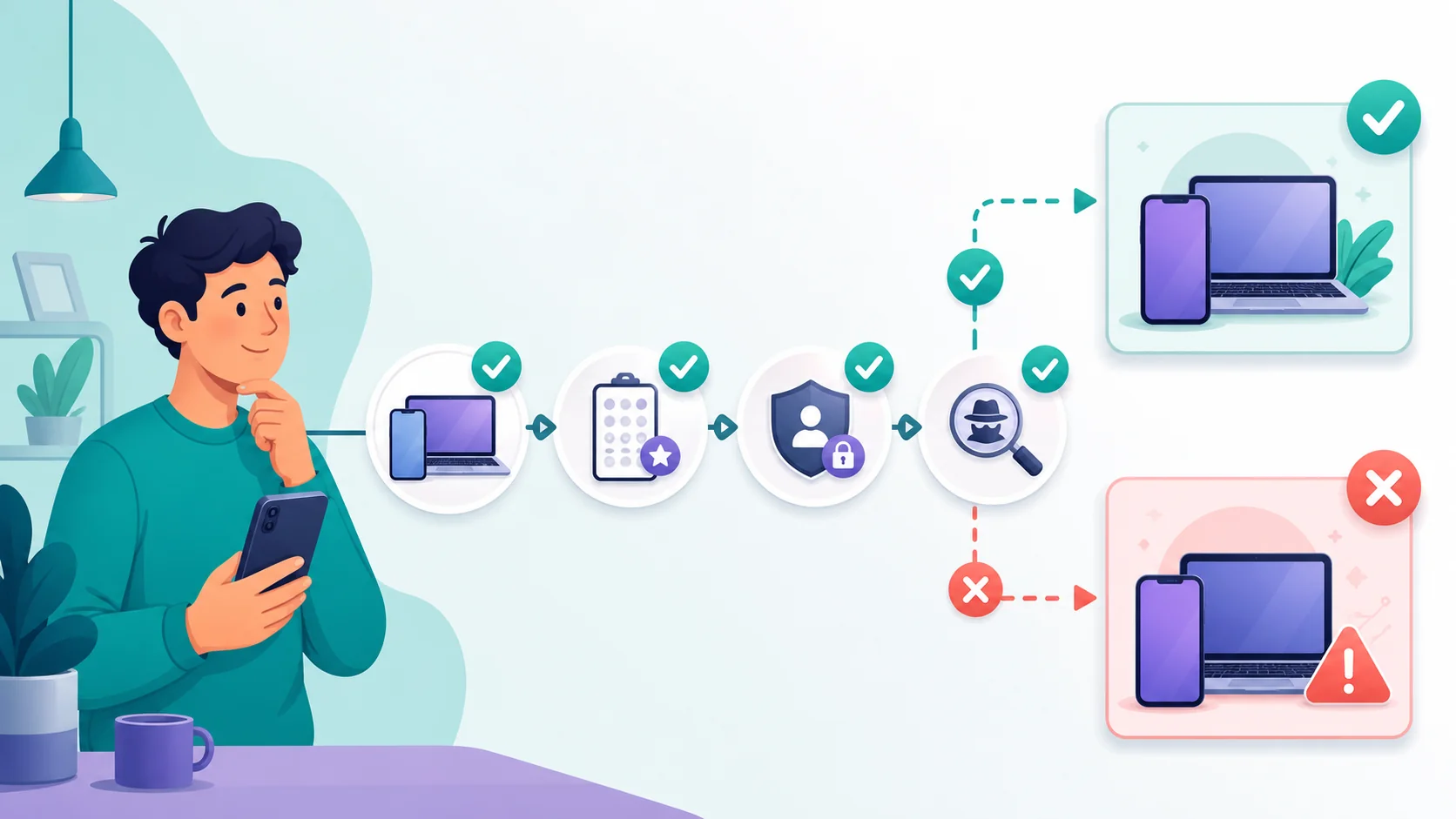
Start with the device, not the product. Android version, manufacturer, keyboard, app list, screen-lock access, Google account controls, Play Protect state, and whether root is possible will decide more than a marketing headline.
Then decide what “keylogger” means for your case. Some readers need typed searches. Others need message drafts, clipboard, screenshots, browser history, notifications, app usage, or alerts. Those are related but not identical requirements.
Use these checks before you pay for any Android keylogger app.
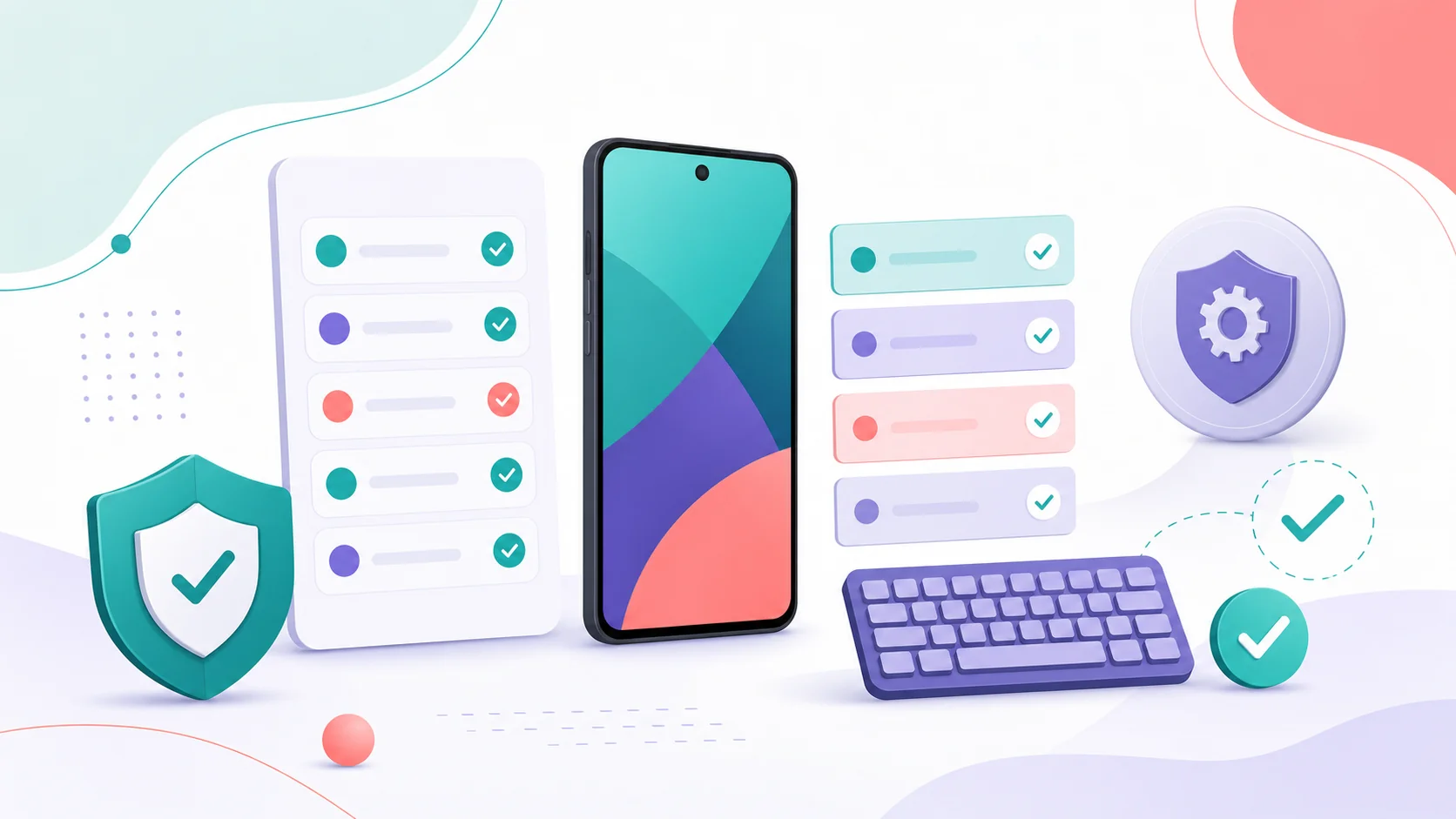
Check the device first
Confirm Android version, manufacturer, keyboard, security patch level, and whether physical access is available.
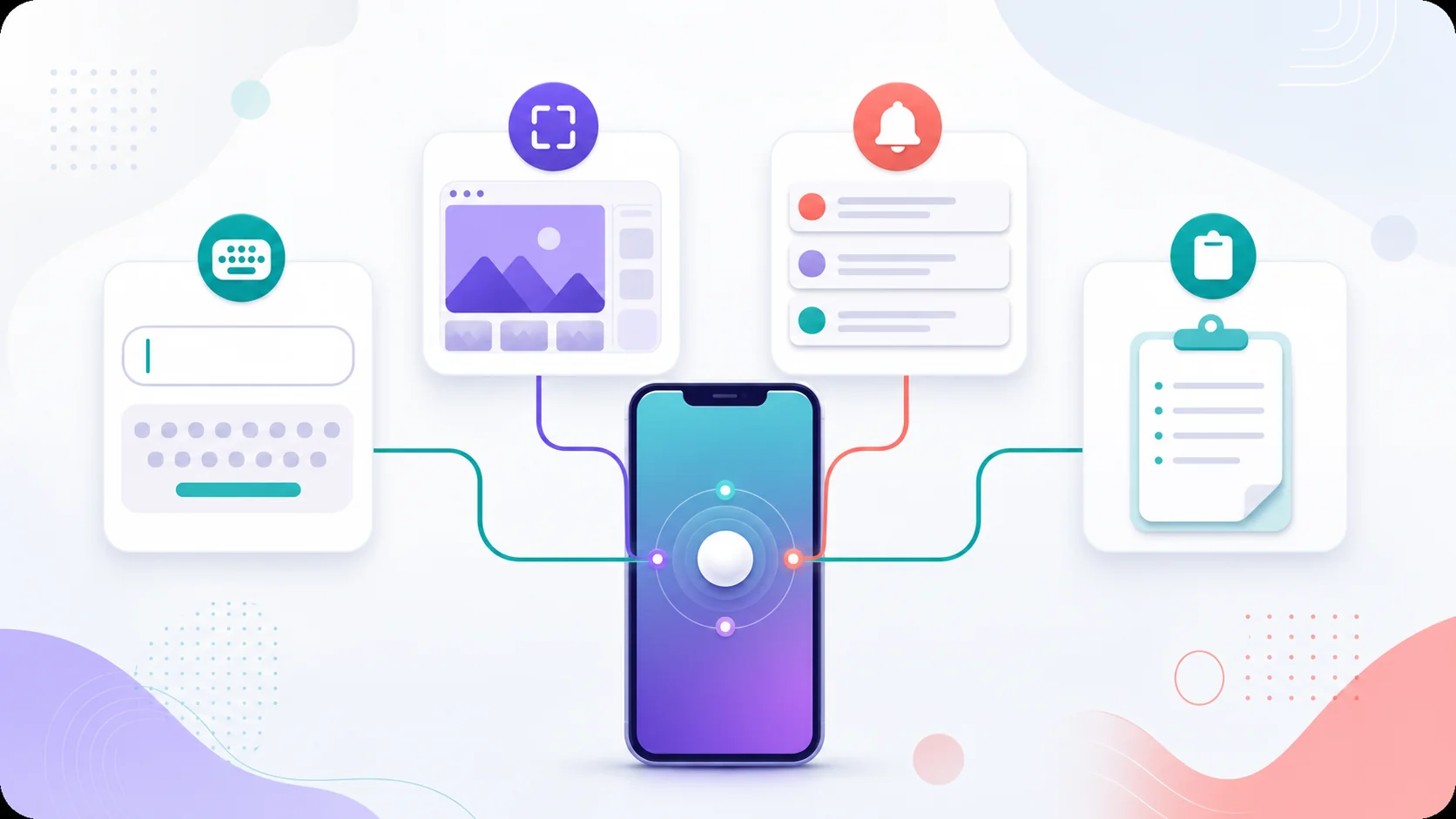
Define the real feature
Keylogger, screenshots, notifications, clipboard, and social-app capture are different capabilities.
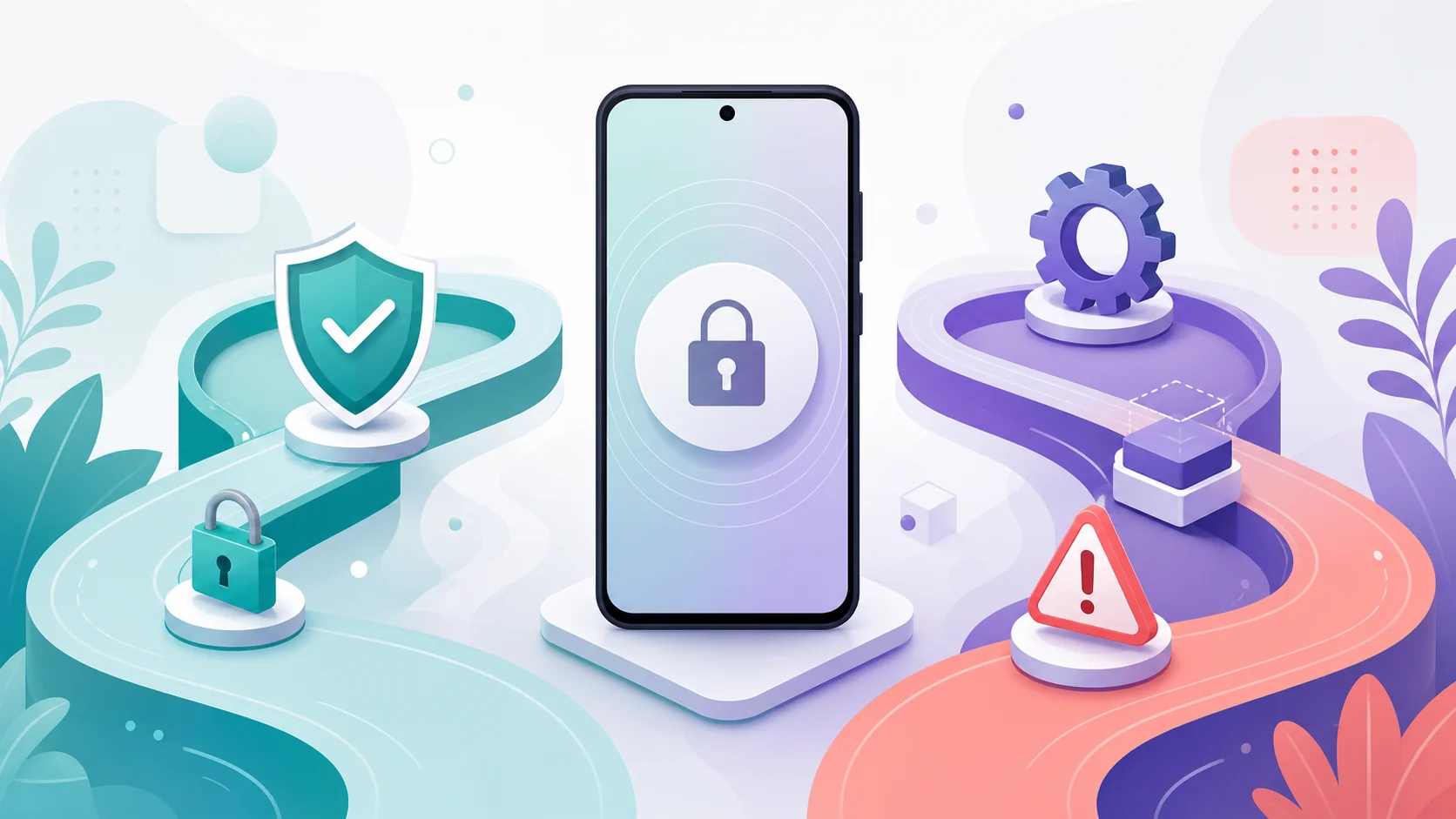
Match access level
No-root is easier but limited. Root may add depth but increases fragility and device risk.

Screen for scams
Phone-number-only access, magic remote install, and anti-security setup instructions are serious red flags.
If you need the most direct typed-input claim, start by checking Hoverwatch or iKeyMonitor. If you need a broader commercial suite, compare mSpy, uMobix, and FlexiSPY. If you are considering SPYERA, verify the current no-root claim, physical-access requirement, and visibility language against your exact Android device.
Final recommendation

For most readers, the practical shortlist is Hoverwatch, mSpy, FlexiSPY, uMobix, iKeyMonitor, SPYERA, and KidLogger. That is already enough to compare without padding the page with legacy names.
Check Hoverwatch or iKeyMonitor first when typed input is the center of the task. Compare mSpy or uMobix when you want a broader parental-style dashboard. Consider FlexiSPY or SPYERA only after verifying access, Android version, and feature-specific limitations.
Hoverwatch, iKeyMonitor, mSpy, uMobix, and KidLogger are the cleaner first checks for most Android keylogger searches.
FlexiSPY, SPYERA, MobiStealth, and TheTruthSpy need stricter verification because access level, visibility claims, root status, and device compatibility can change the answer.
| Budget question | Products to check first | Why |
|---|---|---|
| Lowest-cost test | KidLogger, iKeyMonitor | Both have free or low-entry public pricing signals, but feature limits matter. |
| Typed-input focus | Hoverwatch, iKeyMonitor | The pricing is easier to evaluate when the main requirement is input logging rather than a broad suite. |
| Broad commercial suite | mSpy, uMobix, FlexiSPY | Useful when typed input is only one part of the monitoring need; verify current checkout price before purchase. |
| Premium / high-verification | SPYERA, FlexiSPY | Potentially deeper or broader tools, but price, access, visibility claims, and device compatibility must be checked carefully. |
Avoid products whose proof is mostly old affiliate copy, conflicting domains, or setup pages that ask you to disable security protections. In this niche, a shorter verified list beats a longer list that sends readers into scams.
Frequently asked questions

Android keylogger FAQ
01 Can I install an Android keylogger remotely with only a phone number?
No credible Android keylogger works from only a phone number or IMEI. Real monitoring requires an installed app, account relationship, device management enrollment, physical access, or another legitimate access path.
02 Do no-root Android keyloggers really work?
Some no-root tools can collect typed input, clipboard text, screenshots, notifications, or app activity, but coverage varies by Android version, keyboard, permissions, and product. No-root does not mean unlimited.
03 Which Android keylogger is best for WhatsApp or Snapchat?
Do not choose by app name alone. Some tools use screenshots, notifications, accessibility data, or typed-input capture, and each method has limits. Verify the exact messaging-app feature for your Android version before buying.
04 Can Play Protect or antivirus detect a keylogger app?
Yes, security tools and Android settings can flag monitoring apps, especially if they request powerful permissions or come from outside Google Play. A vendor's hidden-mode claim is not a guarantee of invisibility.
05 Is rooting Android worth it for keylogging?
Only in narrow cases. Root can unlock deeper monitoring in some products, but it weakens platform protections, complicates updates, and may not be practical on modern phones. Verify the exact feature before taking that risk.