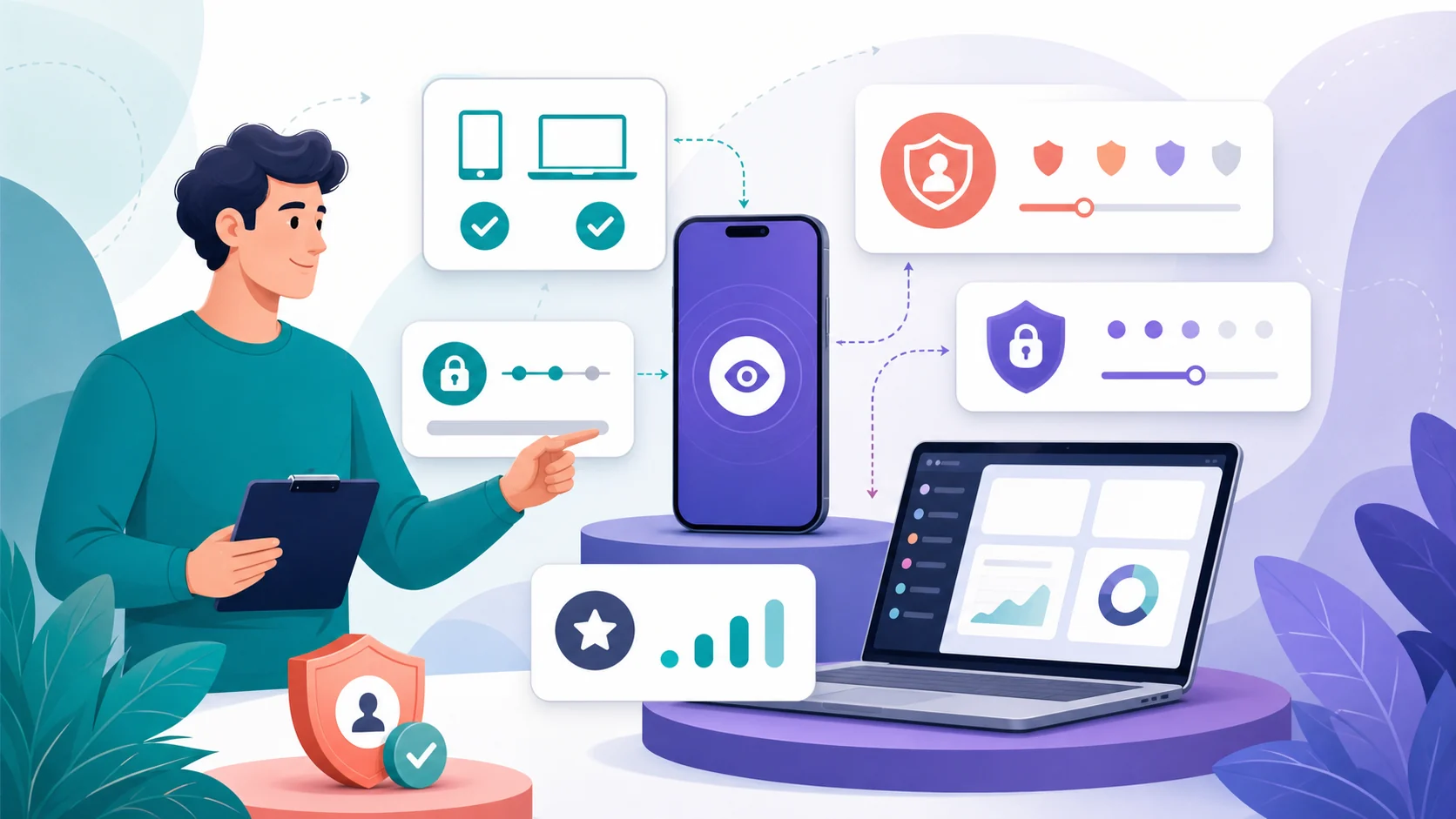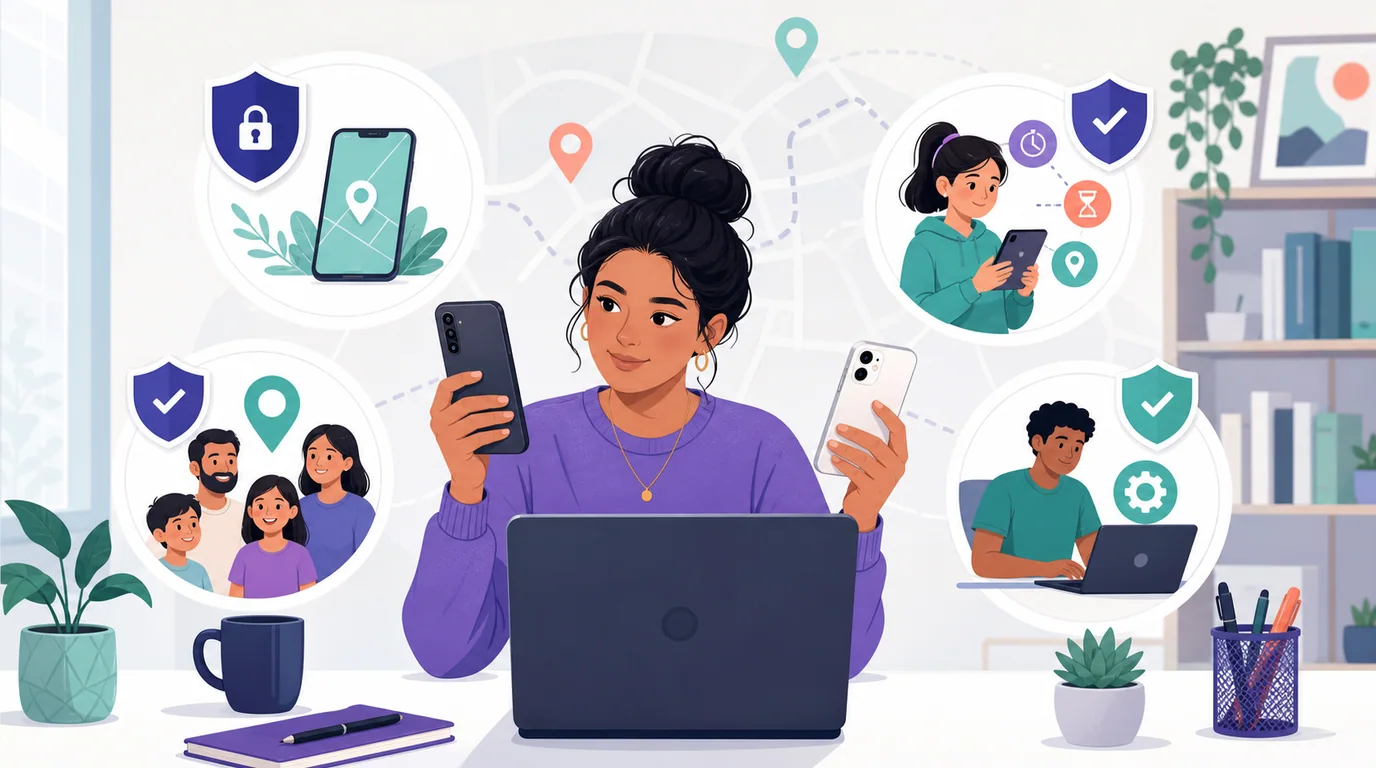
A phone tracker is a service or app that helps an authorized user locate a phone, share its location, or manage a supervised device.
It does not mean a website or app can locate any phone from a number alone. Real tracking depends on an account relationship, device settings, permissions, connectivity, and platform support.
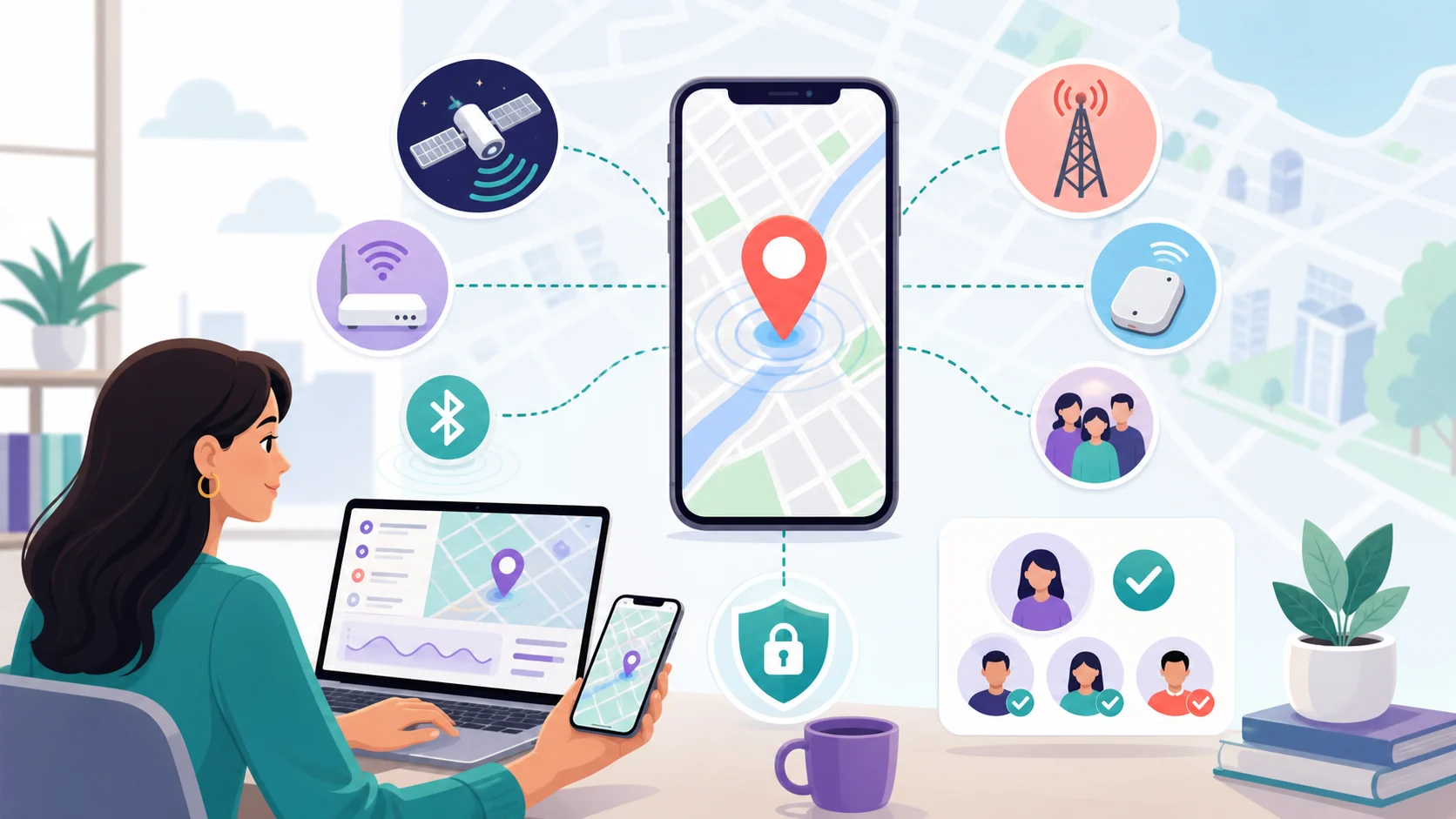
The phone estimates its position using satellite, Wi-Fi, cellular, Bluetooth, and sensor inputs. A service may then show that location through an account, share it with selected people, or report a recent/offline result when the platform supports it.
What does “phone tracker” mean?

The object being located is the device or its associated account, not automatically the person holding it. That matters because a map pin can describe a phone’s last report, not a guaranteed live view of a person.
A phone tracker falls into four categories: first-party finders built into the operating system, consensual location-sharing tools between friends or family, parental control suites for supported supervised devices, and enterprise-grade or higher-access monitoring solutions.
Each category has a different relationship model, data scope, and inherent limitation. Understanding which category matches a legitimate need is the first step toward responsible use.
The most important distinction is the relationship behind the tool.
A finder belongs to your account and your device. Location sharing depends on mutual consent and should remain visible to the people involved.
Parental controls depend on a supervised child account. Higher-access monitoring depends on separate installation, elevated permissions, and a much sharper legal boundary.
That distinction keeps the article practical: before comparing features, identify whether the legitimate need is recovery, voluntary sharing, child supervision, enterprise management, or authorized higher-access monitoring.
How does a phone tracker work?
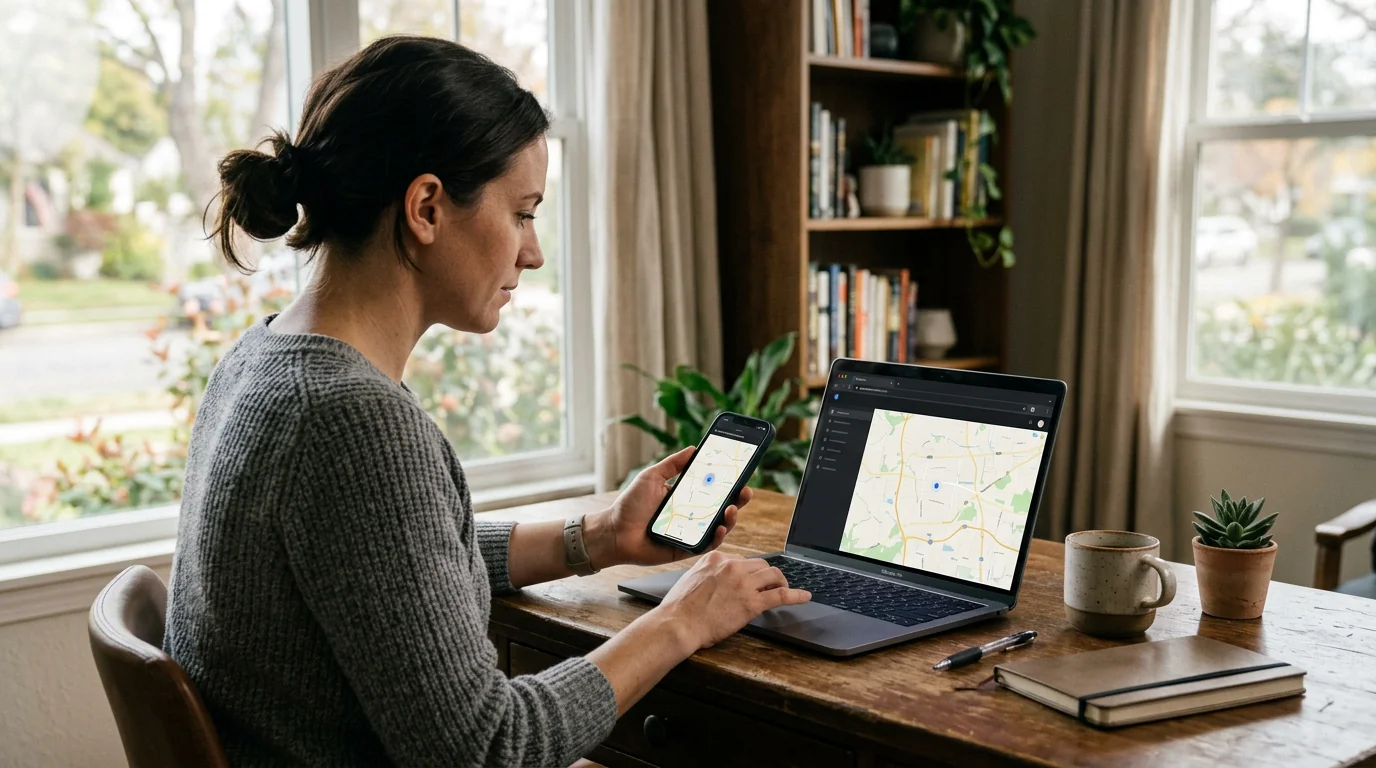
The process follows five stages, each dependent on the previous one. A tracker cannot skip from a phone number to a map; it needs a relationship, permissions, signal inputs, a relay path, and an authorized place to display the result.
Swipe through the five stages that turn device signals into an authorized map or dashboard view.
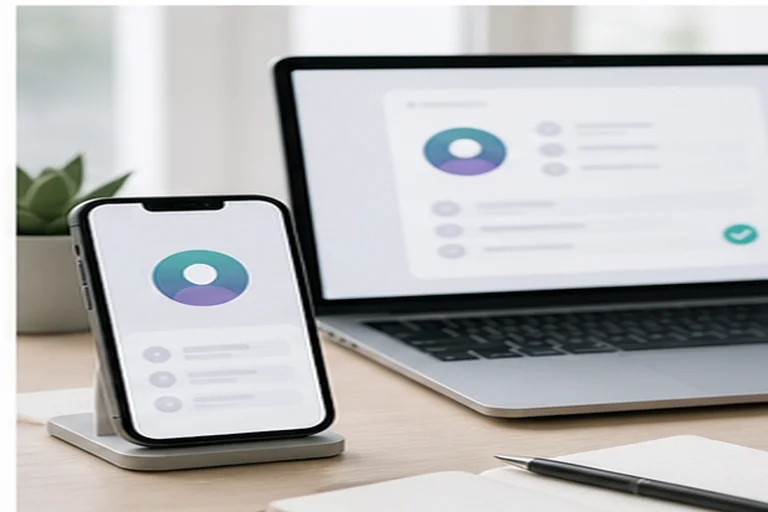
Set the account relationship
The tracker ties to an Apple ID, Google account, enterprise MDM enrollment, or third-party service credentials. This relationship defines who can see what.
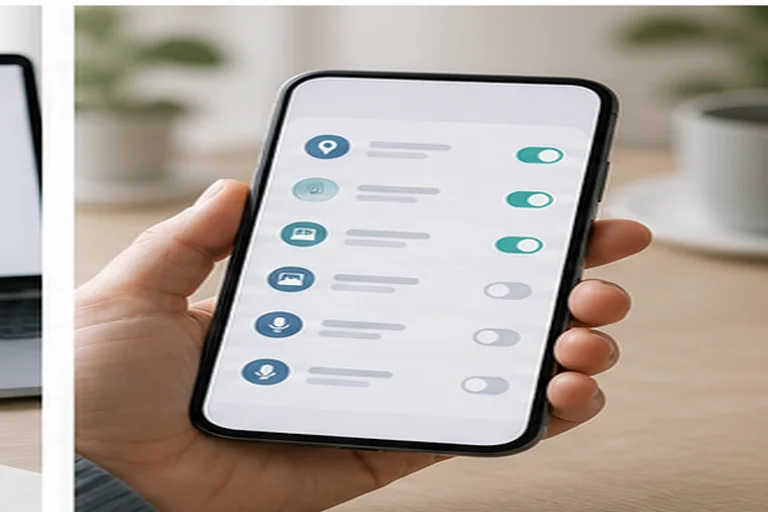
Grant the right permissions
Location services must be enabled. Continuous updates usually need foreground or background access, depending on the platform and app.
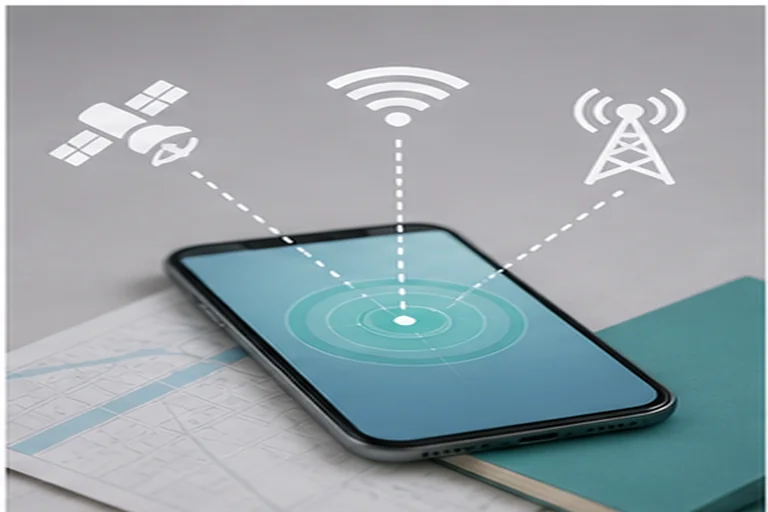
Calculate device location
The phone fuses GNSS/GPS, Wi-Fi fingerprints, cellular signals, Bluetooth beacons, and sensors. No single signal works everywhere.
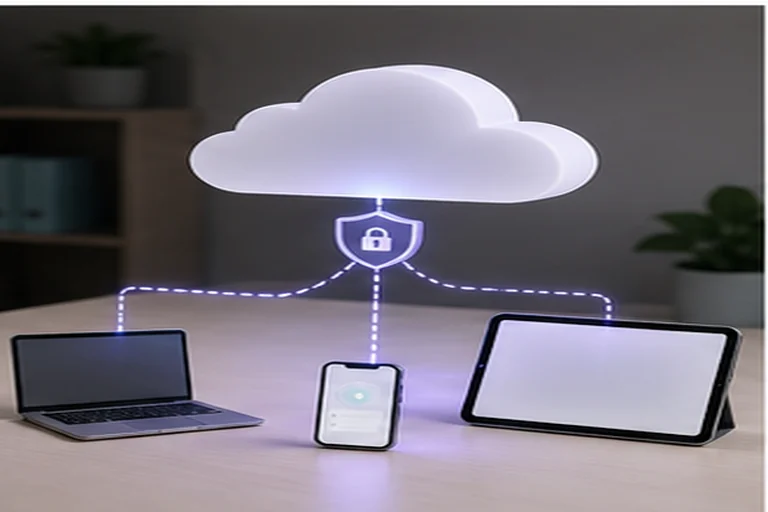
Relay to the service
The device sends its computed location over Wi-Fi or mobile data. If offline, recent locations may be stored locally and uploaded later.
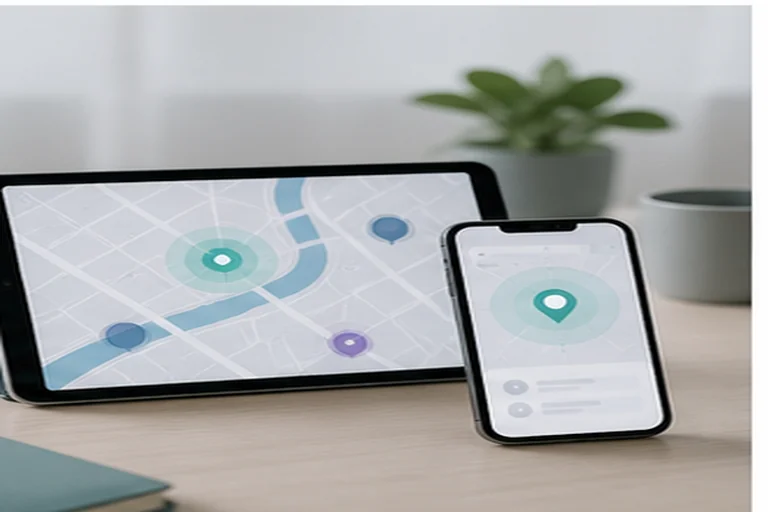
Show the authorized result
The authorized user sees a map, geofence alert, sound, lock, erase action, or higher-access dashboard according to the product and permissions.
The chain is easier to evaluate if you separate what happens on the phone from what happens inside the service account.
The phone estimates position from available signals, applies the permissions already granted, and may store recent locations when it cannot immediately report. Battery saver, airplane mode, and background restrictions can interrupt this side of the chain.
The service receives and displays the location according to account rules, sharing settings, and access controls. Some platforms can also relay encrypted offline-finding beacons or queue remote actions until the device reconnects.
That split is why two trackers with similar marketing language can behave very differently. One may only show a map for an account-owned device, while another may require installation, elevated permissions, and a separate legal basis.
How does a phone calculate its location?
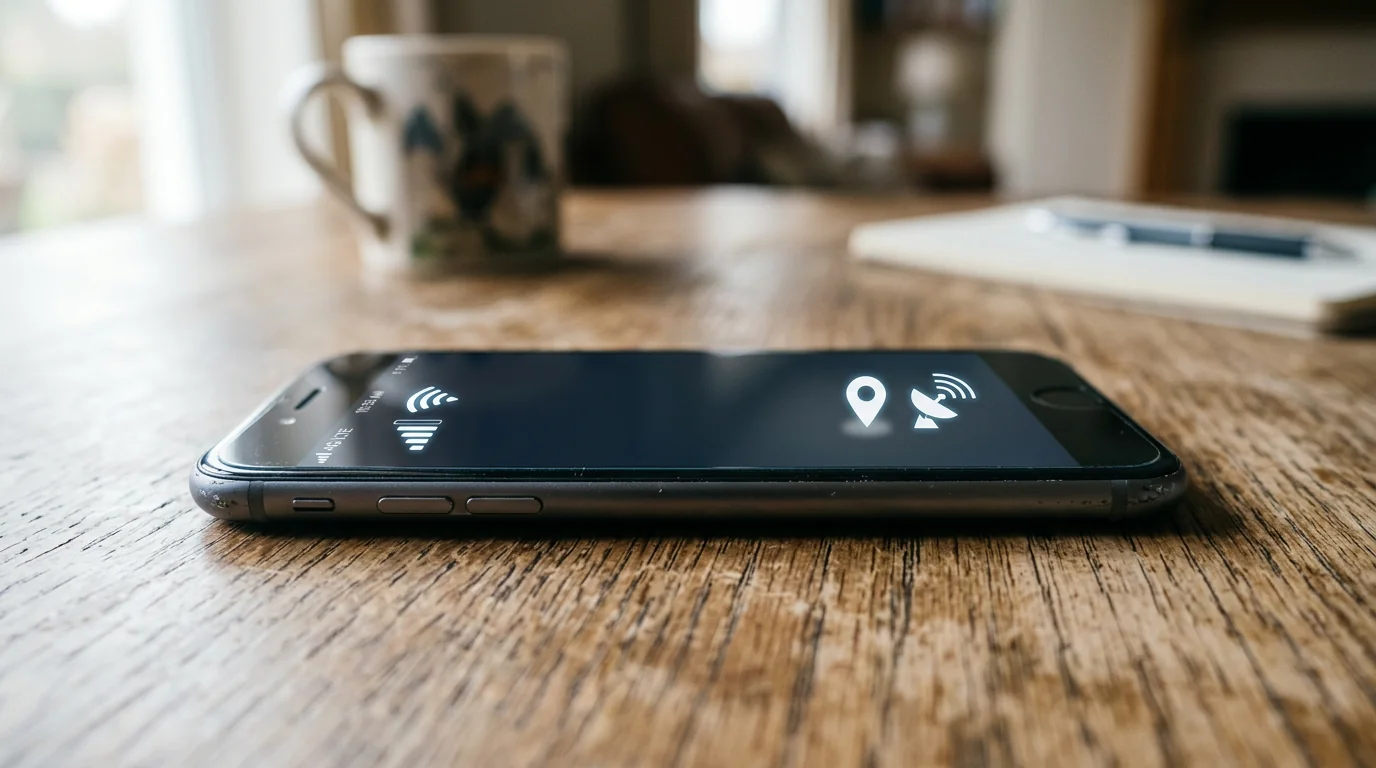
Location is an estimate whose availability and precision depend on signals, permissions, settings, device, and environment. The phone fuses multiple inputs:
-
Satellite (GNSS/GPS)
-
Wi-Fi positioning
-
Cellular triangulation
-
Bluetooth / nearby devices
-
Inertial sensors
-
Settings & permissions
GPS/GNSS provides the highest precision outdoors with a clear sky view. Wi-Fi positioning works well indoors and in dense urban areas, where location can be estimated by matching visible access points to a crowdsourced database.
Cellular triangulation offers coarse coverage wherever the phone has signal. Bluetooth beacons from nearby participating devices enable Apple Find My network and Google Find Hub to report a device’s position even without a direct internet connection.
Satellite and Wi-Fi inputs usually create the most useful map position. They work best when the phone has a clear sky view, known access points nearby, or enough environmental context to reduce uncertainty.
Cellular, Bluetooth, and inertial sensors help fill gaps. They can support approximate, recent, or relayed locations, but they do not turn every offline or powered-off phone into a live GPS beacon.
Settings and permissions gate every input. If Location Services is off, the app lacks background permission, or the platform restricts the service, the chain breaks even when the hardware could technically estimate location.
Current location means the device is online and reporting now. Recent or last-known location is a stored encrypted snapshot from the last successful report.
Choose the strongest answer, then review why the distinction matters.
Offline finding via crowdsourced networks is not live GPS. It relies on nearby devices relaying encrypted Bluetooth beacons. Powered-off or battery-dead behavior is device-specific, OS-dependent, and time-limited, never universal.
On iPhone 11 and later with recent iOS, Find My can continue low-power Bluetooth broadcasting for up to 24 hours after power-off. Nearby devices may relay an encrypted beacon, but this is not live GPS.
Find Hub stores encrypted recent locations by default and can use crowdsourced Bluetooth relay on supported Android devices. Powered-off finding is currently limited to specific Pixel hardware and is described as lasting “several hours”.
Do not promise a live location from a powered-off phone. The capability is device-specific, OS-dependent, and time-limited.
The four main types of phone tracker
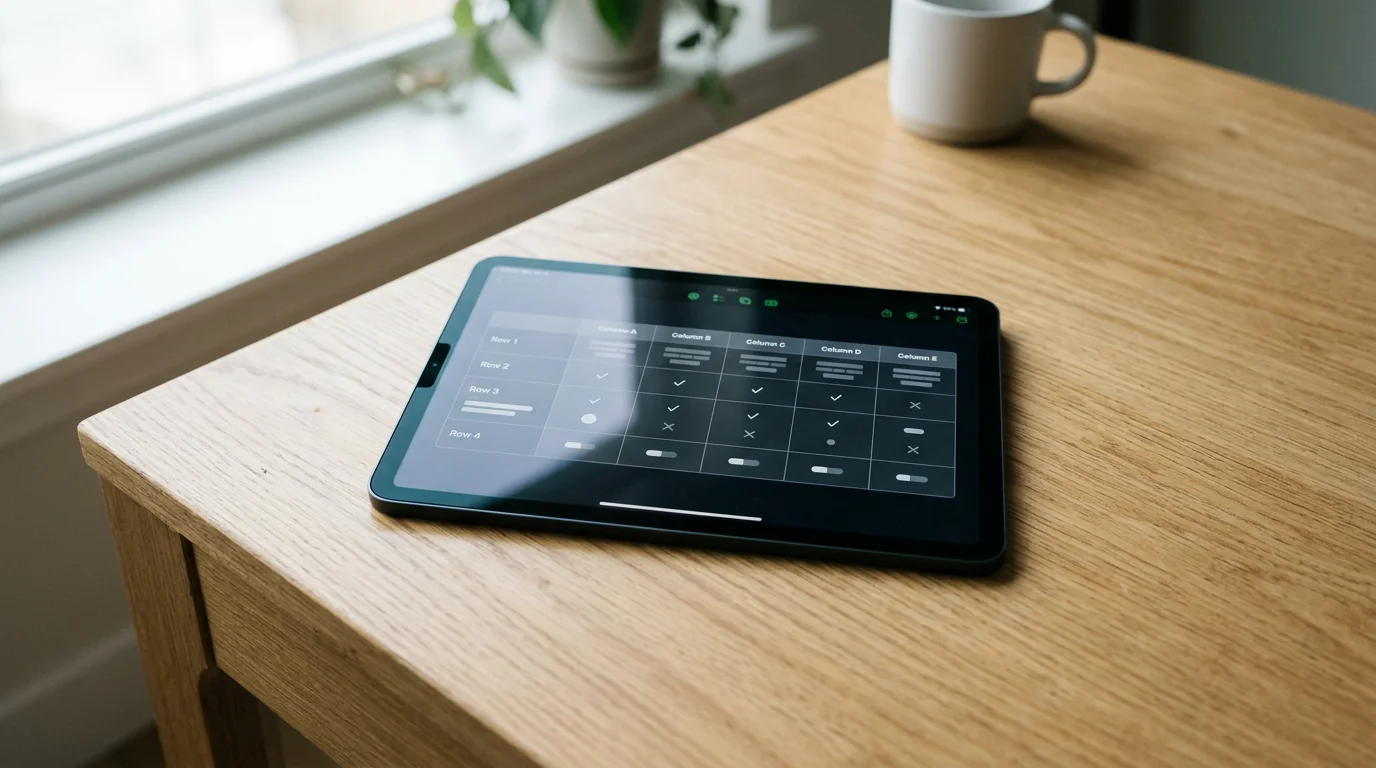
Most reader confusion comes from treating these four categories as one market. They solve different problems, depend on different relationships, and expose different amounts of data.
| Type | Primary job | Relationship model | Typical data | Main limitation |
|---|---|---|---|---|
| Lost-device finder | Locate your own phone, play sound, lock, erase | Owner ↔ own device via Apple ID / Google account | Current/recent location, battery, network status | Only works for devices on your account |
| Consensual location sharing | Share real-time or temporary location with chosen contacts | Mutual opt-in between two or more accounts | Live location, ETA, arrival/departure alerts | Requires active participation; revocable anytime |
| Parental controls | Supervise a child's supported device, set limits, view location | Parent account ↔ managed child account (Family Link, Family Sharing) | Location, screen time, app installs, content filters | Platform-asymmetric: iPhone parent app ≠full child-device features on iOS |
| Enterprise / higher-access monitoring | Manage corporate devices or, with authorization, review selected activity | MDM enrollment / explicit consent + installation + elevated permissions | Location, app usage, network, messages, calls (per policy & law) | Legal boundary: ownership в‰ authorization; covert use violates privacy laws |
Category examples illustrate the taxonomy, not a ranking.
Apple Find My and Google Find Hub are lost-device finders. Google Maps location sharing and Apple Find My “Share My Location” are consensual sharing tools.
Google Family Link and Apple Family Sharing fit the parental-control category. NIST SP 800-124 Rev. 2 enterprise MDM guidance and Hoverwatch belong in the higher-access category.
Product selection and commercial links belong on the comparison hub.
What information can a phone tracker collect?

Location-only services and higher-access monitoring tools collect fundamentally different kinds of information. Treat the boundary as a product, permission, and authorization question; do not assume every tracker sees the same data.
 Expert perspective Serge Egelman Senior Research Scientist, ICSI Usable Privacy and Security Group
 Permission information is easy for users to overlook or misunderstand. Studies show that even when prompted, many users do not grasp the implications of granting background location or accessibility access to an app they trust.
A finder or sharing tool may show current, recent, or last-known position, plus device-state details such as battery, charging status, network availability, model, OS version, and geofence events.
Supervised or elevated tools may add app installs, screen time, web history, call logs, SMS, message content, or accessibility events. Those categories need separate permission, product support, and legal authorization.
Permissions, platform support, and product design determine scope. A family locator does not automatically read messages.
Higher-access software that can access messages, call logs, or keystrokes requires separate scrutiny. Those features can trigger Google Play malware/stalkerware policy concerns, FTC guidance issues, and legal authorization questions. Technical access, ownership, or payment does not alone establish authorization.
Does a tracker need an app, internet, or physical access?

The setup path depends on the tracker category. Built-in tools and higher-access tools fail for different reasons, so compare the requirement before trusting a tracking claim.
Built-in finders and consensual sharing usually start with accounts, platform settings, and an accepted sharing or supervision relationship.
Third-party monitoring apps, remote actions, and offline finding add their own installation, permission, connectivity, or supported-hardware requirements.
The gallery below applies that split to the five requirement patterns readers most often confuse.
Swipe through the access, permission, and connectivity requirements before trusting a tracking claim.
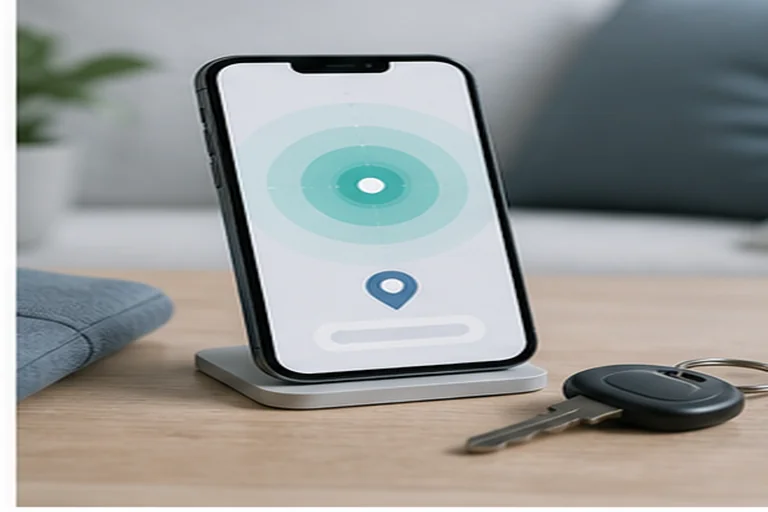
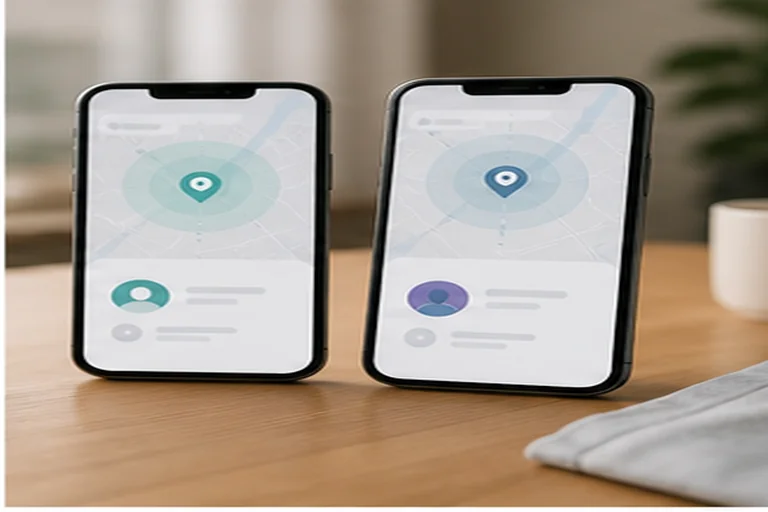
First-party finders
Find My and Find Hub are built into the operating system. They need the account signed in and Location Services enabled.
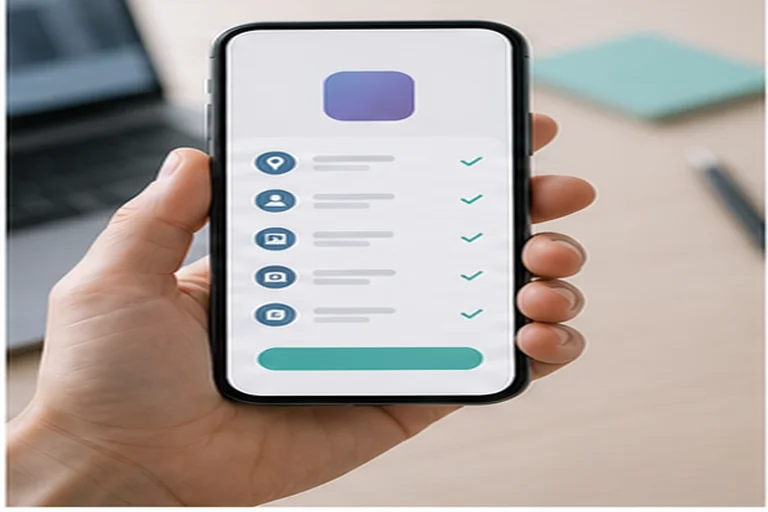
Sharing and parental services
These use accounts and supported devices. A contact or child account must accept or be enrolled through the platform's supervised flow.
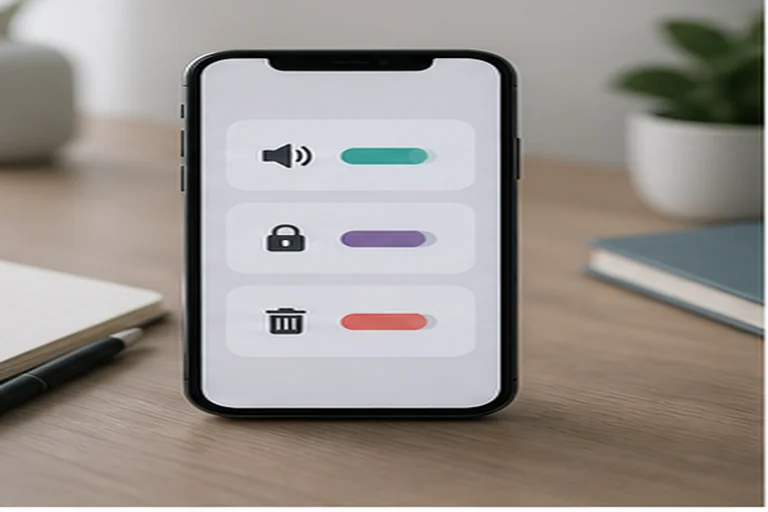
Third-party apps
A third-party tracker requires installation on the device and explicit grants such as location, accessibility, notification access, or device admin.
Remote actions
Sound, lock, erase, and similar actions need the device online. If the phone is offline, commands usually wait until it reconnects.
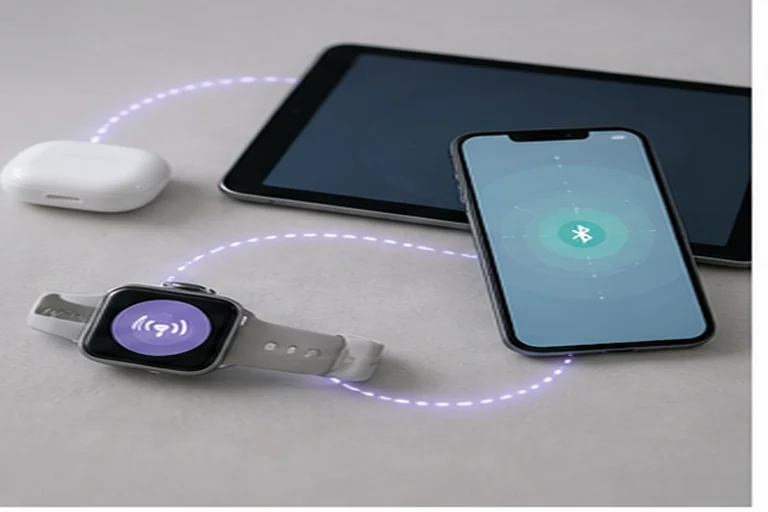
Offline finding
Offline finding may use encrypted recent locations or nearby-network relay on supported hardware. It is not universal live tracking.
A phone number alone is not sufficient. No consumer service can locate a device from a number without an account relationship or prior consent on the target device. Carrier-level location access is a different category and normally depends on carrier policy, emergency use, or legal process.
Can a phone tracker work when the phone is off?

There is no universal yes/no. Current location requires the device to be powered on and connected. Recent/last-known location is stored from the last report.
A current location means the phone is powered on, connected, and reporting now. A recent or last-known location is historical, so it can guide recovery but should not be described as live tracking.
Offline and powered-off finding depends on platform support, hardware, settings, time limits, and nearby participating devices. It cannot be promised for every phone or every location.
Do not promise a live location from a powered-off phone. The capability is device-specific, OS-dependent, and time-limited.
Visibility, privacy, and authorization

Visibility is not cosmetic. It is one of the practical ways a user can understand who has access, what data is being collected, and how to revoke or remove that access.
Network measurement confirms that data often flows beyond what users expect or consent to.
 Expert perspective David Choffnes Professor of Computer Science, Northeastern University
 Understanding where personal data flows and how users can control it requires transparency from both platforms and apps. Network measurement reveals that many apps transmit personal data without clear user awareness.
Location sharing appears in system settings and the sharing app. Permission prompts are mandatory on Android and iOS, and the user can stop sharing, revoke permission, or remove the app when the relationship no longer applies.
Covert installation bypasses consent and system indicators. Tools that hide icons, suppress notifications, abuse accessibility services, or upload broad personal data need stronger scrutiny because technical access does not equal authorization.
The practical test is simple: a responsible setup should be explainable to the person affected by it and removable when the relationship or purpose ends.
How to choose the right tracker category
Choose by relationship first, then by feature. A tracker that is right for finding your own lost phone is not automatically appropriate for monitoring another person’s activity.
| Need | Start here |
|---|---|
| Find your own lost phone | Apple Find My / Google Find Hub (built in) |
| Share location with family or friends temporarily | Google Maps sharing / Apple Find My “Share My Location” |
| Supervise a child’s Android device | Google Family Link |
| Supervise a child’s iPhone/iPad | Apple Family Sharing + Screen Time |
| Manage company-owned Android/iOS fleet | Enterprise MDM (per NIST SP 800-124 Rev. 2) |
| Authorized higher-access monitoring with consent | Evaluate legal basis first; compare products on the comparison hub |
For current product comparisons, see compare phone tracker apps for Android and iPhone.
Choose a tracker category safely
Work from the least intrusive transparent option toward higher-access tools only when the facts justify it.
- Define the authorized purpose
Write down whose phone is involved, who uses it, what data is necessary, what consent or policy applies, and when access should end.
- Start with the built-in option
Use Apple Find My or Google Find Hub for a lost personal device before adding third-party software.
- Use sharing for people, not surveillance
For family or friends, prefer visible location sharing that each person can understand, pause, or revoke.
- Keep parental controls age-appropriate
For a child's device, choose supervised-account tools and collect only the data needed for the safety goal.
- Escalate only with a documented basis
For company devices or higher-access monitoring, confirm ownership, notice, consent, retention, removal, and applicable legal limits first.
Bottom line
A phone tracker covers four distinct categories: finder, sharing, parental control, and higher-access monitoring.
Each category has a different relationship model and data scope. Authorization, not technical capability, is the controlling boundary.
FAQ
Frequently Asked Questions About Phone Trackers
01 Why does a phone tracker show an old location?
An old location usually means the phone has not reported a newer position. Common causes include no internet connection, low battery, background restrictions, disabled Location Services, or the device being offline. Treat the timestamp as part of the result, not a small detail.
02 Can a tracker update in the background with only while-using permission?
Usually not reliably. Continuous tracking normally requires a permission level and platform setting that allows background location. If the app only has while-using access, it may update while open and then pause or become less frequent in the background.
03 Does airplane mode stop phone tracking?
Airplane mode normally stops live reporting because cellular, Wi-Fi, and Bluetooth radios may be disabled. A service may still show a last-known location, and the phone may upload queued data after reconnecting. Offline finding depends on the platform and radios that remain enabled.
04 Can my carrier locate a phone for me?
A carrier may have network location capabilities, but ordinary consumer tracker apps do not get carrier-level access from a phone number. Carrier location is usually limited to account recovery, emergency services, law-enforcement process, or carrier-specific services and policies.
05 Does deleting a tracker app delete the data it already collected?
Not automatically. Removing an app can stop local collection, but data already sent to an account or vendor service may remain under that provider's retention and deletion policy. Use the account controls or privacy request process when deletion matters.