Android Accessibility access exists to help people interact with a device in ways that ordinary touch controls cannot provide. It can support screen readers, switch access, communication tools, and other accessibility needs. Because it can observe and interact with parts of the interface, it is also a high-impact permission when an app requests it without a clear reason.
This is a defensive explanation, not an abuse guide. It does not describe how to bind a service, automate a phone, hide access, persist after removal, or bypass Android safeguards. If someone else may be watching the phone, stop investigating on it and use a safer device or location for help.
What Accessibility access changes

Accessibility access can give an approved service a broader view of interface content and a way to assist with interaction. The exact scope depends on the service, Android release, device, and the purpose for which the user enabled it. The Android Developers documentation explains the platform role; it is not evidence that every service receives the same access.
 Expert opinion Bruce Schneier Security technologist and author
 A powerful permission deserves a clear purpose, a visible choice, and a way for the person using the device to remain in control.Schneier on Security
| Question | What it clarifies | Safe evidence |
|---|---|---|
| What can the service observe? | Whether the requested access matches the stated feature | The app's public purpose and the owner's recollection |
| What can it assist with? | Whether interaction support is expected and user-controlled | Current Android documentation and the device owner's choice |
| What could be exposed? | Which sensitive activity may deserve a safety plan | Already-observed context, reviewed from a safer device when needed |
The permission is not automatically dangerous. The key questions are who requested it, what feature needs it, whether the device owner understood the choice, and whether the service remains necessary.
Legitimate use versus abuse risk
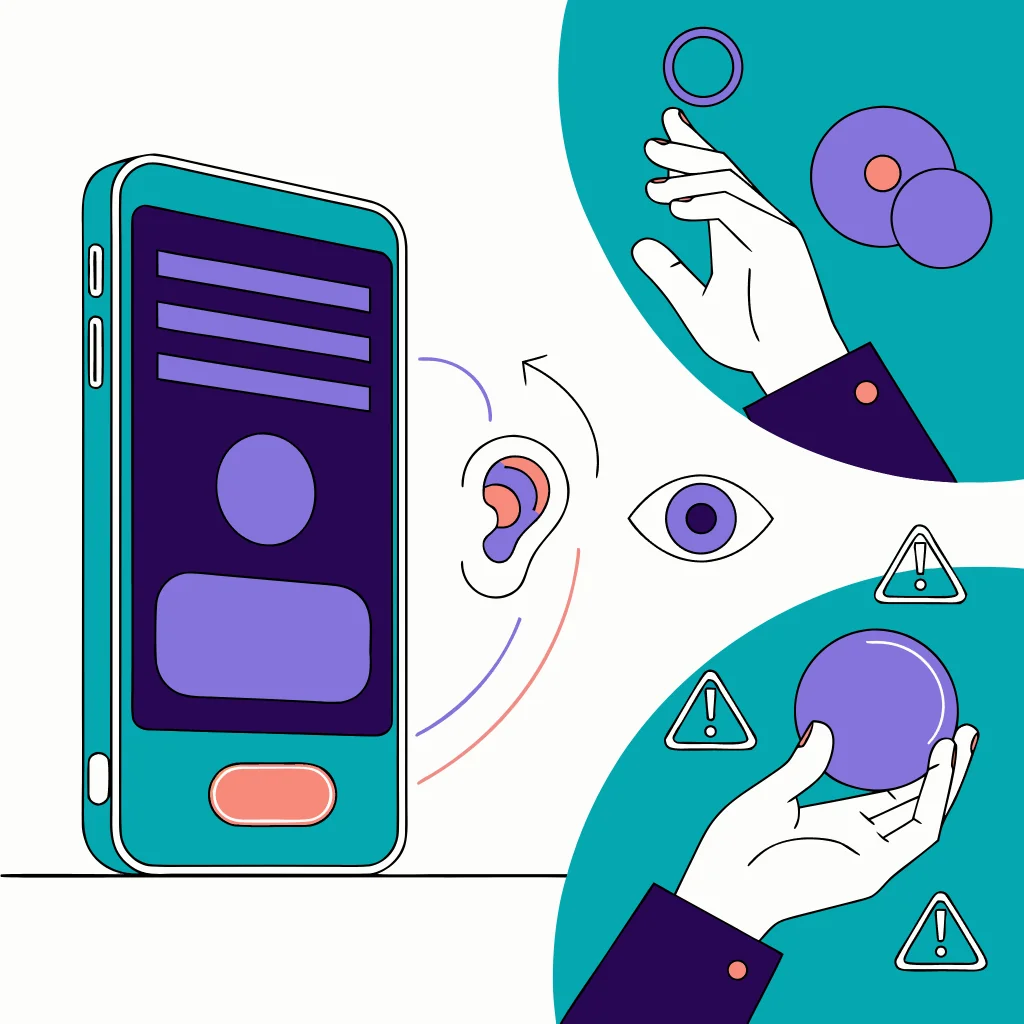
Legitimate accessibility tools usually have a clear user-facing purpose. A screen reader, switch-access tool, communication aid, or an automation feature for a documented accessibility need can make the phone usable. A permission request that does not match the app’s stated function deserves a pause, not an automatic accusation.
| Context | Why access may be reasonable | What to verify |
|---|---|---|
| Screen reader or switch access | Core accessibility function | The user understands the service and needs its support |
| Communication or assistive tool | Helps a person interact with the device | The feature and provider are clear and trusted |
| Password or productivity aid | May support an explained workflow | The app's documentation and data practices match the request |
| Unexplained utility or sideloaded app | No obvious accessibility purpose | Pause and seek advice; do not provide the app more access |
| Possible coercive monitoring | Permission may be one part of a wider pattern | Stop checking on the phone and use a safer device |
-
Accessibility exists to make a device usable for people with different needs.
-
Match the requested access to a clear feature and user choice.
-
An unrelated request deserves a pause, not automatic trust.
-
A monitored phone requires a safer-device plan before visible changes.
Access alone cannot prove that an app is malicious. Contextual signals include an unexplained change after someone had physical access, an unknown account or service, and private knowledge that has no reasonable source. These signals should lead to safe support, not a technical experiment on a possibly watched phone.
How to review the risk safely
Android versions and manufacturer skins can move or rename settings. Use the current Google Android guidance and the phone’s own explanatory text rather than an old screenshot or a universal menu recipe. This article intentionally does not provide exact paths, service names, or steps that could help someone enable or conceal abusive access.

Keep purpose in view
Ask what user-facing feature needs Accessibility access and whether the owner chose it knowingly.
Review safely
Use current Android guidance from a trusted context; do not follow stale paths or investigate a watched phone.
Pause on mismatch
If the purpose is unclear or the access is unexpected, stop granting more access and seek advice.

Get support
Use a safer device for account recovery, safety planning, and specialist guidance before visible changes.
What to do if access is unexplained

Treat unexplained Accessibility access as a reason to slow down. Record only what you have already seen if doing so is safe, and consider whether the device or account may alert another person when access changes. Do not turn this into a search for hidden service names or a checklist of attack indicators.
| Situation | Safer next step | Why |
|---|---|---|
| Clear accessibility purpose | Keep the service only if the owner needs and understands it | Access can be legitimate and user-controlled |
| Purpose mismatch | Pause and seek reputable privacy/security advice | A mismatch deserves review without proving malice |
| Possible intimate-partner monitoring | Use a safer device and specialist safety plan | Visible changes may increase danger |
| Account or device compromise | Use official account recovery and qualified support | Accessibility may be only one access path |
When Accessibility is part of a bigger compromise

Accessibility abuse can be part of a wider compromise involving unknown account sessions, recovery factors, location sharing, or other devices. A clean-looking permission screen does not prove that accounts are safe, and revoking one access path may create an alert.
 Expert opinion Lorrie Cranor Privacy and usable security researcher
 Privacy controls work best when they preserve the person's understanding and control instead of creating a new surprise or risk.Carnegie Mellon University
Accessibility access at a glance
Pros
- Can provide essential support and device access for disabled users
- Purpose-based review helps reduce unnecessary exposure
- Current Android guidance supports informed decisions
Cons
- High-impact access can expose interface content and interaction
- OEM/version variation makes stale menu instructions risky
- Unexplained access may be one part of wider abuse or compromise
- Permission alone cannot prove malware
Bottom line
Accessibility access is powerful because it can help a person interact with a phone beyond ordinary touch controls. That power is legitimate when it serves a clear, understood accessibility need and remains under the device owner’s control. An unexplained request deserves caution, not an attacker-oriented investigation.
If the phone may be monitored, stop self-remediation and use a safer device for support, account recovery, and safety planning. Do not trade personal safety for certainty about a single Android permission.
Android Accessibility abuse FAQ
01 What is Android Accessibility access?
It is a platform capability that supports people who need alternative ways to interact with a device. Depending on the service and Android version, it can involve broad interface observation or interaction assistance.
02 Can Accessibility access prove that an app is malicious?
No. Legitimate screen readers, switch-access tools, communication aids, and other assistive apps may need it. Judge the access against the app's purpose, user choice, and wider context.
03 What should I do if an unfamiliar app has Accessibility access?
Pause and avoid granting more access. If the phone may be watched or someone may retaliate, stop checking it and use a safer device to contact a privacy, digital-safety, or domestic-violence specialist.
04 Can I revoke Accessibility access immediately?
Only when doing so is safe. Visible changes can alert someone who controls the phone or account, so preserve already-observed details and make a safety plan before changing access in a possible abuse situation.
05 When should I seek account or specialist help?
Seek help when the purpose is unexplained, the device was handled by someone else, private activity is known without a clear source, or account sessions and recovery factors look unfamiliar. Use official account recovery and a safer device.