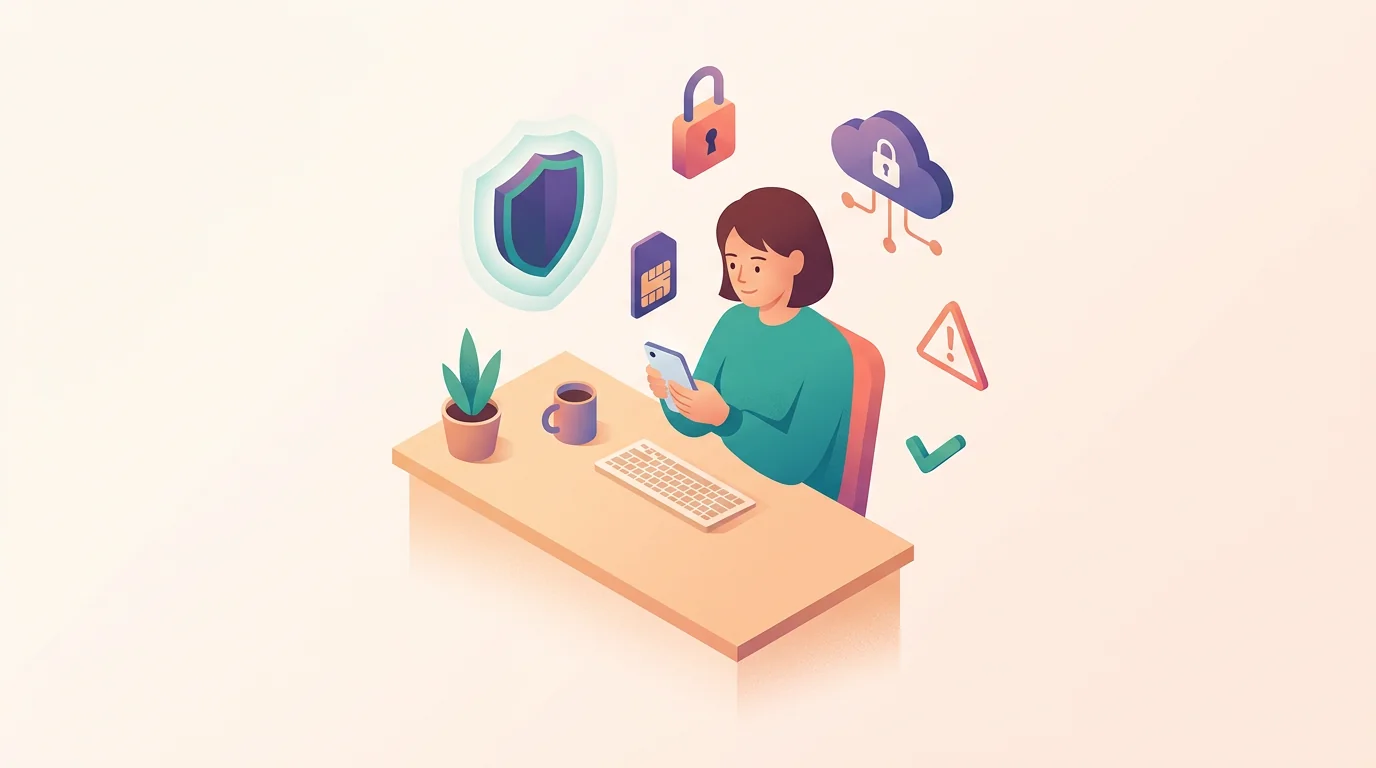
Phones can be hacked, but the common paths are usually phishing, AI-assisted scams, malicious apps, account takeover, SIM swap, physical access, stalkerware, or rare targeted spyware. The safest first step is to identify which path fits the evidence before you reset the phone, delete apps, or confront anyone.
A hacked phone can mean different things: the device itself has malware, an Apple or Google account is compromised, the phone number was hijacked through a SIM swap, or someone with access installed monitoring software. Those situations need different responses.
This guide explains how phones get hacked in ordinary cases, which warning signs matter, what to check first, and how to reduce the risk without turning the article into a hacking manual.
Can someone hack your phone?
Yes, someone can compromise a phone or the accounts connected to it, but most real-world cases are not a movie-style remote takeover. They start with a tricked login, a malicious app, weak account recovery, carrier account abuse, physical access, or an unusual high-risk targeted attack.
The important question is not only “was the phone hacked?” It is “what was accessed, and through which channel?”
If messages were sent from your account, start with account security. If calls and texts suddenly stopped working, treat SIM swap as urgent. If a partner seems to know private details from the phone, consider stalkerware or account sharing and think about personal safety before changing settings.
The main ways phones get compromised
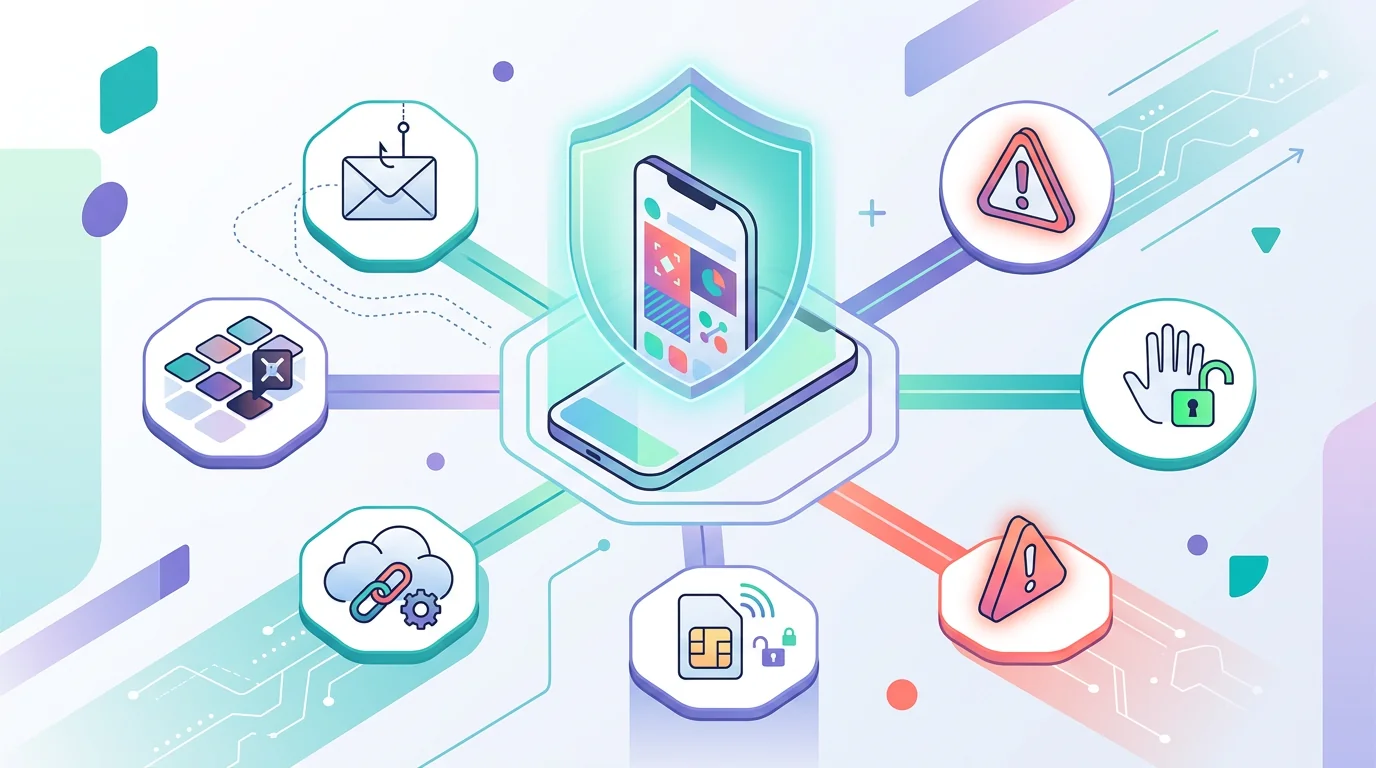
Phones usually get compromised through a small set of repeatable paths. Knowing the category helps you respond without overreacting to the wrong symptom.
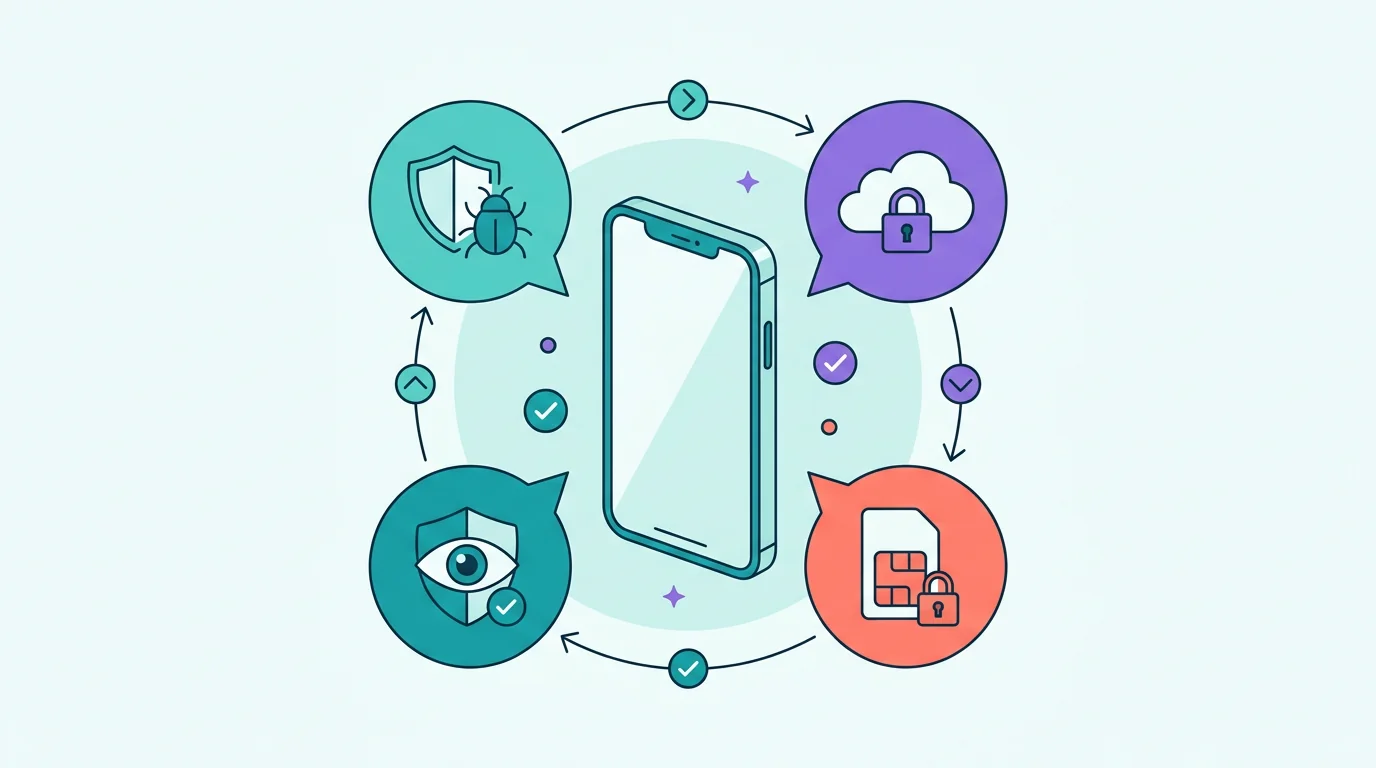
Phishing and smishing trick you into entering credentials, approving a login, opening a malicious attachment, or installing something unsafe. Malicious apps, account takeover, SIM swap, and physical access are other common paths.
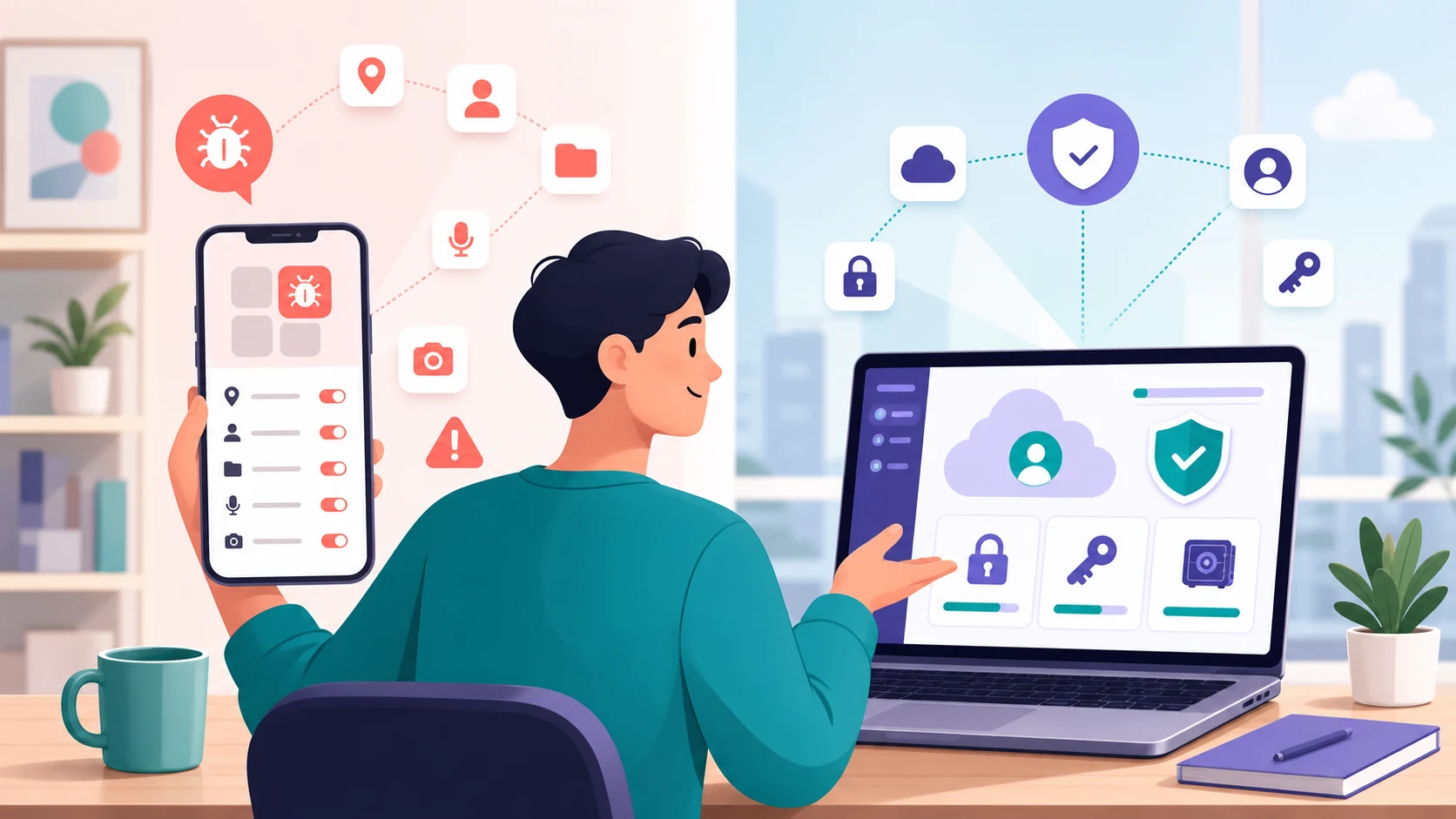
The next split is whether the risk sits on the device or in the account layer around it.
Malicious apps can collect data, show abusive ads, request powerful permissions, or disguise their purpose. Android risk often rises when people install apps from unknown sources; iPhone risk is usually more tied to account compromise, configuration profiles, or rare targeted threats.
Account takeover can look like phone hacking even when the device is clean. If someone controls your email, Apple Account, Google Account, social media, or cloud backup, they may see messages, photos, location history, or recovery codes without controlling the phone itself.
A person who can unlock your phone may change sharing, install an app, approve a login, add a profile, or change recovery details. Stalkerware often depends on this kind of access or on an account the other person already knows.
A carrier-account compromise can move your number to another SIM or device. Sudden loss of calls, texts, or mobile data belongs in that bucket before you assume malware.
Swipe through the main paths before deciding which response fits your evidence.
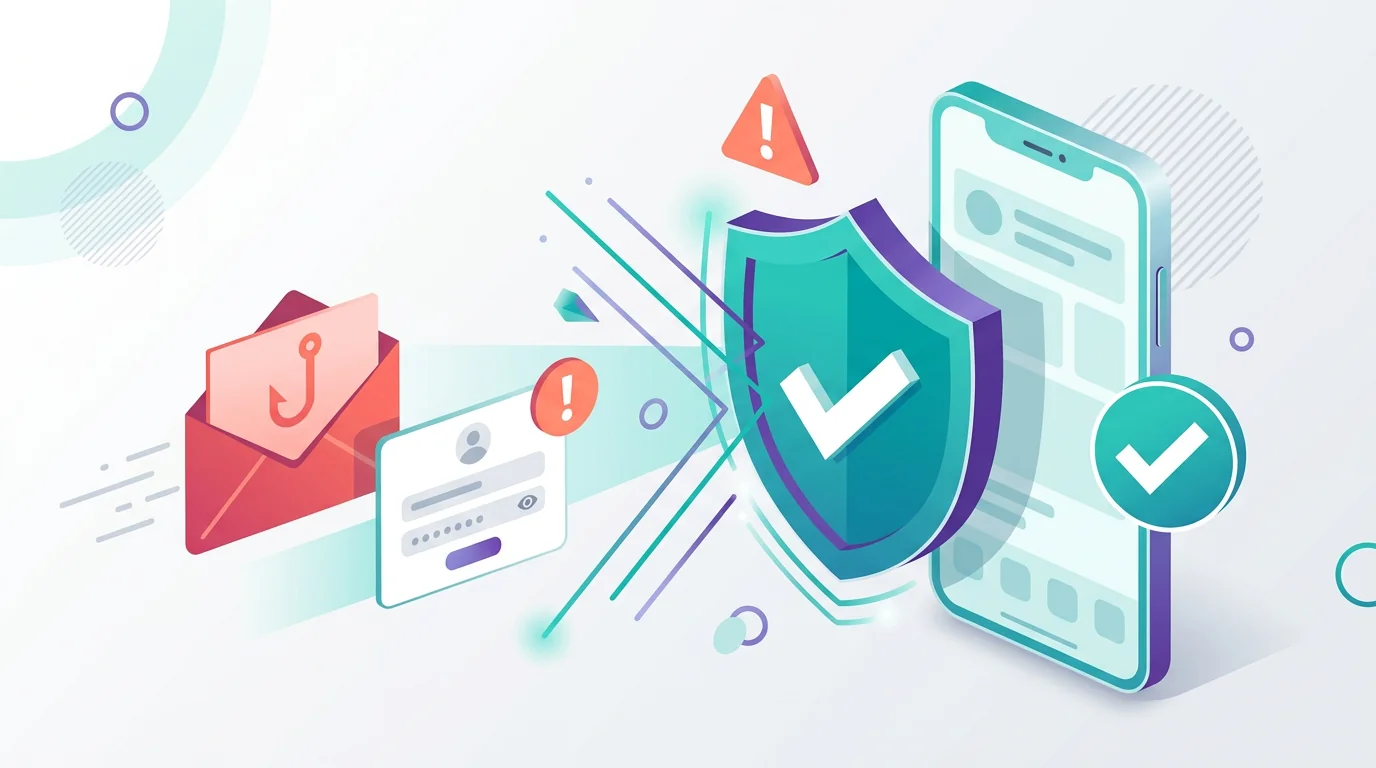
Phishing or smishing
The attacker wins by tricking you into approving access, entering a password, or opening something unsafe.
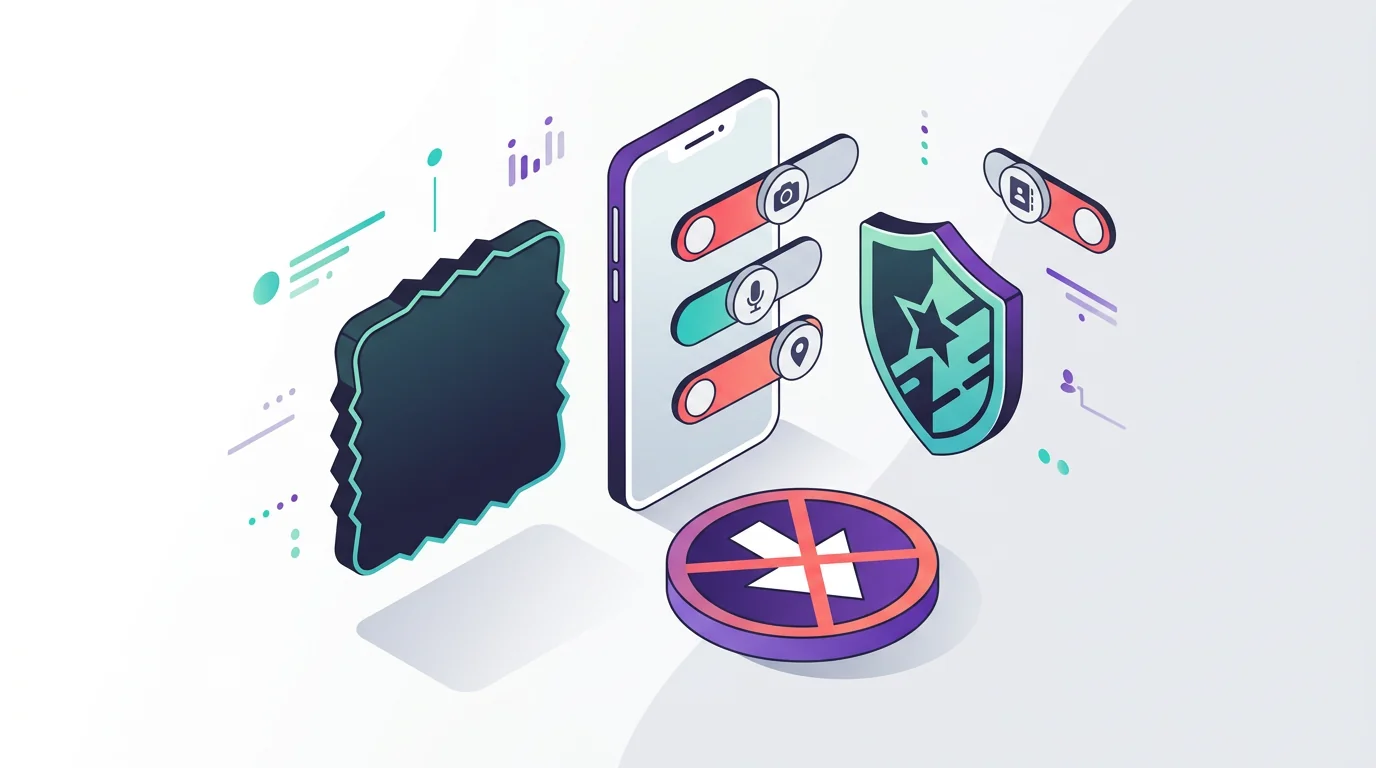
Malicious app
The risk comes from an app, download, or permission grant, not from a phone number alone.
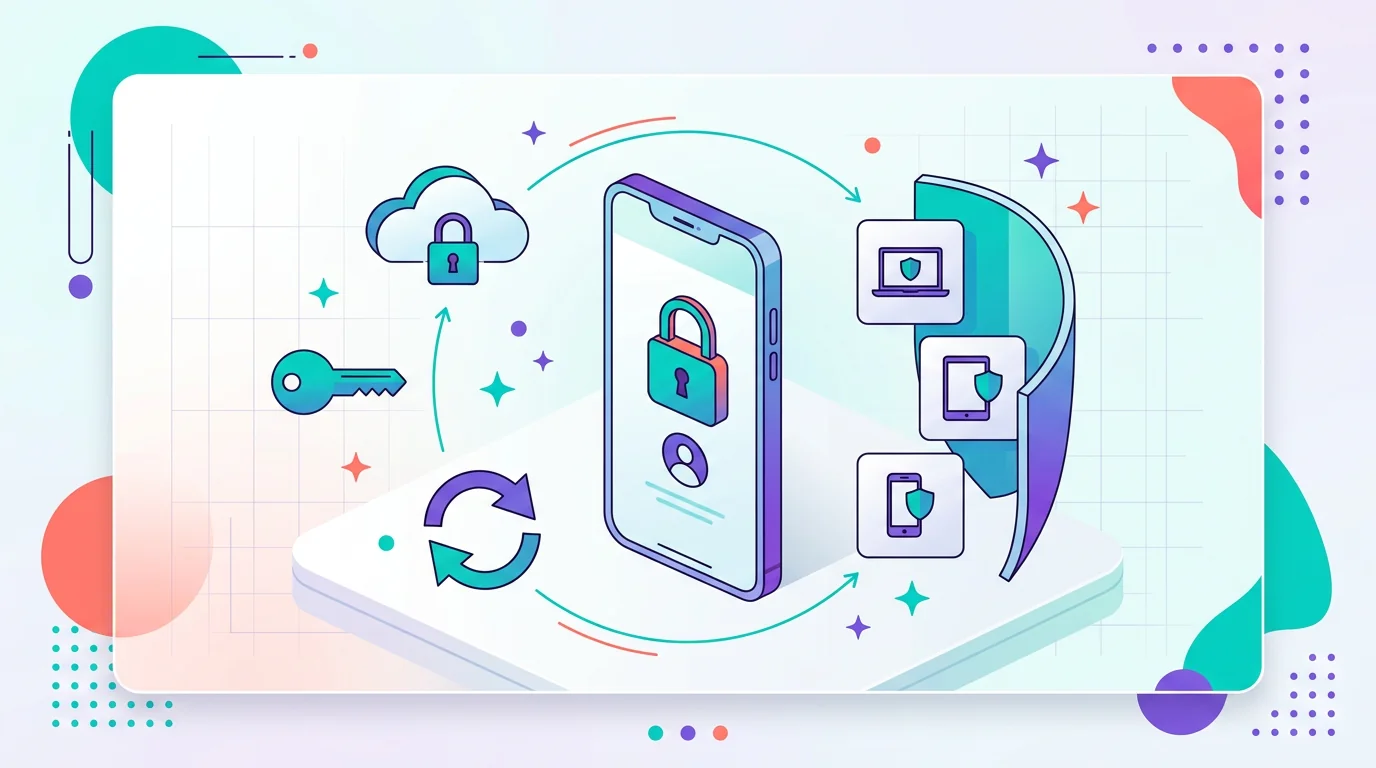
Account takeover
Cloud data, backups, messages, and recovery codes can be exposed even when the device itself is clean.
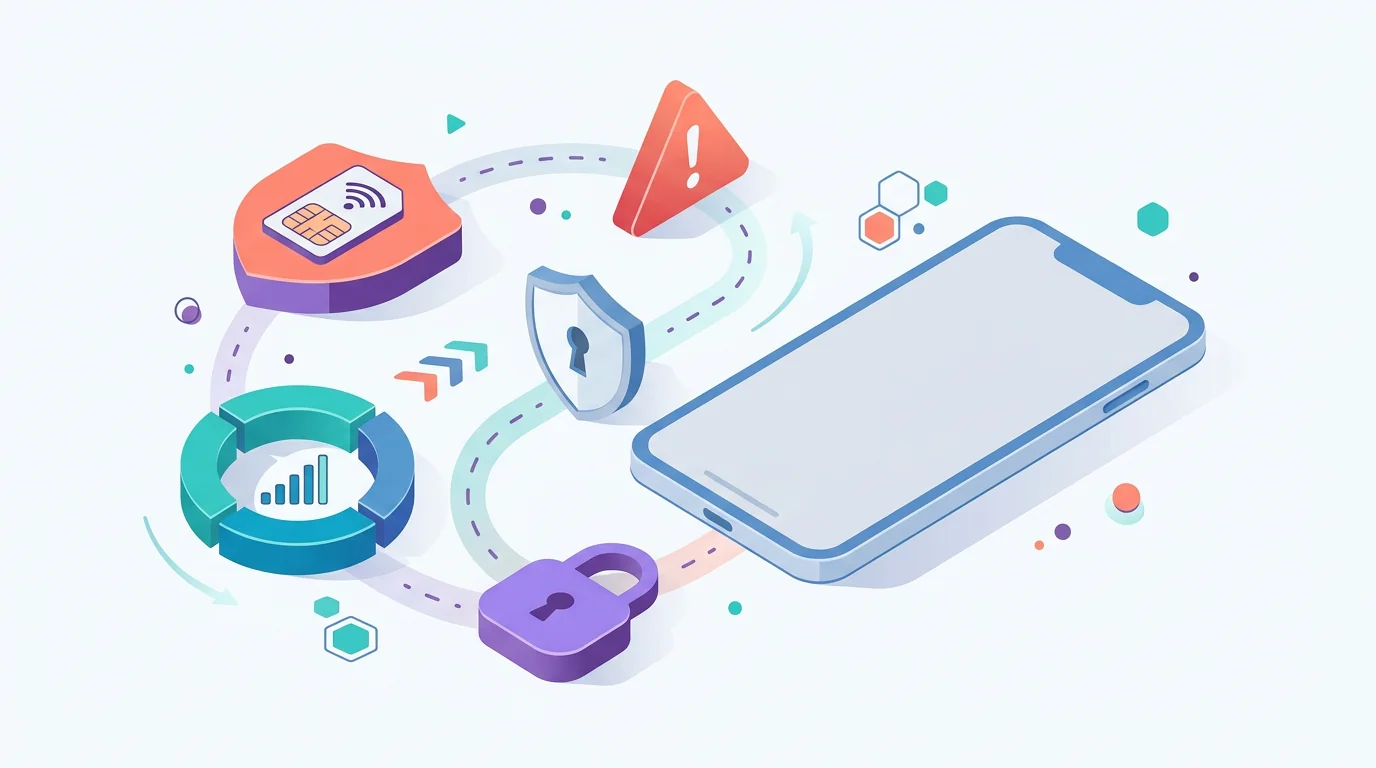
SIM or number takeover
Sudden loss of service can point to carrier-account abuse rather than malware on the phone.
Phishing, AI-assisted scams, malicious apps, reused passwords, stolen accounts, SIM swap, and brief physical access explain many cases. They are common because they exploit ordinary habits and recovery systems.
Mercenary spyware and zero-click attacks exist, but they are unusual for most people. Journalists, activists, officials, and high-risk individuals may need stronger platform protections and specialist help.
Can public Wi-Fi hack your phone?
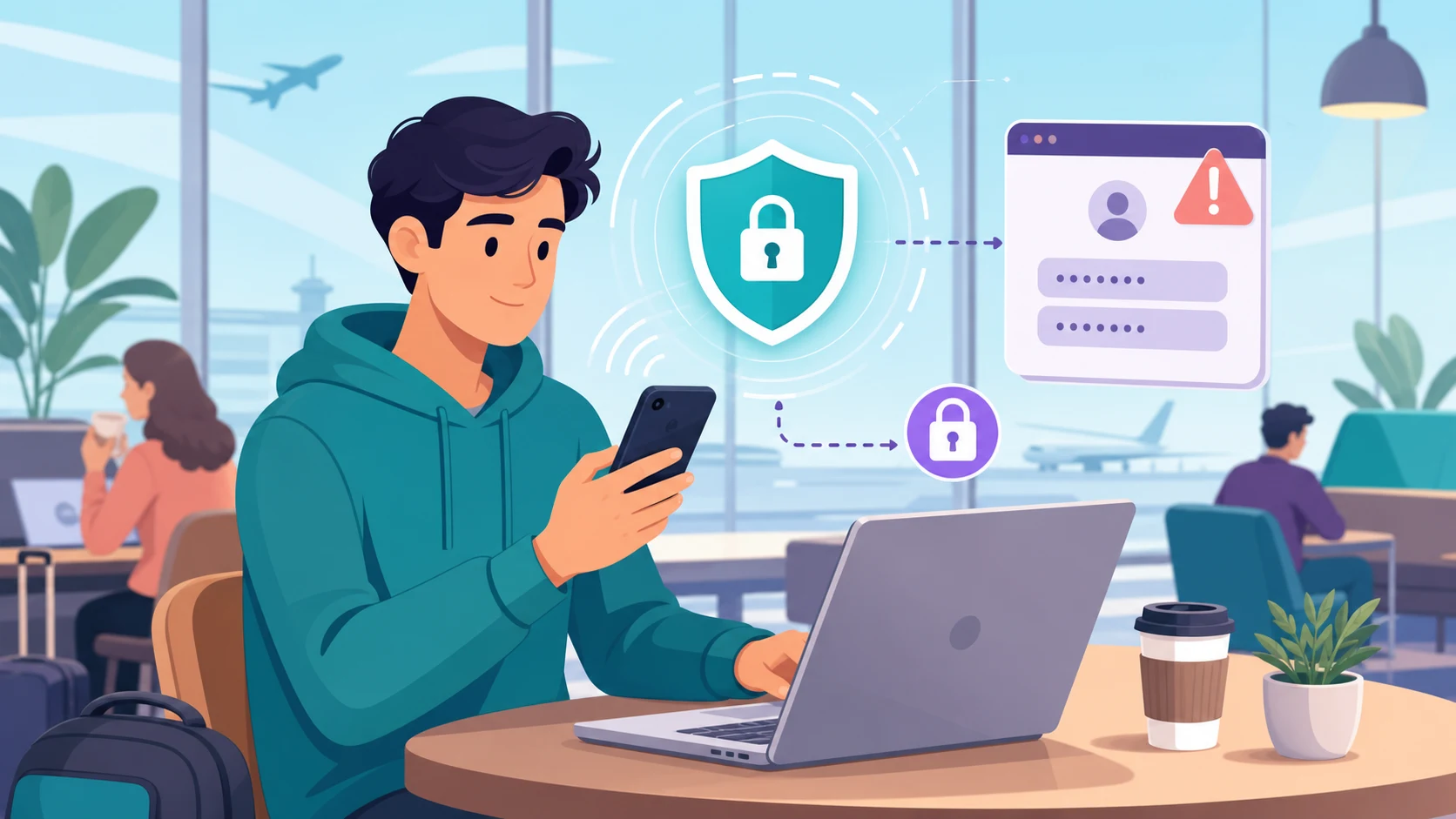
Public Wi-Fi is more nuanced than older warnings suggest. The FTC notes that most websites now use encryption and that connecting through public Wi-Fi is usually safe when you are using encrypted sites or apps; fake login pages, unsafe apps, weak account security, and unencrypted traffic remain the bigger practical concerns. See the FTC’s guidance on public Wi-Fi networks.
Signs your phone may be hacked
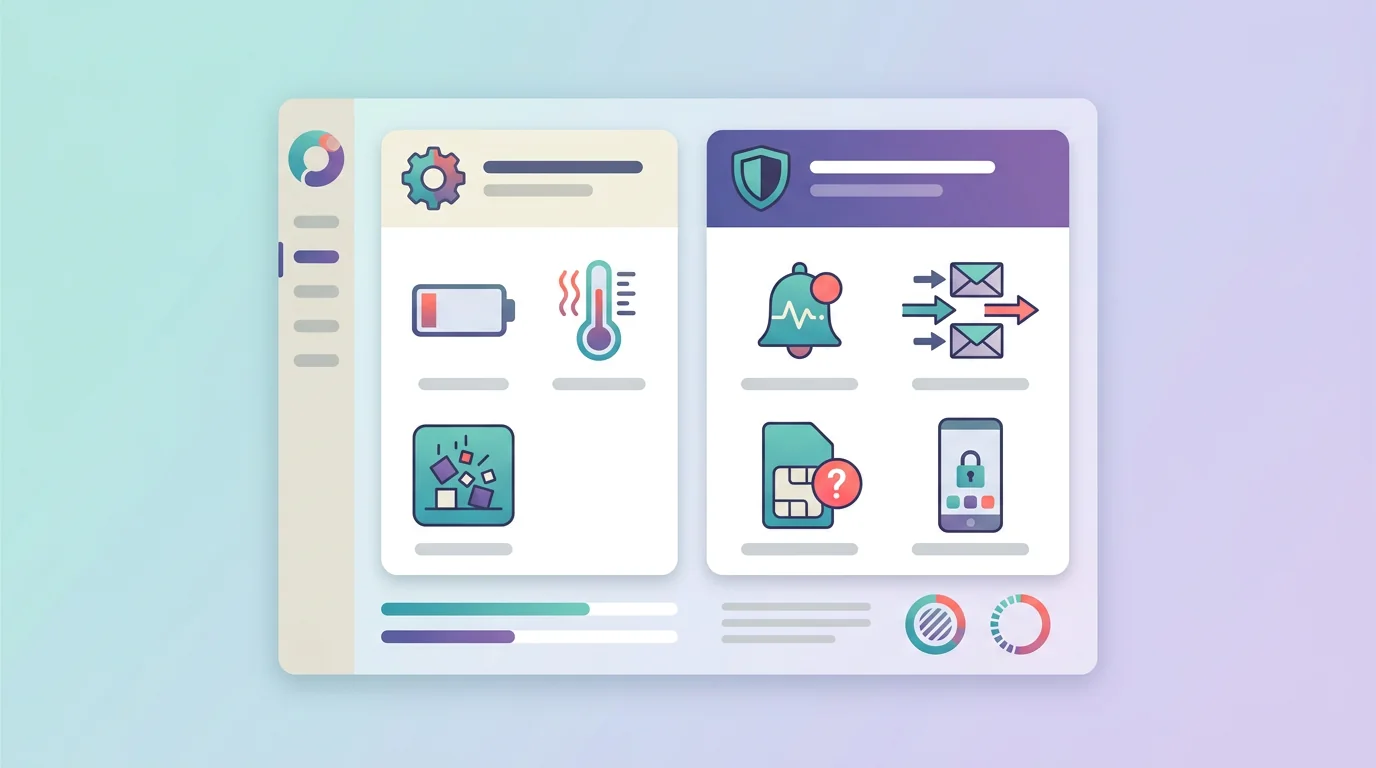
If you are trying to tell if your phone is hacked, the best warning signs are patterns that connect to accounts, permissions, phone service, or activity you did not authorize. A single slow day or warm battery is usually too weak to prove compromise.
Start by separating weak device symptoms from stronger security signals.
Battery drain, heat, crashes, slower performance, or higher data use can happen after updates, travel, poor signal, heavy apps, or aging hardware. Investigate them, but do not treat one symptom as proof.
Unknown sent messages, unfamiliar account logins, password-reset emails, new apps or profiles, lost phone service, strange financial activity, or unexpected sharing changes deserve immediate attention.
Context makes the difference. Battery drain plus an unfamiliar app with powerful permissions matters more than battery drain alone. A sudden loss of calls and texts plus a carrier notification about a new SIM is more consistent with SIM swap than malware.
Look for clusters of evidence, not one dramatic symptom.
-
New account sign-ins, recovery changes, or MFA prompts you did not start.
-
Messages, emails, or social posts sent from your accounts without you.
-
Sudden loss of calls, texts, or mobile data with no obvious outage.
-
Unknown apps, profiles, VPNs, or powerful permissions you cannot explain.
-
Unexpected location sharing, device sharing, or family-account changes.
-
Financial alerts or password resets following phone-service or account changes.
If another person seems to know your location, messages, searches, or conversations with unusual precision, consider both device access and account access. Stalkerware is one possibility, but shared passwords, cloud sync, family sharing, or an old signed-in device can create similar exposure. For the location-specific version of that risk, see our guide to whether a phone can be tracked without someone knowing.
When the problem is not the phone: accounts and SIM swaps
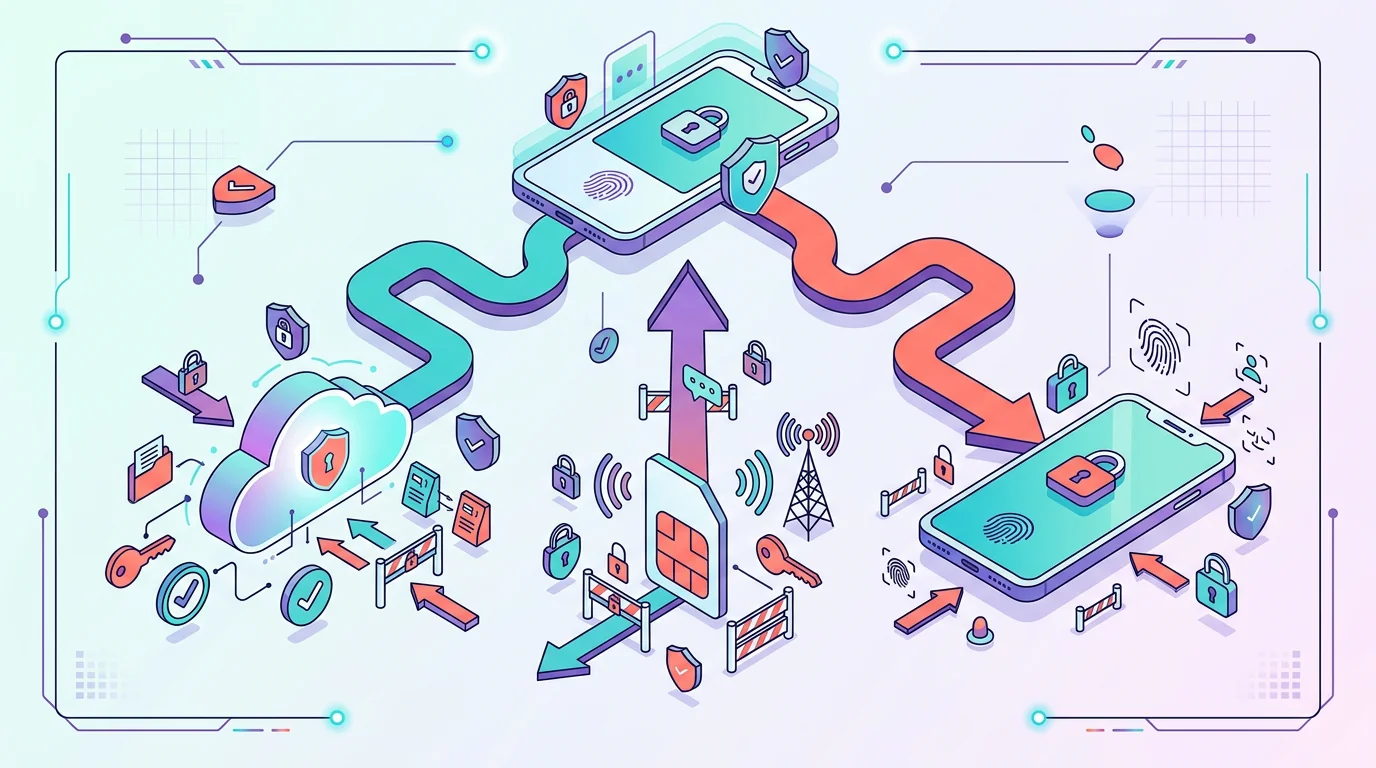
Many “hacked phone” cases are really account takeover or phone-number takeover. That distinction matters because resetting the phone will not fix an attacker who still controls your email, Apple Account, Google Account, or mobile carrier account.
Account takeover can expose cloud backups, messages synced to another device, photos, contacts, location data, password resets, and two-factor prompts. If you see unfamiliar sign-ins or password changes, secure the account from a trusted device before assuming the phone hardware is infected.
 Expert perspective Troy Hunt Security Researcher and Founder of Have I Been Pwned
 Hunt’s work on breached credentials and credential stuffing is a useful reminder that account takeover often starts outside the phone. If a reused password is already circulating, an attacker may reach cloud data without needing malware on the device.
SIM swap or port-out fraud is different. The FTC describes warning signs such as sudden loss of cellular service or a notice that your number was activated on another SIM or device. Because text-message codes may go to the attacker, contact your carrier immediately and secure financial and email accounts from another device. See the FTC’s guide to SIM swap scams.
Use an account PIN or password with your carrier when available. For sensitive accounts, prefer an authenticator app, passkey, or security key over SMS-based verification where the service supports it.
What to do first if you suspect a phone hack
If you are deciding what to do if your phone is hacked, respond in the order that protects your accounts and personal safety. Do not start by installing random “anti-hacker” apps or factory-resetting the phone before you know whether evidence, account access, or personal safety is at stake.
If an abusive partner, stalker, employer dispute, or legal situation may be involved, use a trusted second device first. Changing passwords, deleting apps, or searching for help on a monitored phone can alert the person watching it.
Safe first checks
Use these steps to sort the likely path before taking bigger action.
- Move sensitive work to a trusted device
Use a device and account the suspected person cannot access for research, password changes, banking, and support contacts.
- Secure your primary email and Apple or Google account
Review signed-in devices, recent security activity, recovery phone numbers, recovery emails, and multi-factor authentication.
- Call your carrier if service suddenly stopped
Ask about SIM changes, port-out requests, account PINs, and steps to restore control of your number.
- Update the phone and apps
Install current OS and app updates before drawing conclusions from glitches or warnings.
- Review powerful access
Look for unfamiliar apps, permissions, device admin access, configuration profiles, VPNs, and sharing settings.
- Preserve safety and evidence
If abuse, stalking, theft, or a dispute is possible, document what you see and get trusted help before deleting or resetting.
If the evidence points to phone malware, avoid logging in to banking, shopping, or password-manager accounts from the suspected device until you have scanned, updated, or received trusted help. If the evidence points to account takeover, change passwords and recovery details from a trusted device before focusing on the phone.
Android and iPhone checks that are safe to start with
Android and iPhone have different security models, so the first safe checks are not identical. Keep them boring and official: updates, account security, app permissions, and visible management settings.
On Android, check Google Play Protect, installed apps, app permissions, device admin apps, accessibility access, notification access, unknown-app install permissions, and Android updates. Google says Play Protect checks apps and devices for harmful behavior, warns about potentially harmful apps, and may disable or remove them.
On iPhone, start with iOS updates, Apple Account signed-in devices, Safety Check, app privacy permissions, VPN settings, and configuration profiles or device management. Apple Safety Check can review sharing, app access, connected devices, trusted phone numbers, and account security on supported iPhones.
The first checks are ordinary settings and account reviews, not secret tools.
Android app and permission review
Look at installed apps, powerful permissions, unknown installs, Play Protect status, updates, and access you do not recognize.
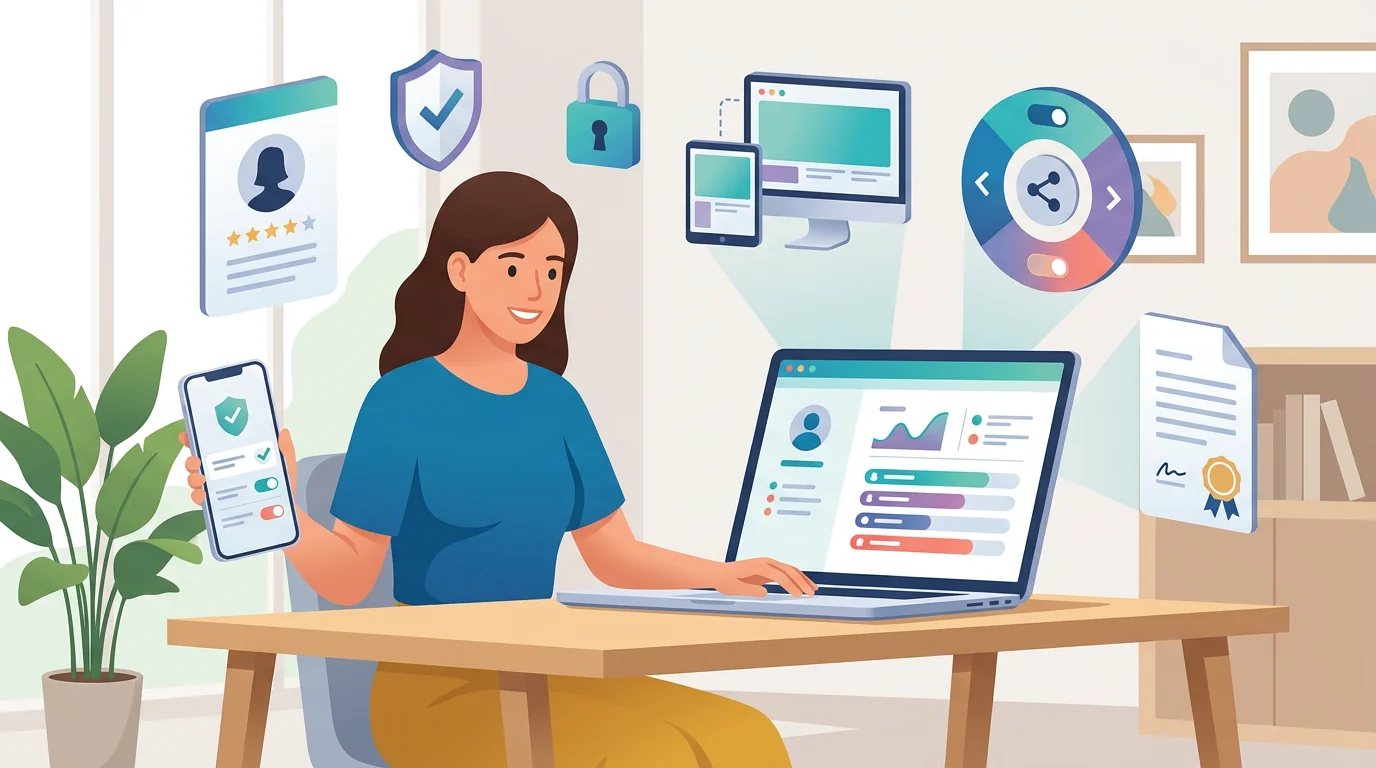
iPhone account and sharing review
Review Apple Account devices, sharing, Safety Check, profiles, VPNs, and visible management settings.
The platform split is useful because the settings live in different places, but the decision logic is the same: find the account, app, permission, or management relationship that explains the evidence.
Use Play Protect, review apps from outside the Play Store, inspect powerful permissions, and check device admin or accessibility access you do not recognize.
Review Apple Account devices, Safety Check, sharing, VPNs, profiles, and iOS updates. For high-risk targeted threats, Apple’s Lockdown Mode is an extreme protection for a small group of users.
Do not rely on a single scanner or symptom. A clean scan does not prove every account is safe, and an account alert does not prove malware is present. Match the response to the evidence.
What not to do
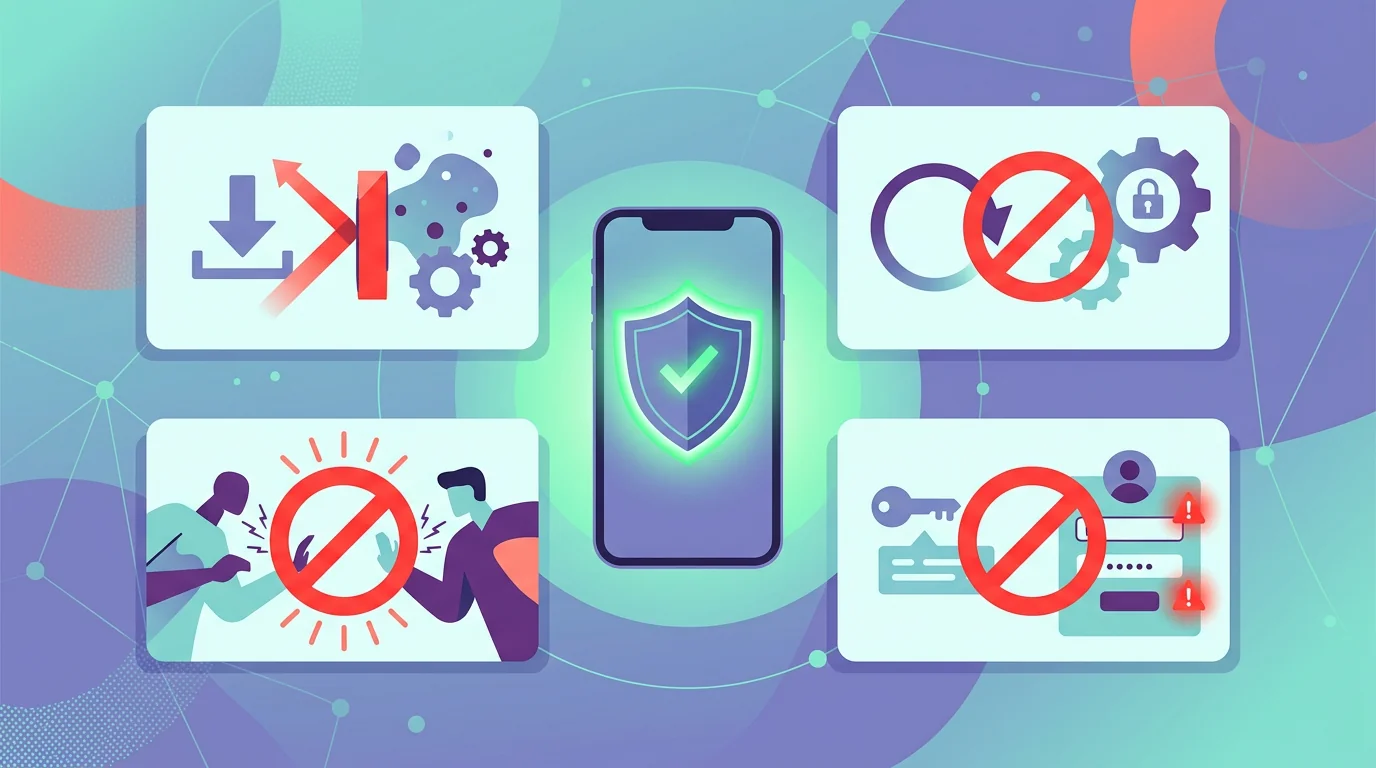
The wrong reaction can make a phone-security problem worse. Panic downloads, rushed resets, or confrontation may destroy evidence, alert an abusive person, or give a scammer more access.
Do not install random cleaner, hacker-detector, or “spyware remover” apps from ads, pop-ups, or unfamiliar websites. Malicious software is often distributed through exactly that kind of fear-based prompt.
Installing a random cleaner, confronting someone from the phone, or resetting before you understand the risk can erase evidence, alert a watcher, or add more malware.
Use a trusted device, secure accounts first, document suspicious settings, and get qualified help before making changes in a stalking, abuse, theft, or legal scenario.
Do not keep using a suspected infected device for sensitive logins. If you think malware may be active, move banking, email recovery, and password changes to a trusted device until the phone is updated, scanned, reset, or checked by trusted support.
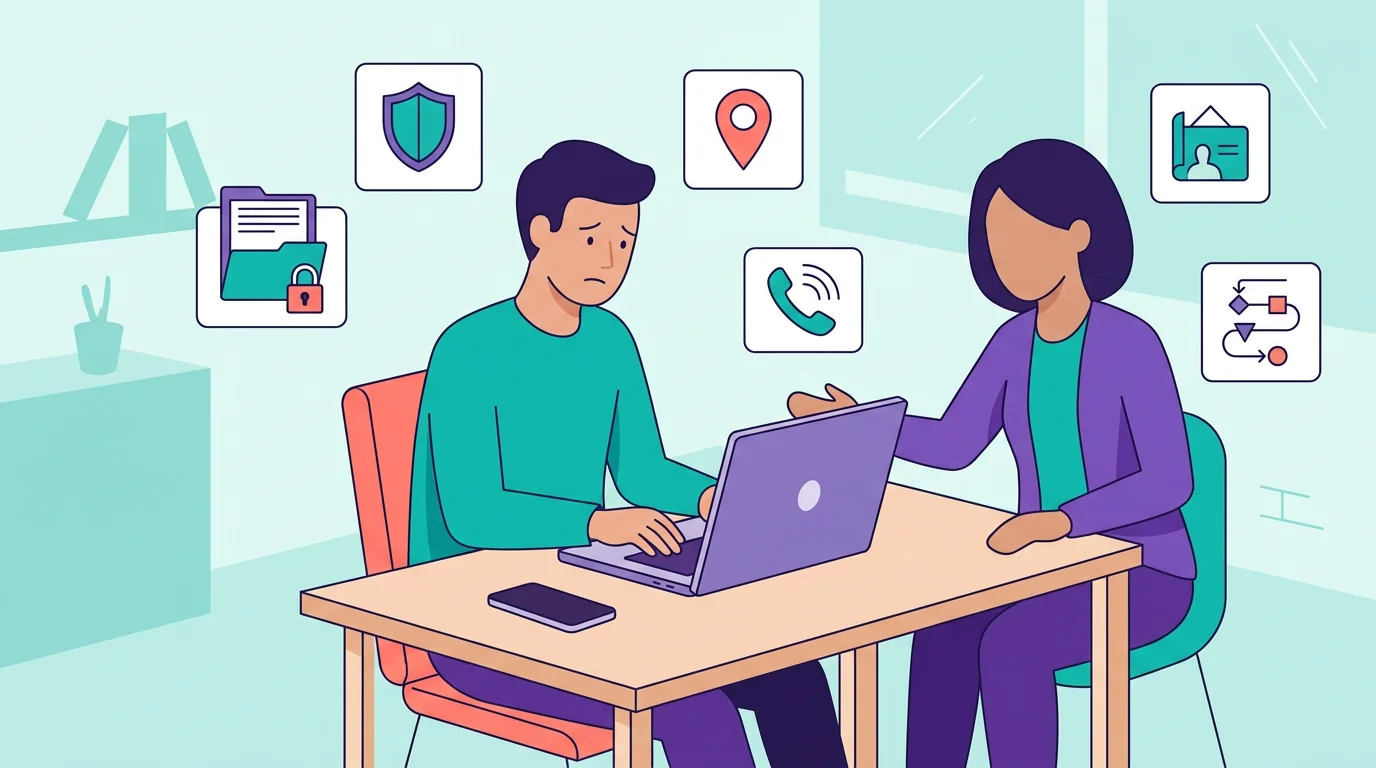
Suspected stalkerware needs a different response than ordinary malware cleanup.
Do not remove suspected stalkerware or confront a suspected person if personal safety is uncertain. FTC stalkerware guidance warns that research, calls, conversations near the phone, or removal steps can tip off an abuser.
Get help from a separate device and consider preserving evidence before changing the phone. If the concern is specifically location monitoring, the background in what a cell phone tracker is can help separate ordinary sharing from hidden access.
The point is not to leave risk in place forever. It is to avoid making the first visible change from the device that may already be monitored.
Do not assume factory reset is always the first step. It may help with some malware, but it can also erase useful evidence or restore the same risky app if you reinstall from an old backup.
How to reduce the chance of phone compromise
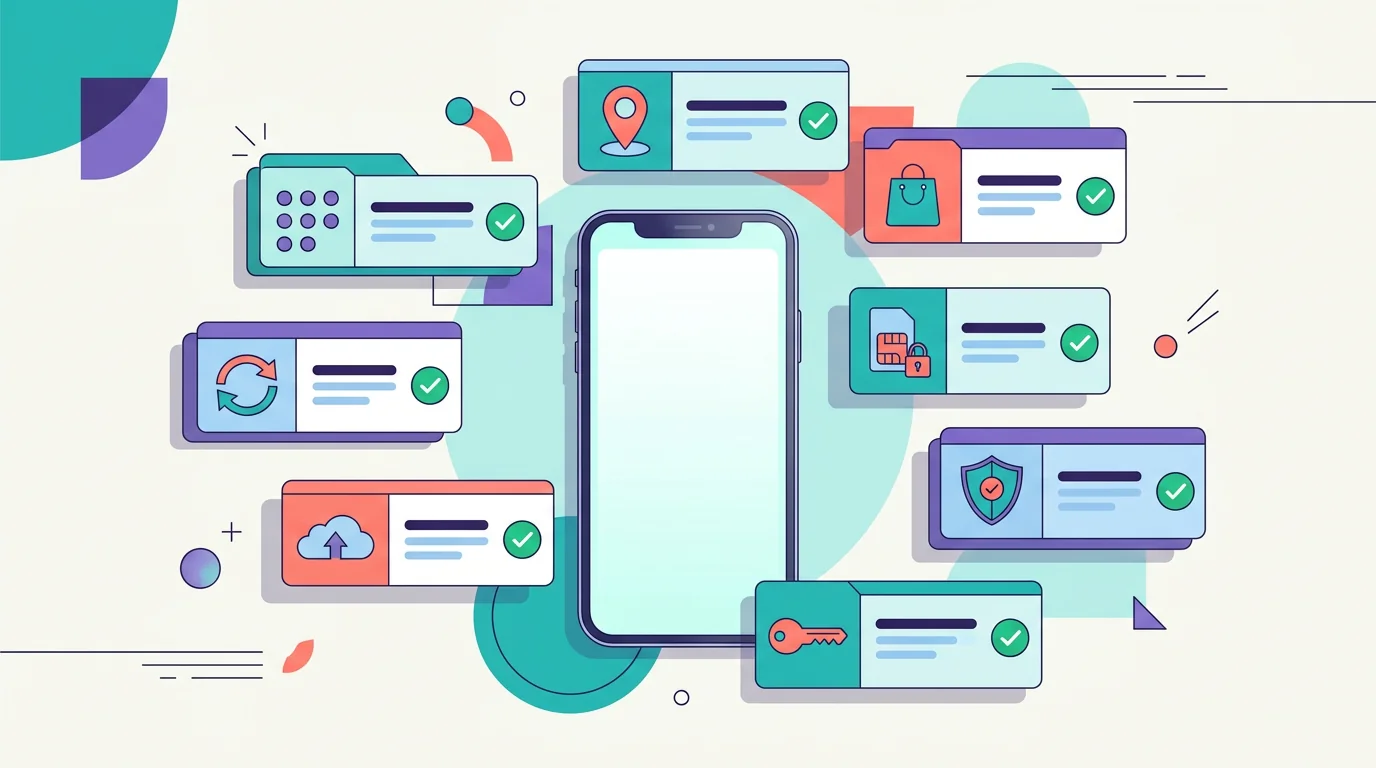
The best protection is layered and ordinary. A locked, updated phone with secure accounts is a harder target than a phone that depends on one scanner or one password. This matches the basic security themes in FTC phone-protection guidance and CISA’s Secure Our World recommendations.
Use a strong passcode and set the phone to lock quickly. Keep the operating system and apps updated. Back up important data so that loss, theft, malware, or reset does not become a crisis.
 Expert perspective Bruce Schneier Security Technologist and Lecturer, Harvard Kennedy School
 Schneier’s long-running security-process argument fits phone safety well: no single product makes a device secure. The practical defense is a repeatable process of updates, account protection, backups, monitoring, and response.
Use a password manager or passkeys where available, and turn on multi-factor authentication for email, Apple, Google, banking, and social accounts. Avoid using SMS codes as the only protection for high-value accounts when stronger options are available.
Download apps from official stores, review permissions before approving them, and remove apps you do not use. Be careful with links in texts, QR codes, delivery alerts, financial warnings, AI-written support messages, voice lures, and pop-ups; go to the real website or app yourself when the message is unexpected.
Set a carrier account PIN or password if your provider supports it. Turn on lost-device finding before you need it, and know how to lock or erase the phone if it is stolen.
Bottom line
Most phone compromises begin with phishing, AI-assisted scams, malicious apps, account takeover, SIM swap, physical access, stalkerware, or rare targeted spyware. The practical response is to identify the path first, then secure accounts, carrier access, apps, and the device in the right order.
If the situation may involve abuse or stalking, safety comes before cleanup. Use a trusted second device, preserve evidence when needed, and get help before making changes that another person might notice.
Frequently Asked Questions About Phone Hacking
01 Is battery drain proof my phone is hacked?
No. Battery drain can come from normal apps, weak signal, updates, aging hardware, or heavy use. Treat it as a reason to check settings, permissions, data use, and account activity, not as proof by itself.
02 Can factory reset remove phone malware?
A factory reset can remove many ordinary malicious apps, but it is not always the first safe step. Back up important data, preserve evidence if abuse or fraud is involved, and avoid restoring the same risky apps or settings from an old backup.
03 Can airplane mode stop a phone hacker?
Airplane mode can temporarily cut network access, which may slow data sending or account prompts from that device. It does not secure your accounts, undo a SIM swap, remove malware, or protect cloud data already accessible elsewhere.
04 Should I use antivirus on iPhone or Android?
Android users can start with Google Play Protect and may use reputable security apps when appropriate. iPhone security relies more on iOS updates, Apple Account security, app permissions, profiles, and Safety Check; avoid random scanner apps from ads.
05 Should I confront someone if I think they installed spyware?
Not from the suspected phone and not before considering safety. If abuse, stalking, or coercive monitoring is possible, use a trusted second device, contact a qualified advocate or trusted help, and preserve evidence before deleting apps or changing settings.