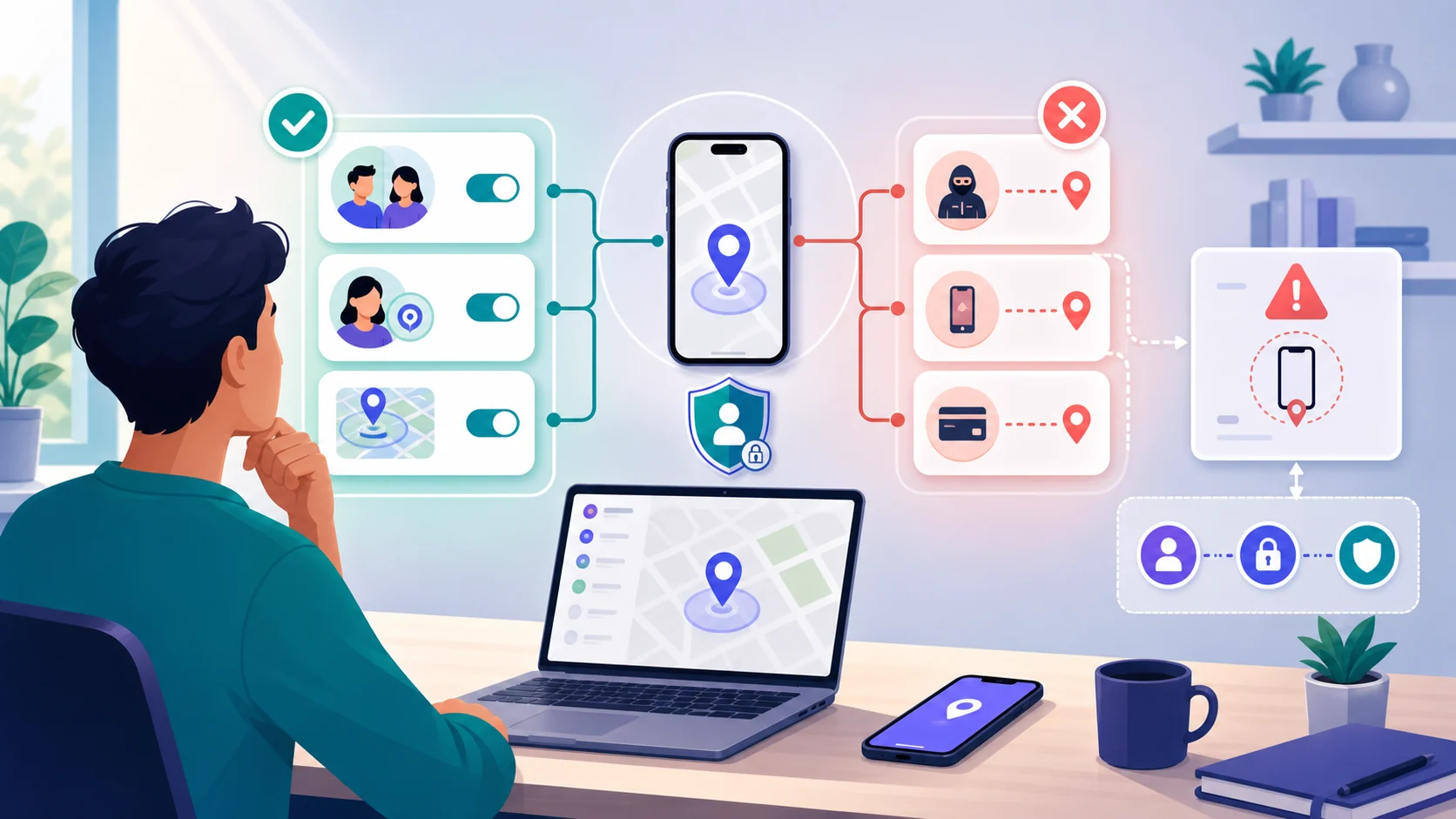
Removing a monitoring app from Android is not always the safest first move. If another person may be watching the phone, a visible uninstall, reset, or account lockout can reveal that you acted and may increase danger. The safe sequence is personal safety, evidence preservation when safe, specialist advice, account recovery, and only then a technical change.
If the suspected installer is nearby, you are in immediate danger, or checking the phone could trigger retaliation, leave it alone. Use a safer device or location to contact emergency services, a domestic-violence service, or a digital-safety specialist.
Do not remove it automatically
A monitoring app may be only one part of a wider access problem. Someone may also know a Google password, control a recovery email, share a family account, or see location data through another device. Removing one app without planning for those paths can create false reassurance while making a visible change.
 Expert opinion Eva Galperin Director of Cybersecurity, Electronic Frontier Foundation
 The safest response to suspected surveillance begins with the person's safety and control, not with a race to clean the device.Electronic Frontier Foundation
The goal is not to prove a theory at any cost. The goal is to choose an action that keeps you safer even if the monitoring comes from an account, another device, or a non-technical pattern of coercive control.
Preserve evidence first
If it is safe, record what you already observed before making a visible change. Useful context may include an unfamiliar account session, a permission screen you have already seen, a message revealing private knowledge, or the date when someone had access to the unlocked phone. Do not create new activity merely to make the evidence stronger.
| Already-observed detail | Why it may help | Safety limit |
|---|---|---|
| Unknown device or account session | Shows possible account access | Review from a trusted device when possible |
| Permission or app screen already seen | Records what was visible at the time | Do not keep searching if discovery is risky |
| Message or event revealing private knowledge | Documents the wider pattern | Store it where the suspected person cannot access it |
| Date of physical access or unusual change | Connects context without proving a cause | Do not confront someone to fill gaps |
Evidence never outranks immediate safety. If recording it puts you at risk, skip that step and seek help from a safer device.
Choose the safest response
There are three broad response paths. Leaving the phone untouched and seeking help is valid. Preserving what is already visible and securing accounts from a trusted device may be appropriate. Removal, reset, or replacement comes only after safety planning and a clear understanding of what other access may remain.
-
Use this path when discovery or retaliation is possible.
-
Record only what is already visible and safe to keep.
-
Review accounts and recovery factors from a trusted device.
-
Ask a specialist before removal, reset, or replacement.

Leave and seek help
If the person is nearby or may retaliate, leave the phone untouched and contact support from a safer place.
Preserve and secure
When safe, preserve already-observed details and review account access from a trusted device without creating visible changes on the phone.

Change with guidance
Only after planning, consider supported removal, reset, or replacement with specialist help and an account-recovery plan.
Secure accounts and connected access
Google’s account help lets you review devices and sessions at
google.com/devices. Do that from a trusted device when possible. Android menu
names and account surfaces change, so the current Google guidance is the right
place to verify the interface rather than relying on a fixed OEM recipe.
| Area | Review from a trusted device | Important limit |
|---|---|---|
| Google account | Recent devices, sessions, security alerts, and recovery factors | A clean session list does not prove the phone is clean |
| Shared services | Location sharing, family groups, calendars, photos, and connected apps | A sudden change may be visible; plan before acting |
| Passwords | Unique passwords and recovery details after safety planning | Do not change them on a phone that may report activity |
| Two-factor authentication | Authenticator, backup codes, and trusted devices | 2FA is weaker if another person controls recovery or the phone |
Account changes can sign out devices, send alerts, or make the monitoring person aware that access has changed. Treat that visibility as part of the safety decision, not as a reason to avoid account security forever.
Remove, reset, or replace the device

The right technical option depends on the device, the type of access, the evidence needed, and the person’s safety. A normal uninstall may not address a compromised account. A factory reset can remove many apps but also destroys local evidence and does not secure accounts by itself. A replacement phone helps only when account recovery, location sharing, and shared devices are also considered.
 Expert opinion Ron Deibert Director, Citizen Lab
 Recovery is strongest when the device change, account security, and control of the surrounding data are planned together.Citizen Lab
Do not bypass device protections or improvise a forensic procedure. If the app appears protected, system-level, or tied to elevated access, stop and ask a qualified specialist. The article cannot determine that status safely from a generic checklist, and an incorrect change may make evidence or recovery harder.
Removal options at a glance
Pros
- A planned change can restore device control
- Account review can close access beyond the app
- Specialist support can reduce evidence and safety mistakes
Cons
- Visible changes may alert the monitor
- Reset can destroy local evidence
- A new phone does not fix shared accounts automatically
- Android menus and behavior vary by version and manufacturer
After the change
After removal, reset, or replacement, review the wider access picture from a trusted device. Secure the primary account and recovery factors when safe, check location and shared services, and reinstall only trusted applications. Do not restore an old backup automatically if you are unsure what it contains.
| Layer | Question | Why it matters |
|---|---|---|
| Device | Is the phone updated and controlled by you? | A new app install is not enough if access remains |
| Account | Are sessions, recovery factors, and passwords known? | Account access can survive a device reset |
| Sharing | Who can see location, calendars, photos, or family groups? | Shared services may recreate monitoring |
| Support | Is there a safety or technical follow-up plan? | Recovery may require more than one change |
Bottom line
Do not treat uninstalling a monitoring app as a race. If the person who may have installed it is present, may retaliate, or may notice changes, leave the phone alone and use a safer device or location to get help. If it is safe, preserve what you already observed, secure accounts carefully, and make a technical change only after planning for what remains.
Safe Android removal FAQ
01 What if I cannot safely access the Android phone at all?
Do not force access or ask someone to investigate it. Use a trusted device to contact a domestic-violence advocate, digital-safety specialist, device provider, or emergency service as appropriate.
02 Does a factory reset always remove monitoring software?
A reset may remove many apps, but it does not automatically secure Google or shared accounts, recovery factors, location sharing, or other devices. It can also destroy local evidence.
03 What if the monitoring app is system-level or device-admin protected?
Do not bypass protections or improvise commands. Stop and ask a qualified specialist, especially if the phone may be rooted, modified, or part of an abuse situation.
04 When should I replace the device instead of resetting it?
Consider replacement with specialist guidance when trust in the device is low, compromise may be deep, or the reset cannot be done safely. Secure accounts and recovery factors too; a new phone alone is not a complete solution.
05 How do I know the accounts are secured afterward?
From a trusted device, review unfamiliar sessions, recovery settings, location sharing, connected services, and shared devices. Account changes should follow a safety plan because alerts or sign-outs may be visible.