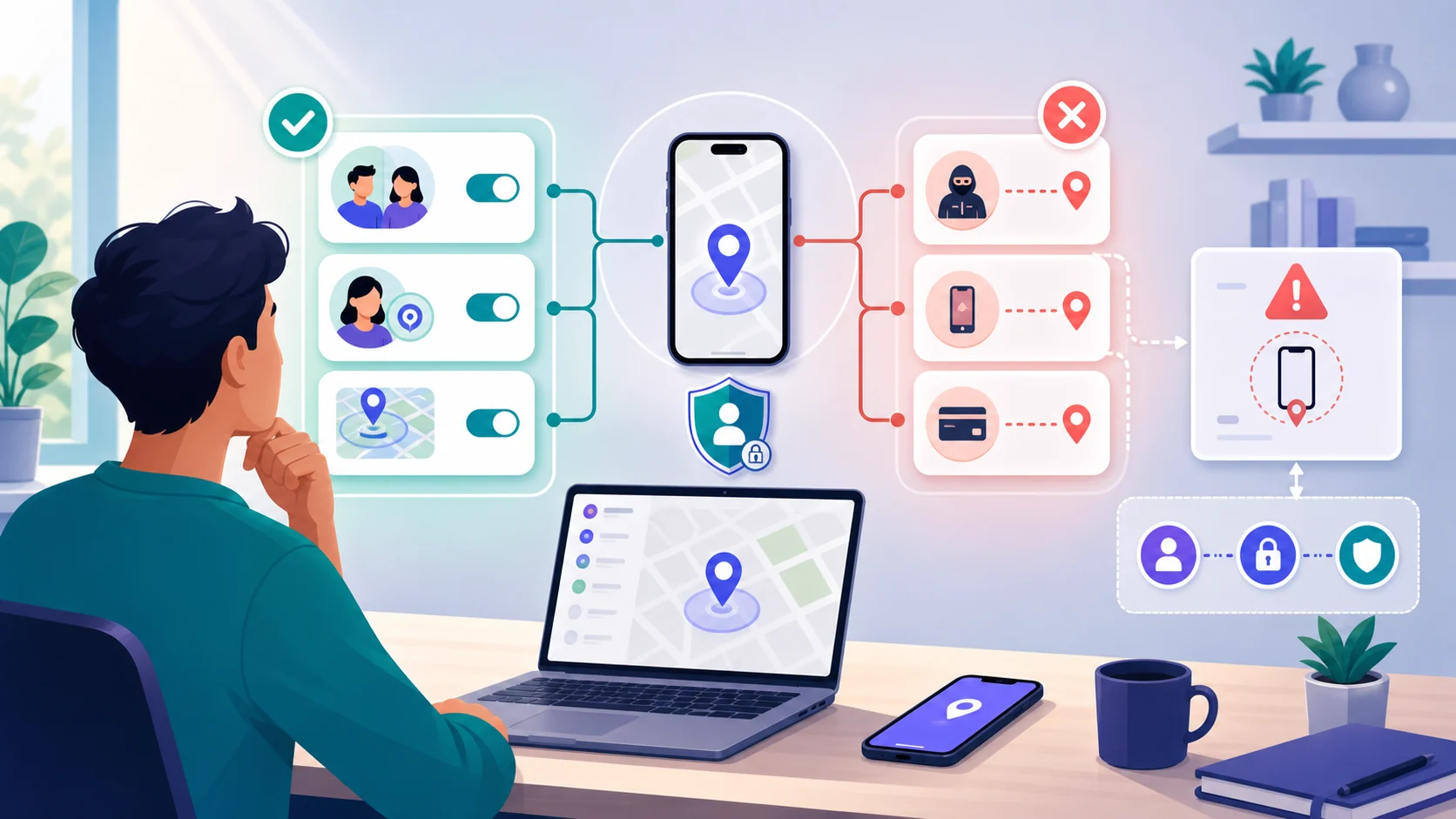
In most everyday situations, you cannot reliably track another person’s phone without their knowledge by entering a phone number into a website. Real location tracking depends on something that already connects the requester to the device: an owner account, enabled finding service, accepted location sharing, supervised family setup, enterprise enrollment, or an authorized carrier or emergency process.
If the phone is yours, belongs to a child you transparently supervise, is managed by an organization under a clear policy, or is shared with you by consent, legitimate options exist. If the goal is to secretly follow another adult, common “undetectable” tools are unsafe, may violate the law, and are often scams.
This documentation-based guide uses current Apple, Google, Google Play, and NIST sources to separate those situations. It shows how to recover your own device, use voluntary family sharing, manage a supported child or work phone, or protect yourself if you suspect unwanted tracking.
Can you track a cell phone location without them knowing?
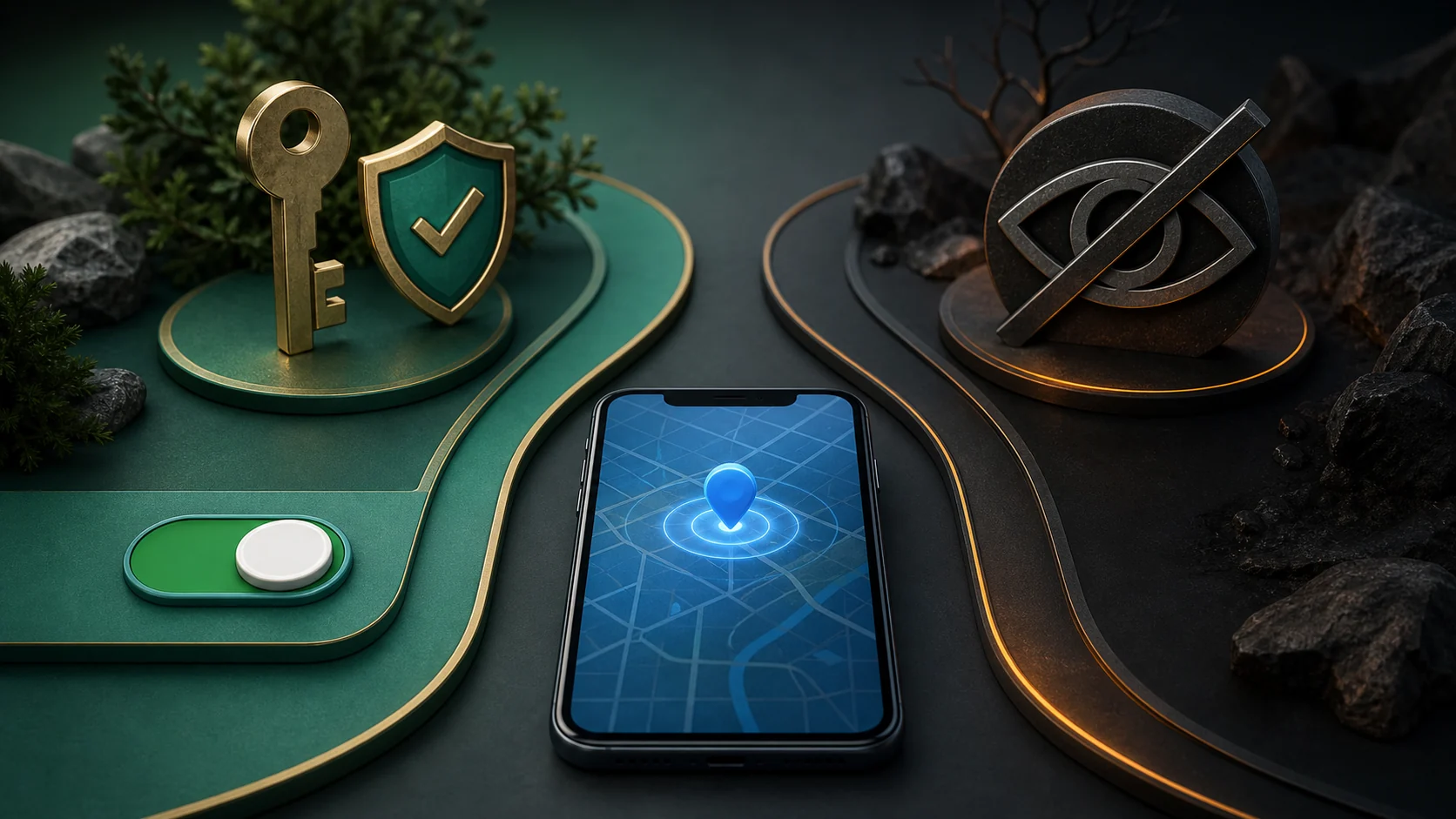
Sometimes a device can report its location without showing a new alert at that exact moment, but that does not create a general-purpose secret tracking method. The capability still comes from prior setup: the owner’s Apple or Google account, an enabled finding network, accepted sharing, a supervised account, device enrollment, or a carrier and emergency process.
The distinction is authorization, not just technical access. Briefly holding an adult’s unlocked phone, knowing a password, paying the phone bill, or being in a relationship with the user does not by itself make hidden tracking legitimate.
Locating your own device, using voluntary sharing, supervising a supported child account with visible family rules, or managing an organization-owned device under a disclosed policy.
Installing a hidden app, using another person’s credentials, secretly following a partner, or trusting a service that promises “undetectable” tracking without a clear account relationship.
Choose the real situation rather than the most dramatic product claim. Built-in recovery and sharing tools are usually more reliable because their account, permission, and device requirements can be checked.
Why phone-number trackers and “undetectable” claims are usually the wrong answer
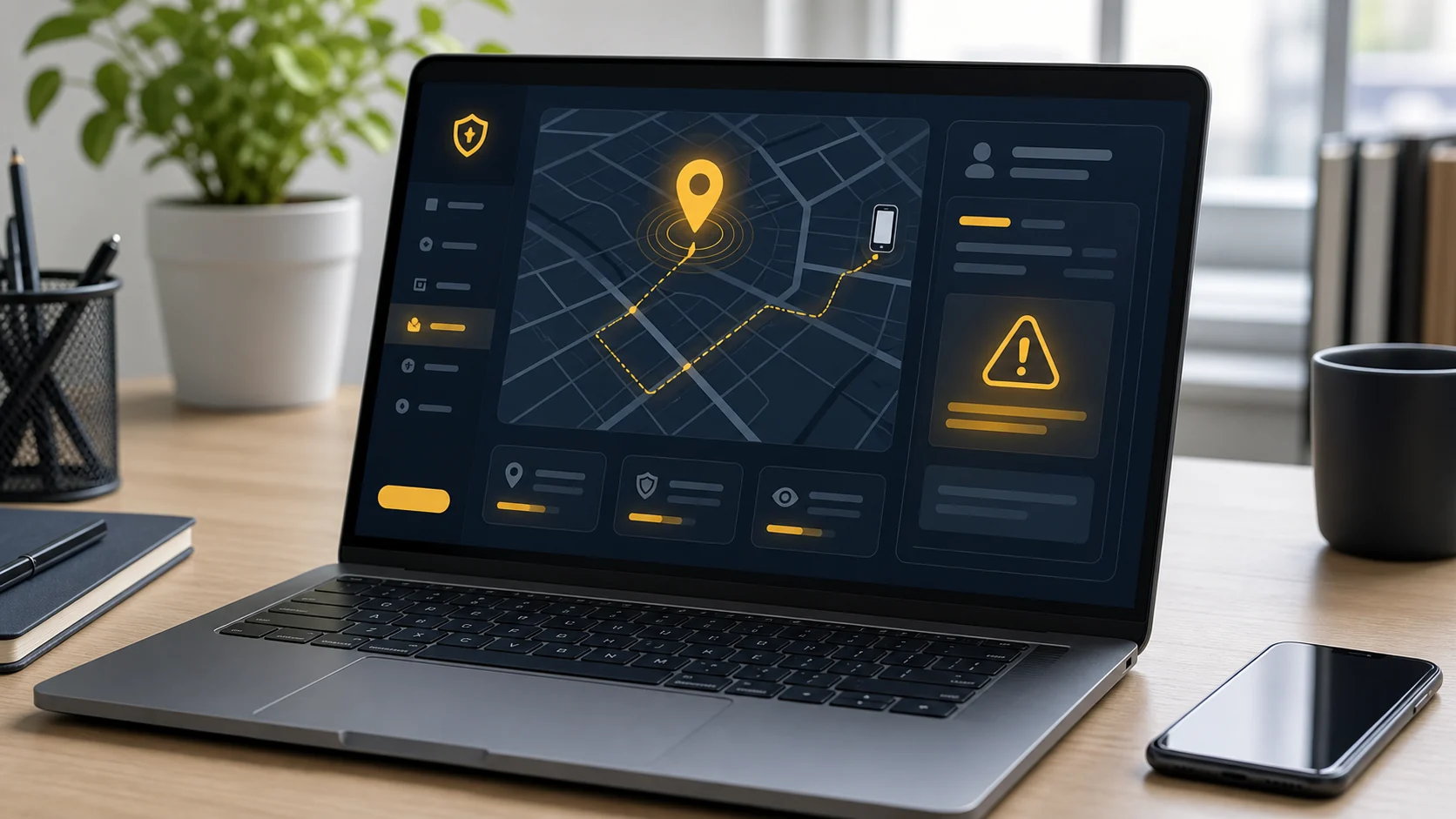
A public website normally cannot turn a phone number into a live GPS pin. Mobile carriers can estimate a device’s location within their networks, but that access is not an ordinary consumer feature; it is governed by account controls, carrier procedures, emergency use, and legal process.
The two most common promises fail for different reasons.
 Expert perspective Cormac Herley Principal Researcher, Microsoft Research
 Herley’s research on online scams explains that conspicuous, implausible claims can help scammers filter for people who are most likely to continue. Applied here, an extravagant “locate any phone instantly” promise should increase skepticism rather than be treated as evidence of unusual technology.
A map animation, progress bar, or city-level result does not prove the phone reported its location. The display may come from public numbering data, an IP address, or information the visitor supplied.
The label says nothing about accuracy or authorization. Requests for credentials, physical access, permission bypasses, or advance payment create risk rather than a dependable recovery path.
Neither promise explains the authorized data relationship that a real location service needs. If the vendor cannot name that relationship, do not treat its map or secrecy claim as evidence.
Choose the scenario that matches your situation

Use the least intrusive option that solves the actual problem. The correct route depends on ownership, consent, a supported family relationship, formal device management, or a personal-safety need.
Choose your authorized path
Start with the situation that matches the phone and your relationship to it.
- I lost my own iPhone
Use Apple Find My with the Apple Account already connected to that device.
- I lost my own Android phone
Use Google Find Hub with the Google Account already connected to it.
- A family member agrees to share
Use visible platform sharing and agree on its purpose and duration.
- I manage a child's device
Use a supported family or supervised-account setup with clear safety rules.
- I manage a work or school device
Use formal MDM enrollment, notice, and a written policy.
- I think someone is tracking me
Put personal safety first and review accounts and settings from a trusted device.
The last path is a safety and account-security problem. It is not a reason to confront a suspected person or install an unknown “anti-spy” download.
Safe ways to find your own lost iPhone or Android phone
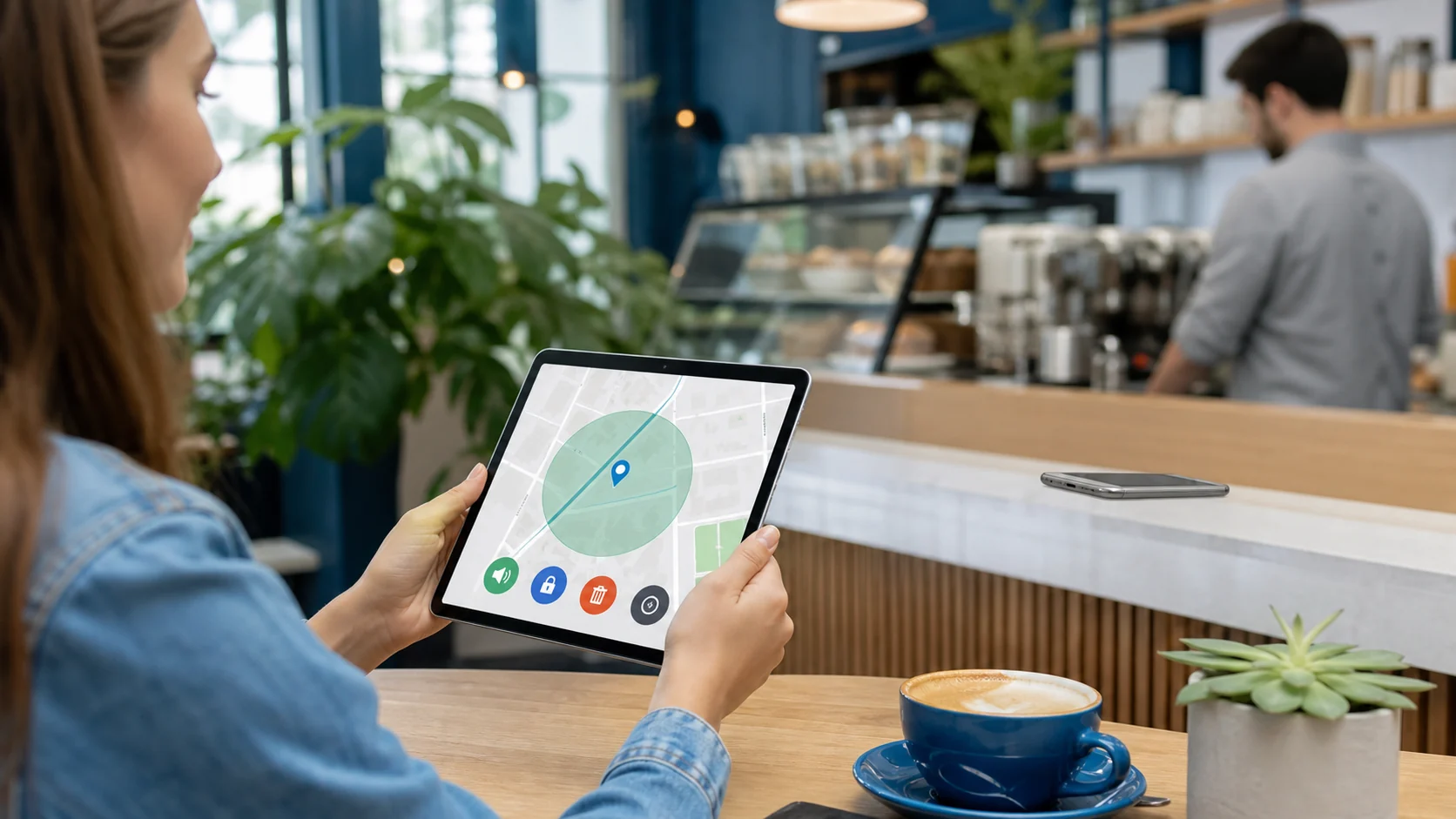
Apple Find My and Google Find Hub are the correct starting points for a lost personal phone. They are connected to the owner’s platform account and may show a current, recent, or offline-network location depending on prior settings, hardware, power, connectivity, and nearby participating devices.
These location states are not interchangeable. A current result comes from a device that can report now; a last-known result is historical; offline finding may use encrypted signals relayed by nearby devices on supported platforms.
Find My can locate an iPhone linked to the owner’s Apple Account, play a sound, mark it as lost, or support erase. It needs prior setup, a supported device, and suitable online or offline-finding conditions.
Apple describes its crowdsourced network as encrypted and anonymous. A powered-off or disconnected result may still be delayed, recent, or relayed rather than live GPS.
Find Hub can locate, ring, secure, or erase a compatible Android phone linked to the owner’s Google Account. It needs Find Hub, device visibility, and suitable power or connectivity for the requested action.
Android can store encrypted recent locations and use an end-to-end encrypted crowdsourced network. A last-known result may remain when current location is unavailable.
For Apple, review Find My setup requirements. For Android, review Google’s lost-device requirements. In both cases, use the owner’s existing account and check the timestamp before acting.
Swipe through the distinct states and recovery controls before treating a map pin as current.
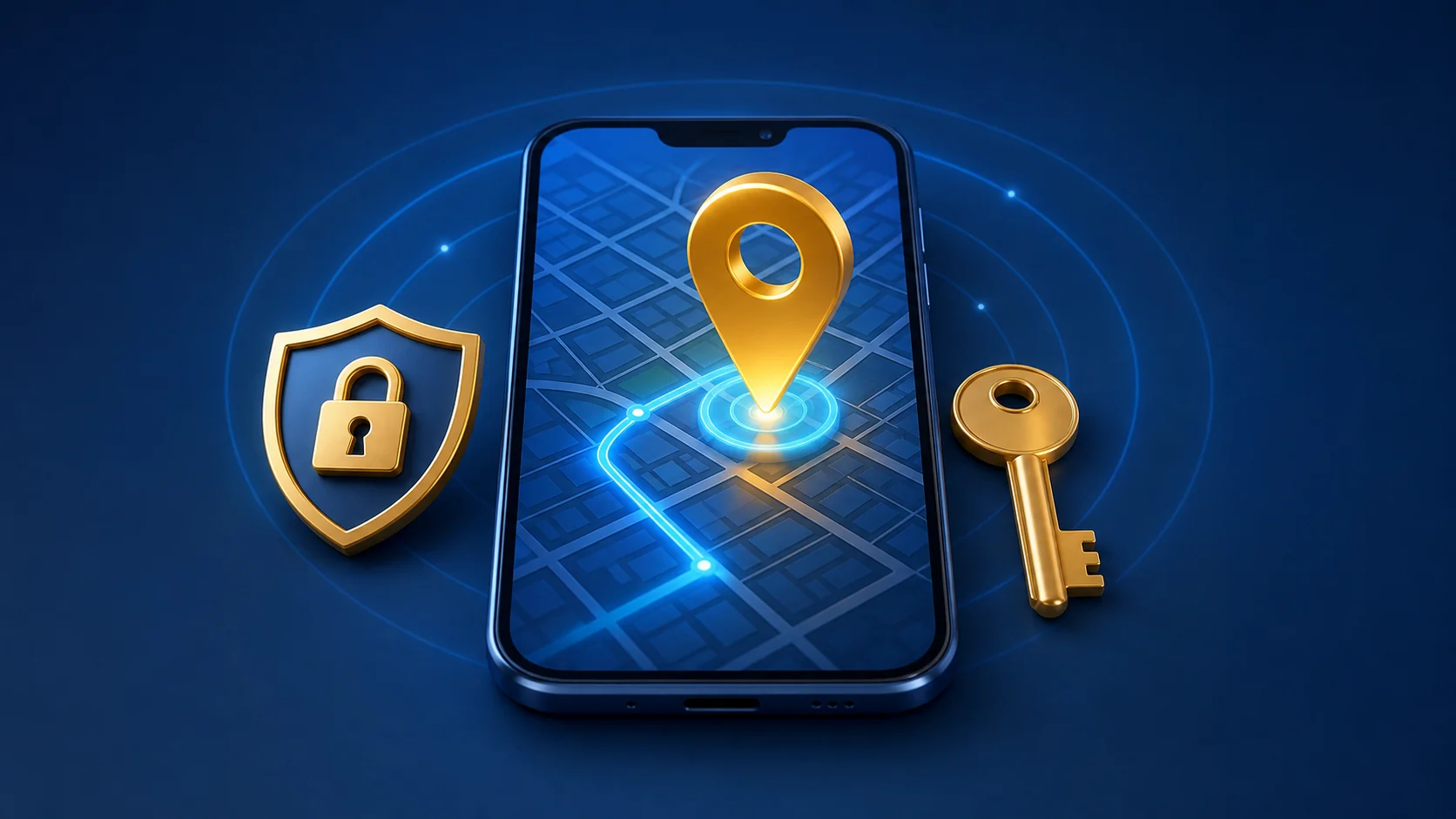
Current location
The phone is powered, available, and able to report a location through the owner's account.

Last-known location
The map shows the device's most recent successful report. Check its timestamp before acting.
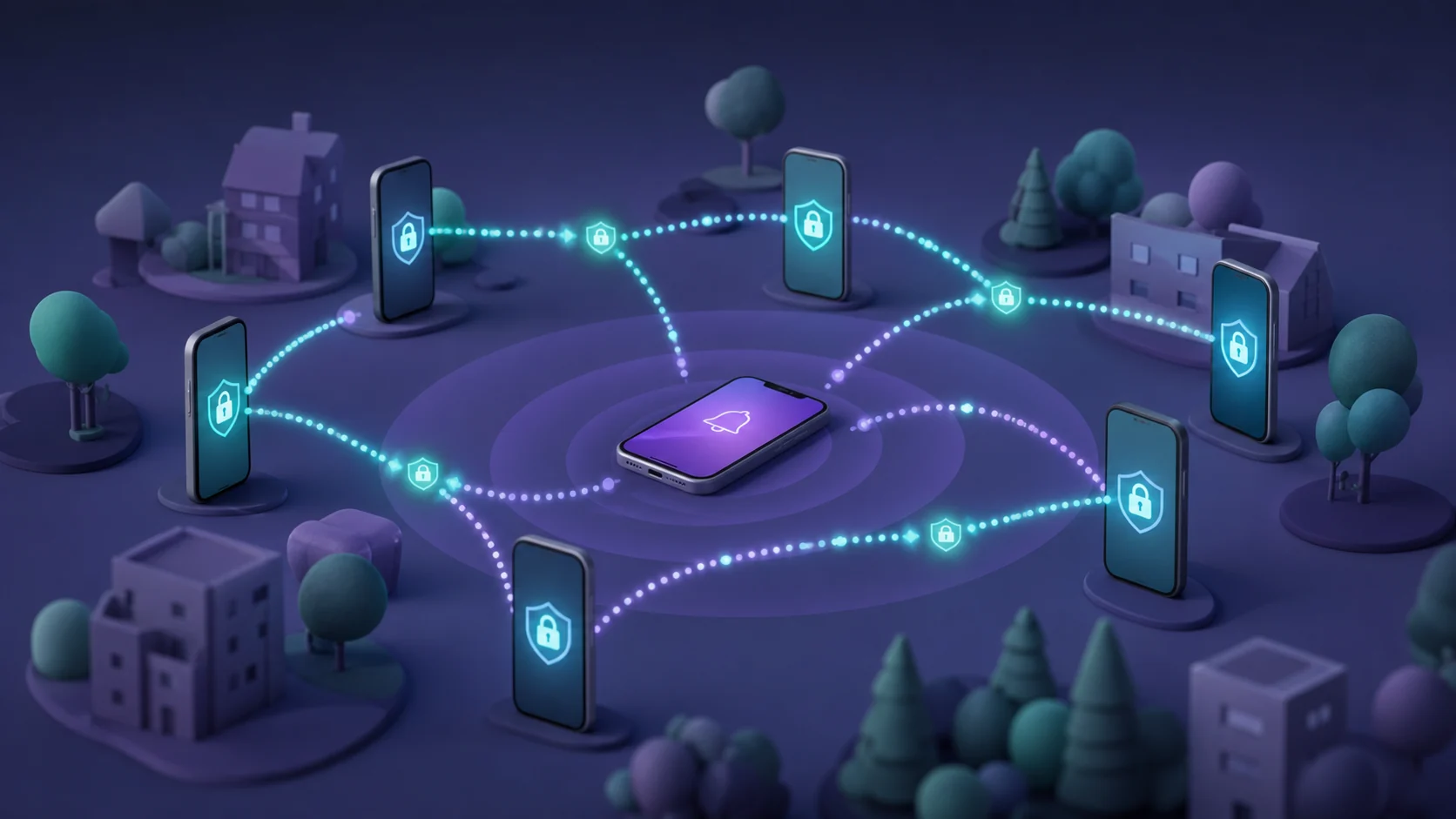
Offline finding
Supported devices may use nearby participants to relay an encrypted signal. This is not universal live GPS.
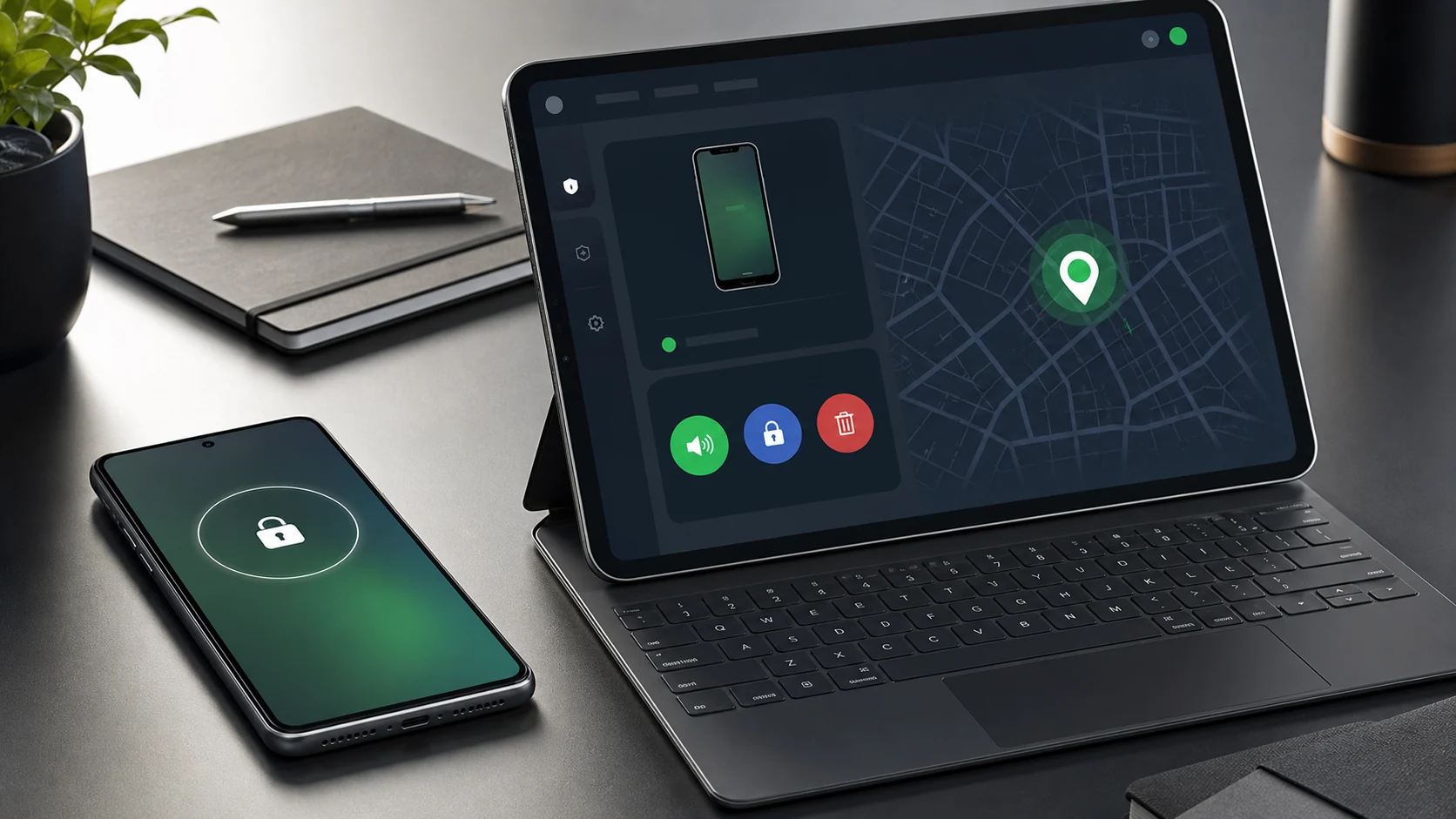
Recovery actions
Sound, secure, and erase options depend on platform support and connectivity; some requests may wait for reconnection.
Treat the map as a recovery clue, not proof that a phone or person is still there. If the device appears at an unfamiliar or unsafe address, use the platform’s lock and recovery controls and contact appropriate local help rather than attempting a confrontation.
How consent-based location sharing works

Location sharing is designed for a person who chooses to share with selected contacts. Apple Find My and Google’s location-sharing services let people start, limit, and stop sharing through their accounts instead of handing over a password or installing a concealed tool.
 Expert perspective Lorrie Faith Cranor Professor and Director, CyLab Usable Privacy and Security Laboratory
 Research by Cranor and colleagues found that people were especially concerned about controlling who could access their location and that preferences changed with circumstances. That supports granular, revocable sharing rather than permanent access assumed from a family or personal relationship.
The participants should agree on a purpose and duration, such as a journey home, a family outing, or ongoing safety coordination. Arrival and departure notifications can add convenience, but they should remain tied to visible sharing controls and platform notifications.
The person chooses a contact and duration, then can review or stop access. This suits travel coordination and family arrangements that everyone understands.
A supported service can notify a contact about an agreed place or event. The alert remains part of the visible sharing relationship.
Location preferences are contextual: someone may be comfortable sharing during a journey but not throughout every day. Choose the shortest duration and smallest audience that meets the shared purpose.
Parental location tools: what parents can actually use
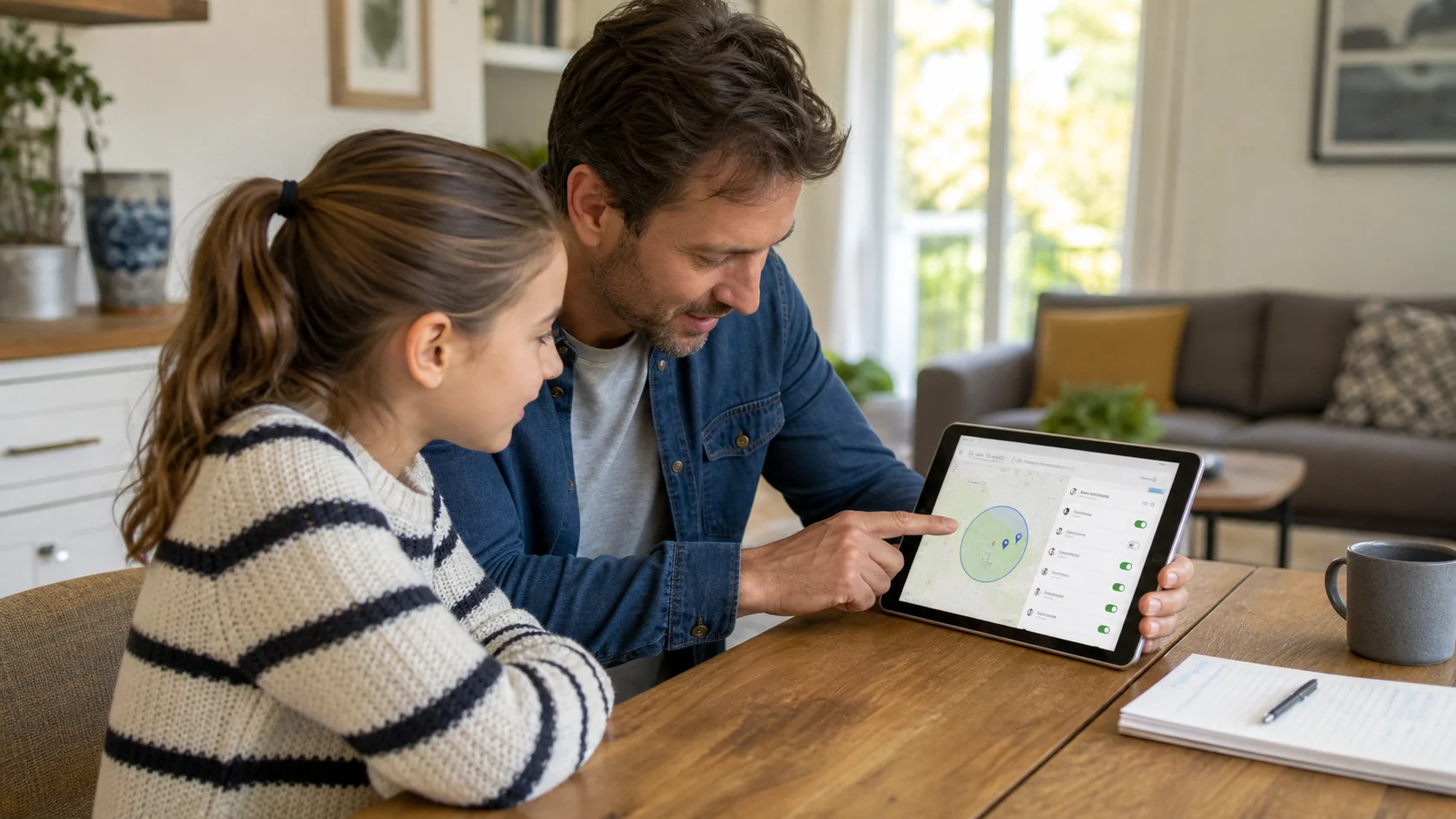
Parents can use supported family-account tools to locate a child’s compatible device, but the recommended setup is visible and age-appropriate. Google Family Link supports location features for compatible supervised Android and Fitbit devices, while Apple’s family features coordinate location sharing through Family Sharing and Find My.
The two platform paths are similar in purpose but not interchangeable.
Family Link can show location for compatible supervised Android and Fitbit devices after the required family relationship and location sharing are configured.
Family Sharing and Find My coordinate location through Apple Accounts and supported Apple devices, with sharing and family controls remaining visible.
Swipe through the setup pieces that matter before treating parental location as hidden monitoring.

Family setup
The useful path starts with a supported family or supervised-account relationship, not a concealed app.
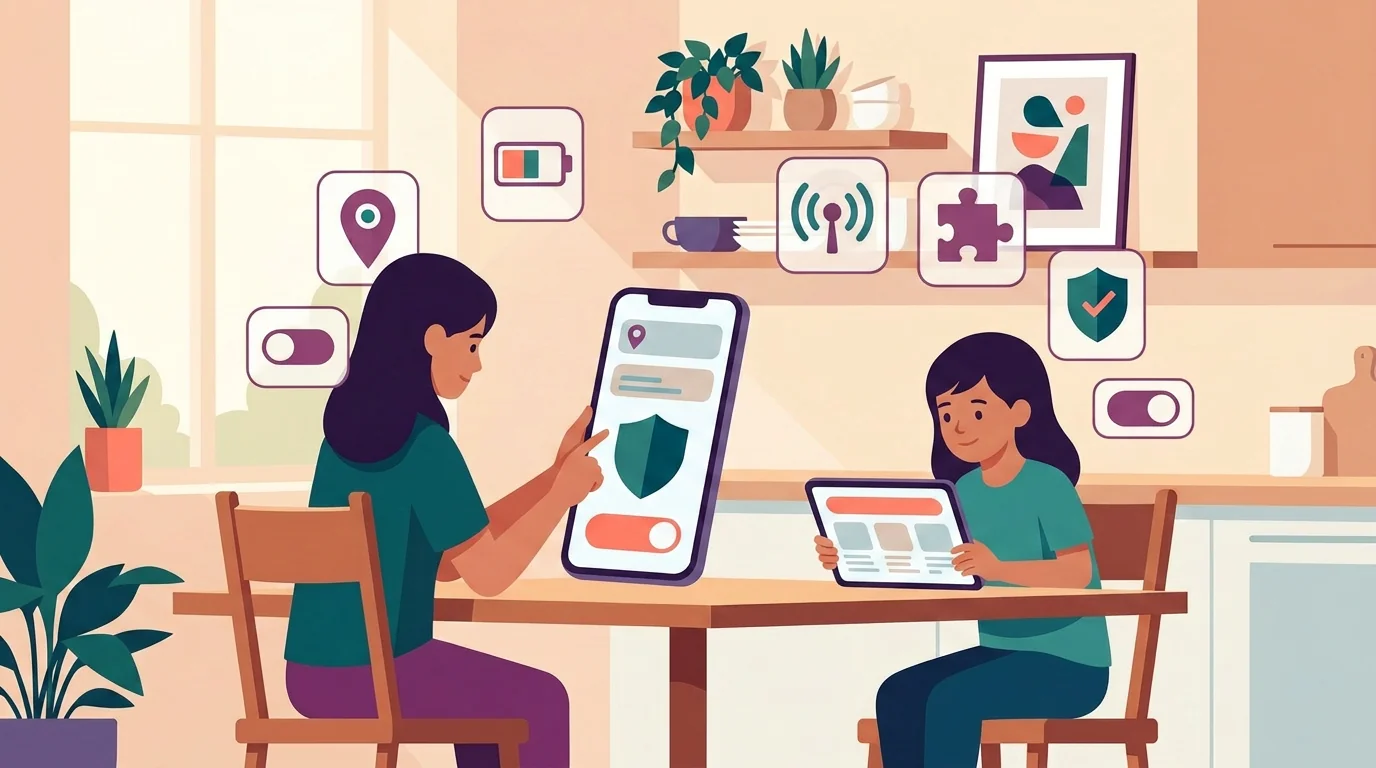
Device settings
Location, connectivity, compatibility, and account settings determine whether a family tool can report.
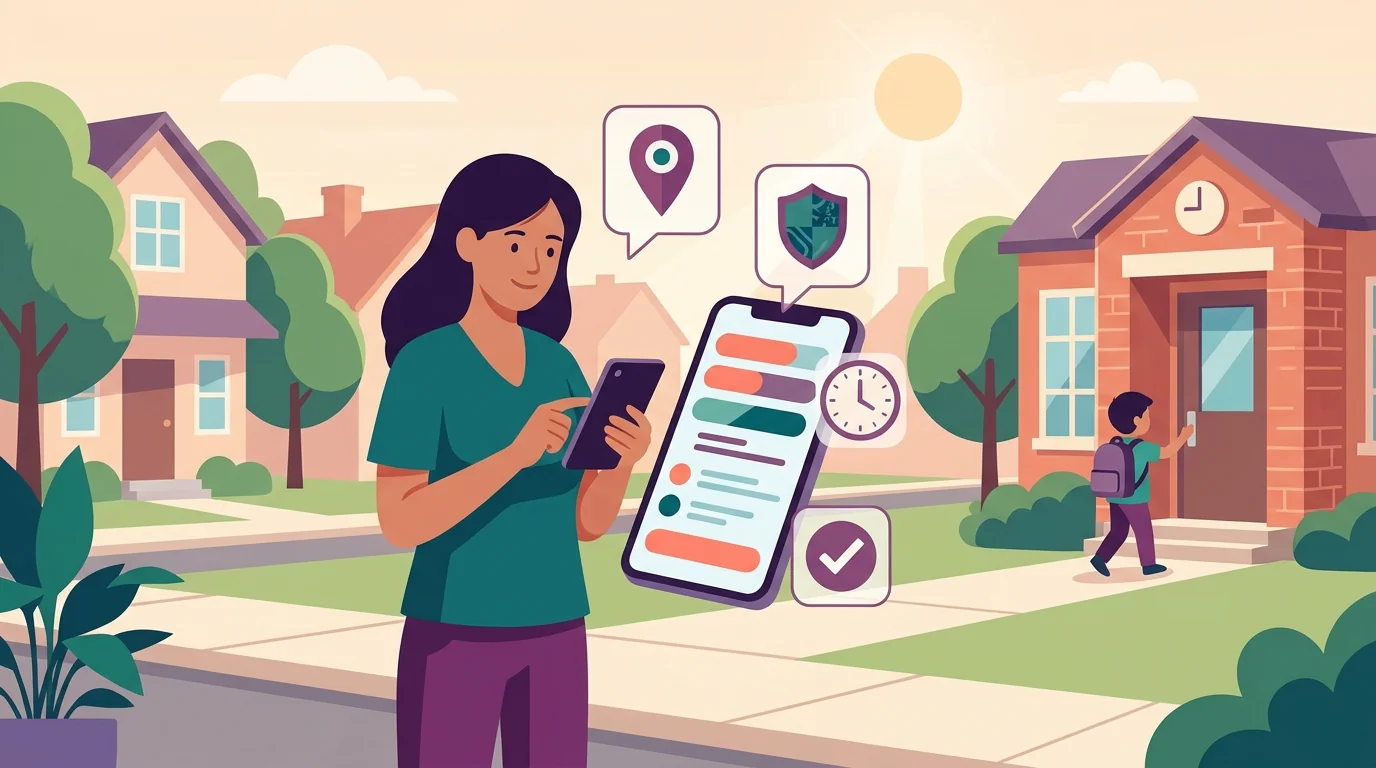
Narrow safety check
The strongest use case is a specific safety question, such as arrival after school, with timestamp awareness.
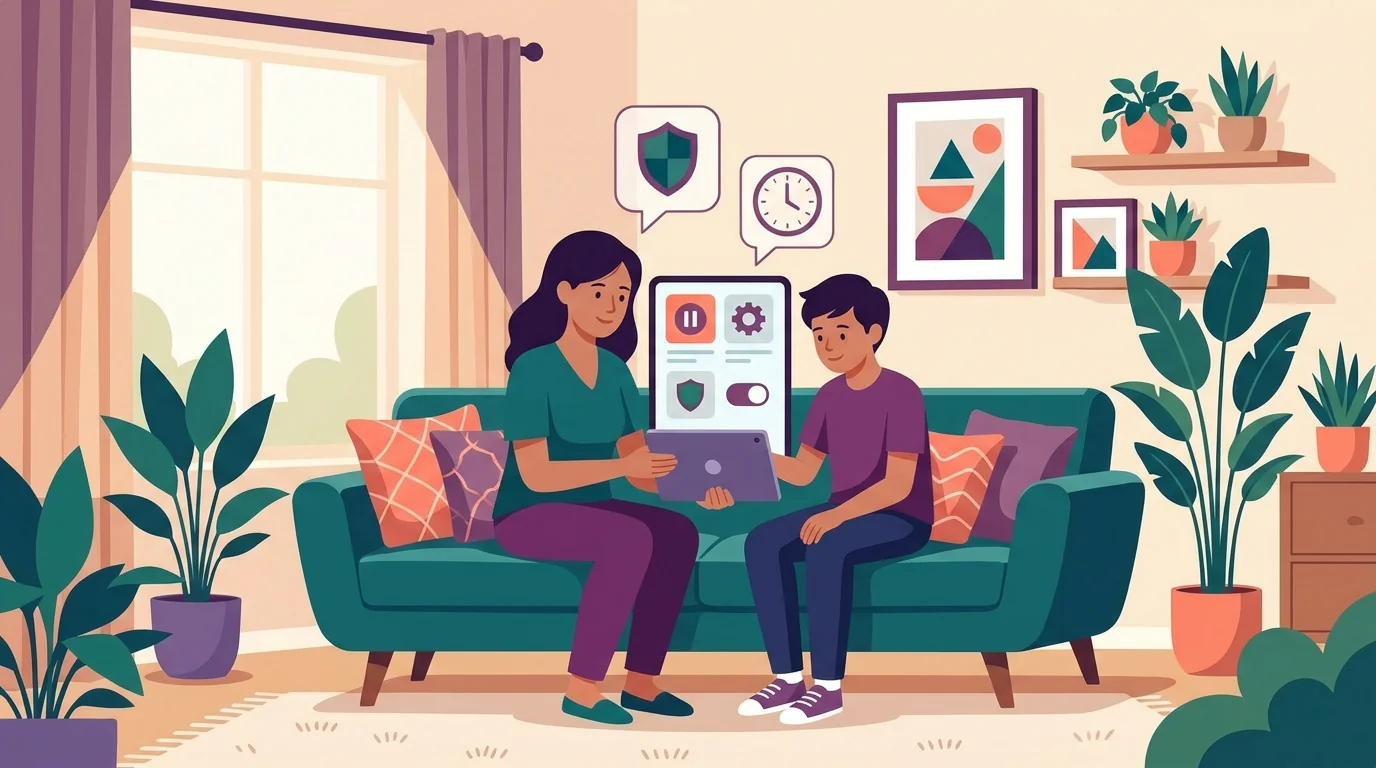
Visible boundaries
Controls should remain explainable, reviewable, and age-appropriate rather than becoming hidden adult monitoring.
What you need: a supported parent-child or family account relationship, compatible devices, enabled location settings, and an age-appropriate explanation of what is visible and why. Google also notes that Family Link location may be unavailable when the child’s device is powered off, disconnected, or not recently used.
Neither platform path makes hidden adult-style monitoring the default answer. Agree on a narrow safety purpose, such as confirming arrival after school; a stale timestamp or a phone left in a backpack is not reliable evidence of what a child is doing.
Employee or school-owned phones: MDM is different from spying
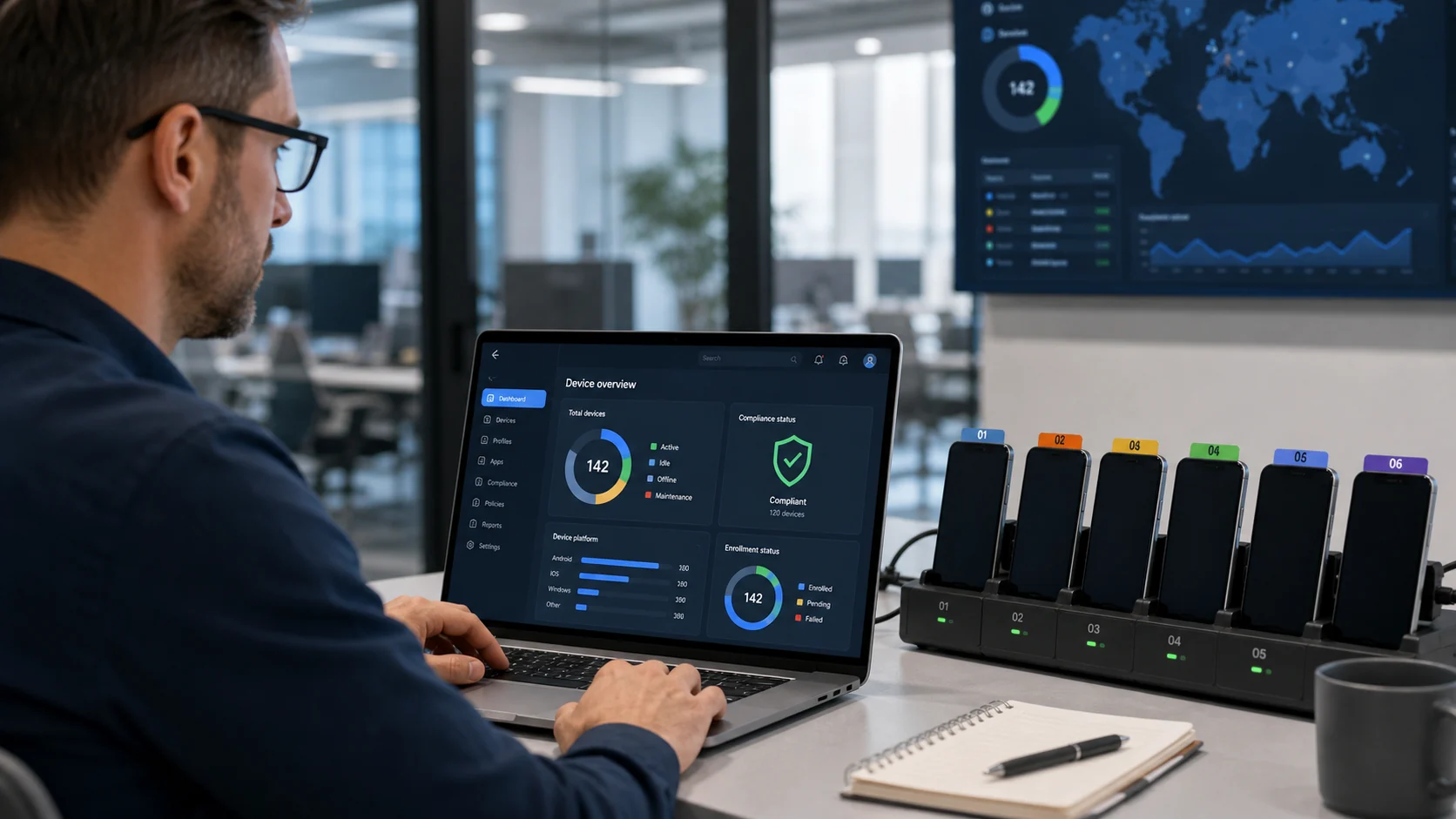
Mobile device management, or MDM, lets an organization apply security settings and manage enrolled devices from a central system. It is intended for a defined device fleet and policy, not as a concealed consumer tracker for a partner, contractor, or employee’s personal phone.
The management boundary changes with the ownership model.
The organization can enroll a defined fleet and apply documented security controls. The policy should still explain collected data, access, purpose, retention, and user notice.
BYOD needs stronger separation between work and personal data. Enrollment scope, removal behavior, off-duty access, and the work profile should be clear before setup.
NIST SP 800-124 Rev. 2 covers centralized device management across deployment, use, and disposal, including organization-provided and personally owned scenarios. That supports formal enrollment and documented controls rather than ad hoc access to a person’s account.
Read the NIST mobile-device management guidance.
The bigger red flags: hidden apps, credentials, and fake tracker sites
Be cautious when a service promises a result before explaining its data source and account relationship. A genuine finder can state which account owns the phone, which setting must already be enabled, and whether the map shows a current, recent, or relayed location.
Expert perspective Cormac Herley Principal Researcher, Microsoft Research Herley’s work on unfalsifiable security claims offers a useful test for “undetectable” marketing: if a vendor cannot define what the claim means or what evidence could prove it wrong, the claim carries little decision value. Prefer requirements and limitations that can be checked.
That difference becomes clearer when the two paths are compared directly.
It names the owner account, required settings, supported device states, timestamp, and available recovery controls. Its limitations can be checked in platform documentation.
It asks for another person’s credentials, concealed installation, permission bypasses, or an unverifiable payment. Those demands increase compromise and monitoring risk.
Google Play permits narrow monitoring contexts such as parental or enterprise management only under strict requirements. Its policy says compliant monitoring apps must not present themselves as secret surveillance, hide tracking behavior, or omit the persistent notification and identifying icon.
Specificity is the stronger practical signal. Trust a platform that explains account ownership, settings, device support, timestamps, and recovery controls more than a site that claims to locate any number while concealing how it obtains the data.
If you think someone is tracking your phone
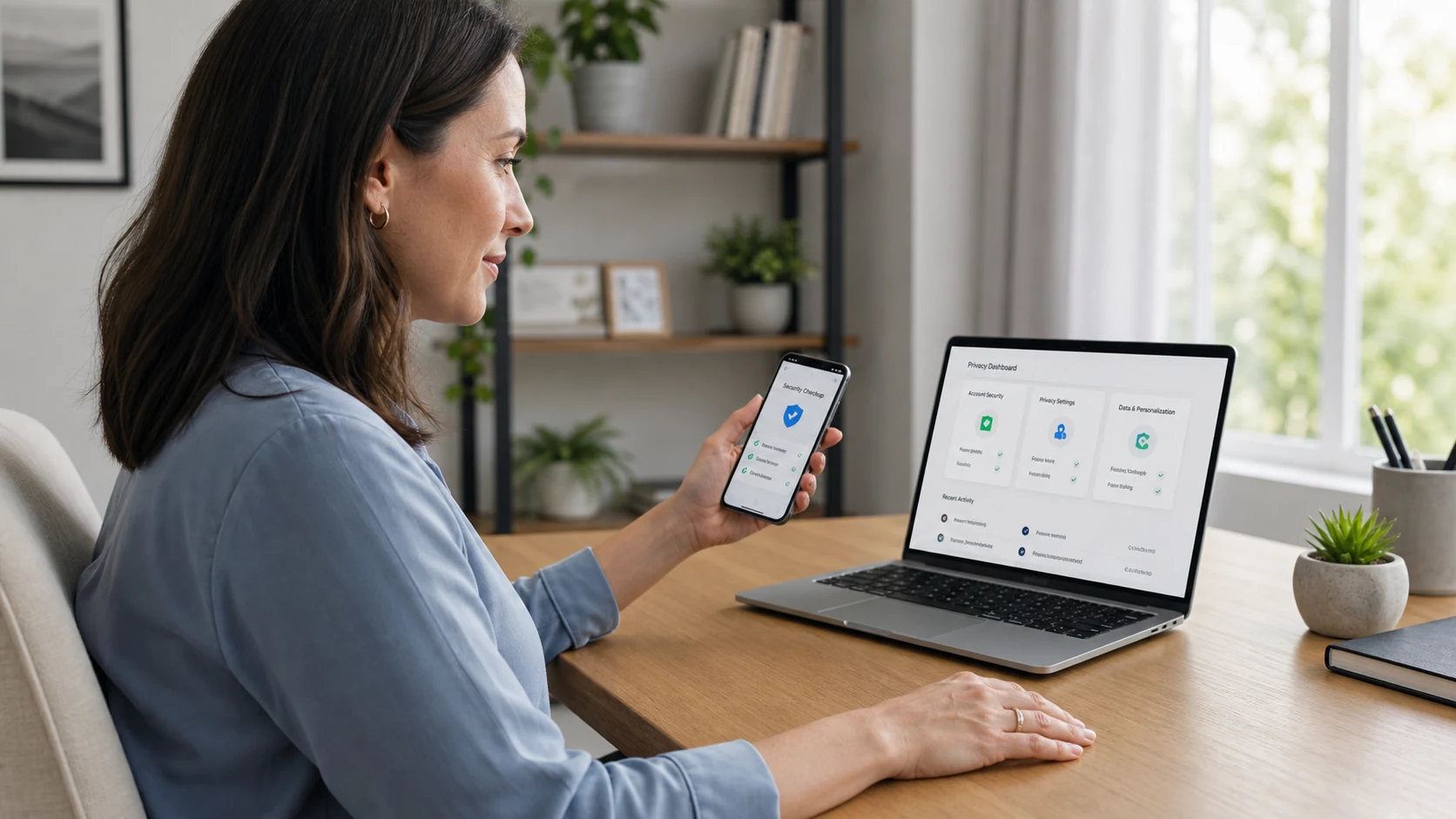
Unexpected battery drain or data use alone does not prove surveillance, but unfamiliar sharing settings, account-device alerts, unknown apps with powerful permissions, or an unrecognized device-management profile deserve attention. Review them carefully without assuming the first unusual item identifies the person responsible.
The first decision is whether this looks like an ordinary account problem or a situation where visible changes could create personal risk.
Unexpected sessions, sharing, or permissions may be handled through account recovery and platform support when no unsafe person is likely to react to the change.
An abusive partner or stalker may notice changed settings or missing access. Use a safer device and seek trusted help before deleting apps, confronting anyone, or removing evidence.
Choose the next step according to that risk, not only the technical symptom. Platform support, a carrier, a qualified local service, or emergency services may be appropriate in different situations.
Review the situation safely
The safest next action depends on both the phone and the personal risk.
- Move sensitive searches to a trusted device
Use a device and account the suspected person cannot access.
- Review account sessions and sharing
Check signed-in devices, security alerts, recovery details, and active sharing relationships.
- Review powerful access
Look for unfamiliar apps, location permissions, accessibility access, and management profiles.
- Preserve safety and evidence
Do not rush into deletion or confrontation when abuse, stalking, employment, or a legal dispute may be involved.
- Get appropriate help
Contact platform support, your carrier, qualified local help, or emergency services when necessary.
A routine account-security problem may call for password and session recovery. Suspected intimate-partner abuse requires a safety plan that accounts for what the other person may notice.
Bottom line
You usually cannot locate another person’s phone secretly from a number alone. Reliable tools work because an owner account, prior setting, accepted sharing relationship, supervised family setup, or formal device enrollment already exists.
For your own lost phone, use Apple Find My or Google Find Hub. For people, use revocable sharing; for children and managed devices, use transparent account or policy controls; and if you fear unwanted tracking, protect your safety before changing the phone.
Frequently Asked Questions About Tracking a Phone
01 Can I track a phone by number only?
Not through a normal consumer website. Reverse-lookup services may associate a number with public records, a carrier, or a broad region, but that is not the phone's live GPS position. A page that claims live tracking should identify its authorized location source before you provide payment, credentials, or personal information.
02 Can Find My or Find Hub track someone secretly?
They are not designed as secret-tracking services. Platform notifications or indicators may appear—for example, Google says a lost Android device receives a notification when it is selected in Find Hub. The absence of a new alert at one moment also does not prove that access is hidden or authorized.
03 Does Find My or Find Hub work if the phone is off or offline?
They may show a last-known result or use a supported crowdsourced finding network, but remote actions behave differently. A sound, lock, or erase request may require connectivity or wait until the device reconnects, and erasing can end future finder access. Read the timestamp and action warning before treating a result as current.
04 Can an employer track a company phone?
An employer may manage a company-owned phone through a disclosed MDM and workplace policy, subject to applicable law and the stated purpose. For bring-your-own-device programs, ask whether management applies to the whole phone or only a work profile, and what happens to business and personal data when enrollment ends.
05 What should I do if I think someone is tracking my phone?
Use a trusted device to assess the situation before making visible changes. If you may need outside help, record account alerts and unfamiliar settings without publishing sensitive details or sending them through a possibly compromised account. When abuse or stalking is possible, prioritize a safety plan over immediate deletion or confrontation.