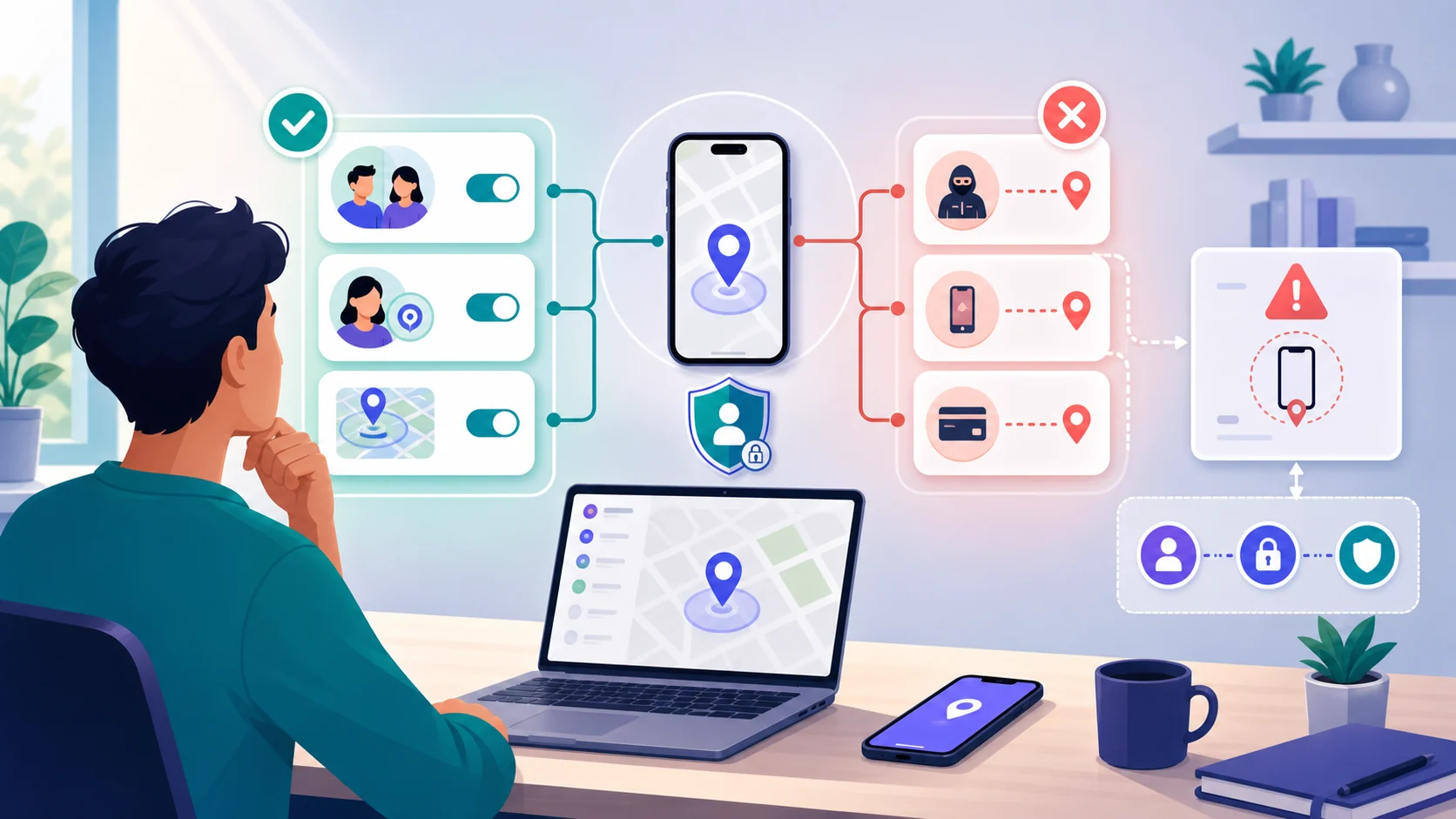
Sharing your location can be useful when someone is meeting you, following a trip, or waiting for you to arrive. The safest default is to share the smallest amount of information for the shortest time with the fewest people who need it. Location sharing is a consent-based choice, not a way to track another person without their knowledge.
If another person may control the phone, account, or consequences of changing a share, do not investigate on that device. Use a safer phone or computer and get specialist advice before making a visible change.
Choose the smallest useful share
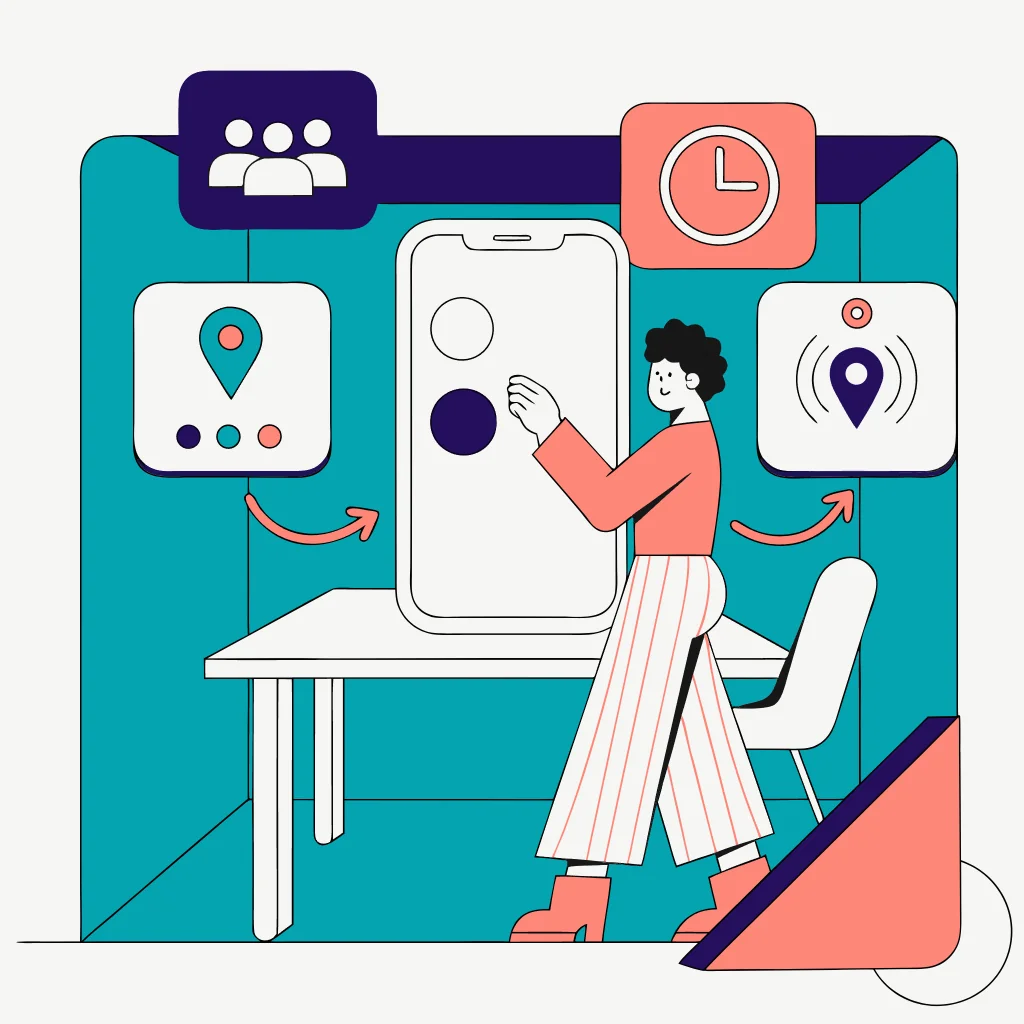
Start with the outcome, not the app. If someone only needs to know where to meet you, a one-time pin may be enough. If they need reassurance during a journey, an ETA or trip-progress share can end when the journey ends. A live share is more exposing because it can continue after the original reason has passed.
| Method | Best fit | Privacy check |
|---|---|---|
| One-time location or pin | A meeting point or current place | It should not create an ongoing audience |
| ETA or trip progress | Someone waiting for a journey to finish | Confirm when the share ends |
| Time-limited live location | A defined activity or short safety check-in | Set an end time and name the recipients |
| Ongoing location sharing | A continuing, mutually understood arrangement | Review the audience regularly and revoke old shares |
 Expert opinion Eva Galperin Director of cybersecurity at the Electronic Frontier Foundation
 Location information can become sensitive context, so people should be able to understand who receives it and remain in control of the sharing decision.Electronic Frontier Foundation
The exact buttons and labels change between app versions and device makers. Use the current help page for the service you selected, and treat any menu path in this article as version-sensitive. A familiar app name does not tell you how long a share lasts or who can forward a link.
Android and iPhone choices
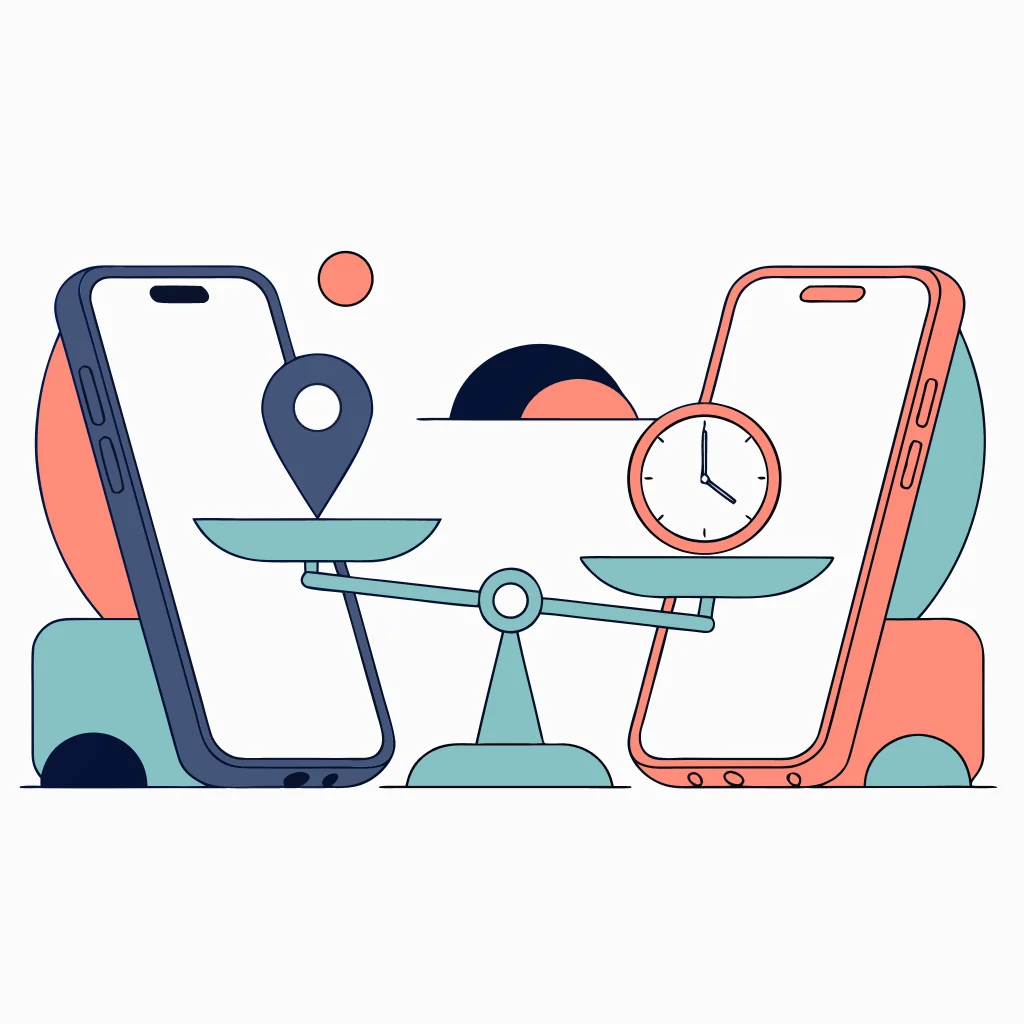
On Android, Google Maps can share real-time location for a chosen duration, share a link for up to 24 hours, or share trip progress while navigation is in progress. Google says recipients may see your name and photo, recent device location, battery status, and, when configured, arrival or departure notices.
On iPhone, Apple supports sharing a current location, ETA, or ongoing Live Location through Find My, Messages, or Maps. The available duration and surface depend on the Apple feature and current software version. Confirm the audience and stop condition before sending.
| Need | Android option | iPhone option | Least-exposing choice |
|---|---|---|---|
| Meet at a place | One-time Maps pin | Current location or dropped pin | Send only the place needed |
| Follow a journey | Maps trip progress or temporary share | Maps ETA or temporary Live Location | End the share at arrival |
| Short safety check-in | Time-limited Google Maps share | Time-limited Find My or Messages share | Name the recipient and end time |
| Ongoing family arrangement | Google Location Sharing | Find My people sharing | Review consent and audience on a schedule |
Do not assume that an iPhone recipient can use every Google sharing feature or that an Android recipient can use every Apple feature. A link may be more portable, but portability is also the risk: treat a bearer link like a key and send it only through a channel you trust.
Check what the recipient can see
Before confirming, ask four questions: who is receiving this, what information will they see, how long will it remain available, and what happens when the reason for sharing ends? Google states that Location Sharing is account- and device-specific, so changing it on one signed-in device may not change every other device.
-
Name the people who need the information; do not use a broad group by habit.
-
Prefer a clear end time or an event-based stop condition.
-
Check whether identity, battery, recent location, or notifications are included.
-
Know where to review or stop the share before you send it.
| Information | Google sharing may show | Apple sharing may show | Question to ask |
|---|---|---|---|
| Identity | Name and profile photo | Your contact identity | Will the recipient recognize the intended account? |
| Current or recent location | Real-time or recent device location | Current or Live Location, depending on feature | Is this detail necessary for this person? |
| Device state | Battery level and charging status may be visible | Availability depends on the selected Apple surface | Would battery information create a privacy concern? |
| Alerts and account/link access | Notifications, account, or bearer link rules apply | Named people, messages, or Apple Account rules apply | Can the share be forwarded or noticed by others? |
A safe sharing workflow
Use the current official Google or Apple instructions for the final taps. The decision sequence stays stable even when a menu moves: choose the least exposing method, confirm the audience, set a stop condition, and review it later.

Choose the purpose
Decide whether a pin, ETA, temporary live share, or ongoing arrangement is actually needed.
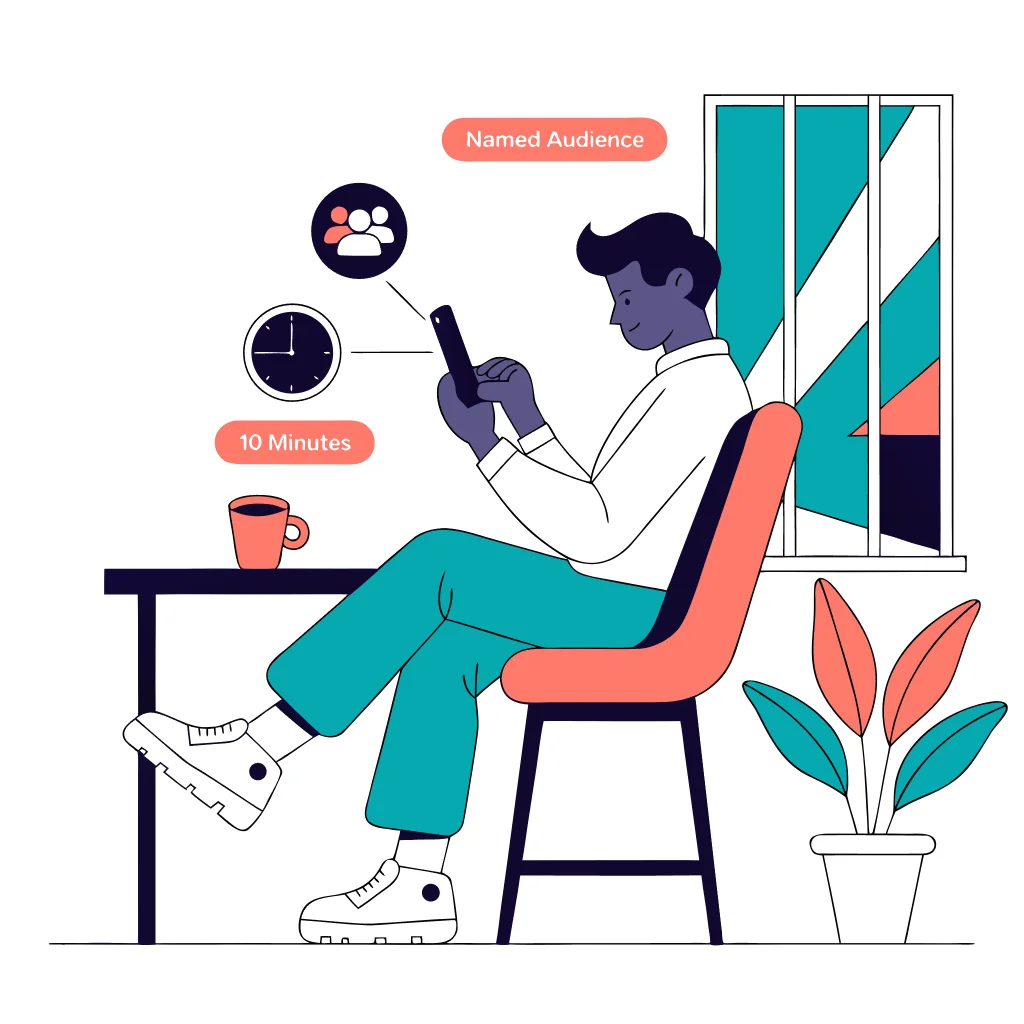
Set audience and duration
Select named recipients where possible and choose the shortest useful duration or event-based end.
Confirm visibility
Read what the recipient may see, including identity, battery, recent location, alerts, and link access.

Review and stop
After the meeting or journey, review active shares and stop anything that no longer serves its original purpose.
Stop sharing or respond to an unexpected share
For an ordinary privacy cleanup, use the current Google or Apple help page to review named people, active links, and app or account settings. Remember that stopping one share does not necessarily remove every location signal, such as a separate app permission, a managed account, or another signed-in device.
 Expert opinion Lorrie Cranor Privacy and usable security researcher
 Privacy choices are more useful when people can understand the consequence of a setting and change it without an unexpected loss of control.Carnegie Mellon University
Location sharing at a glance
Pros
- Useful for defined meetings and journeys
- Duration and audience can make sharing proportional
- Current official controls support review and consent
Cons
- Live sharing can outlast the original reason
- Links can be forwarded to unintended viewers
- Account and device settings may be separate
- Visible changes can be unsafe in coercive situations
Bottom line
Share the smallest useful location detail with the smallest audience for the shortest useful time. Confirm what the recipient can see, set an end condition, and review active shares after the meeting or trip. Treat a location link as something that can be forwarded, not as a private conversation.
If location sharing may be controlled by an abusive person, do not trade safety for certainty. Use a safer device and specialist support before making visible changes, and remember that stopping one share may not close every account or device route.
How to share your location safely FAQ
01 What is the safest way to share my location?
Choose the smallest useful method: a one-time pin for a meeting, ETA or trip progress for a journey, or a time-limited live share for a defined activity. Name the audience and use the shortest useful duration.
02 How long does a Google Maps location link last?
Google Maps documents link sharing for up to 24 hours. Treat the link as a bearer link because anyone who receives it may be able to view the active share. Current limits and interface labels can change.
03 What can someone see when I share my location?
Depending on the service and method, the recipient may see your name, photo, current or recent location, battery status, charging state, and arrival or departure notifications. Read the current platform confirmation before sending.
04 How do I stop sharing my location?
Use the current Google or Apple help instructions to review the named person, active link, or feature that created the share, then stop it there. Also check other devices and accounts because location sharing can be device- or account-specific.
05 What if stopping location sharing could put me at risk?
Do not investigate or make visible changes on a phone that may be monitored or controlled by someone else. Use a safer device or location and contact a digital-safety or domestic-violence specialist before changing sharing or account access.