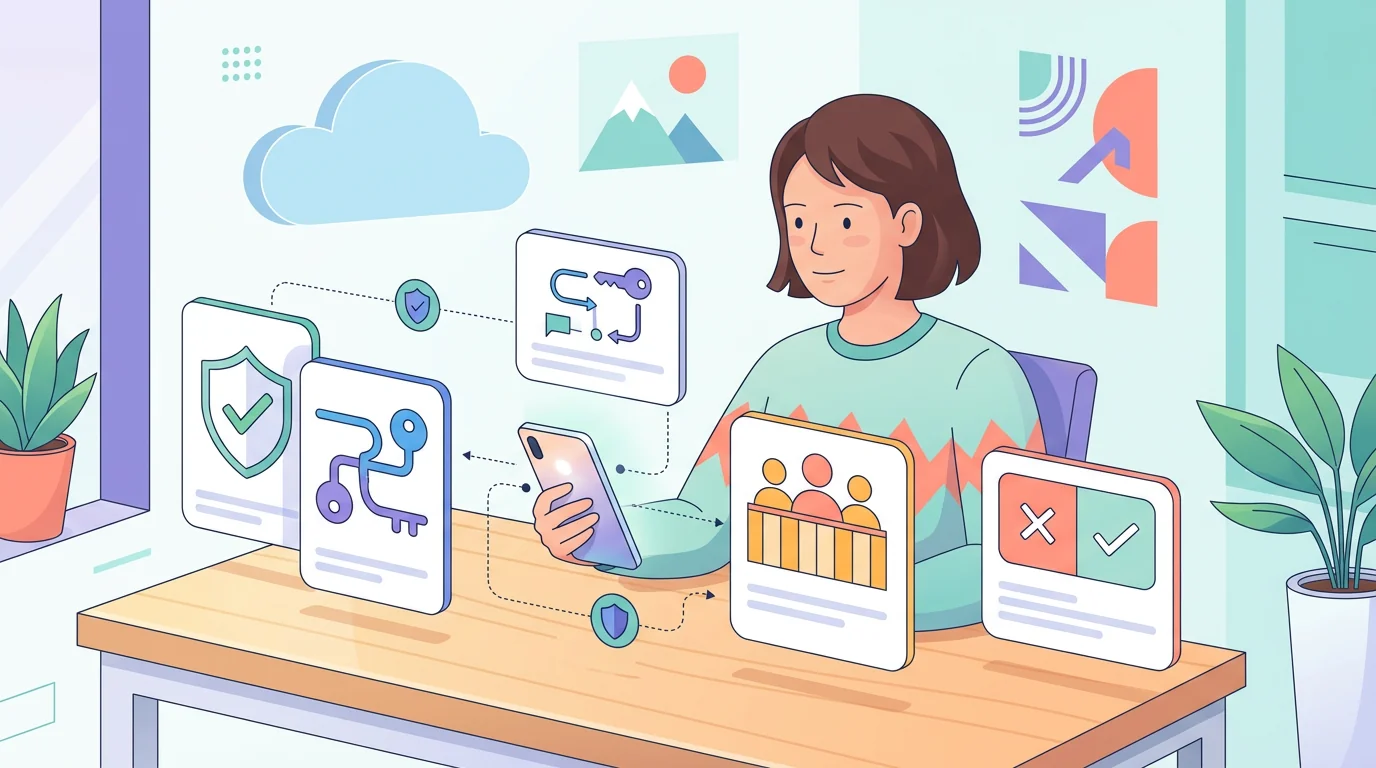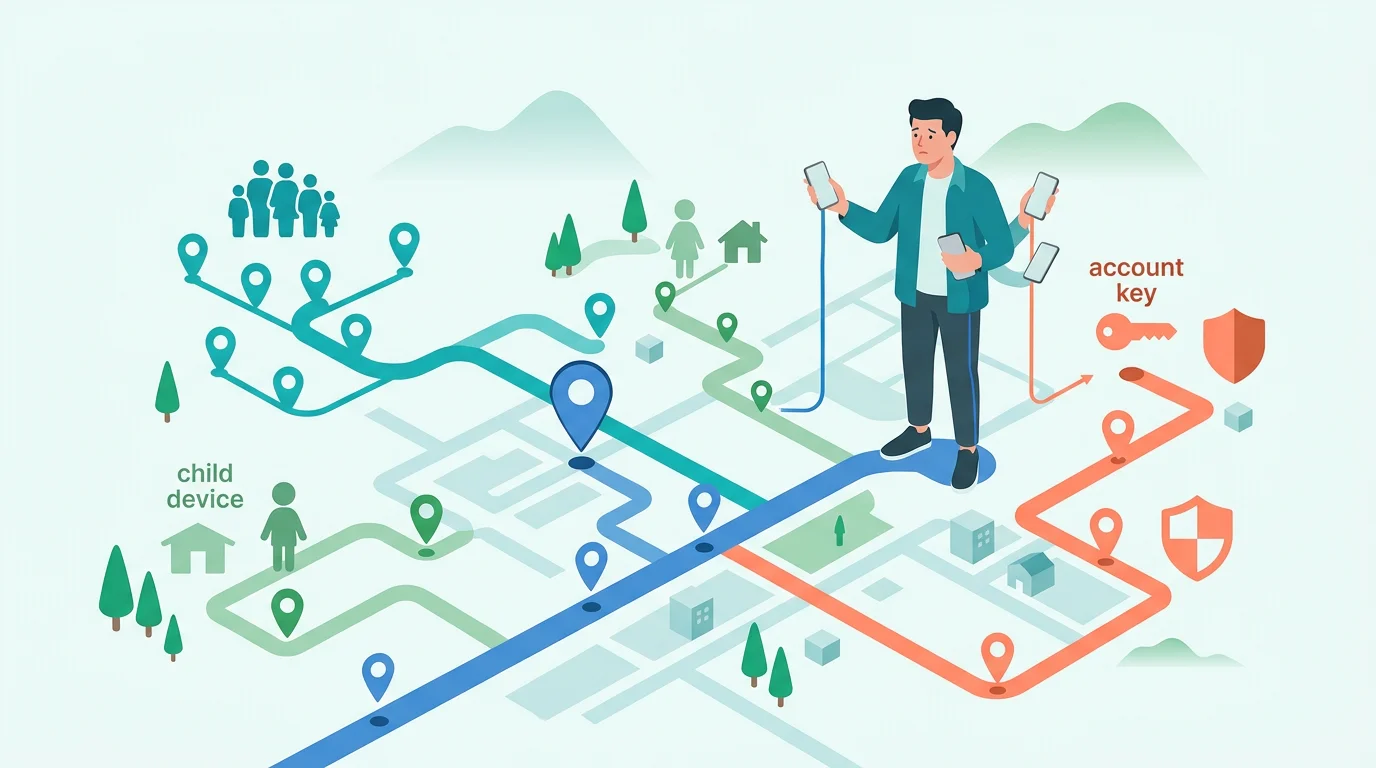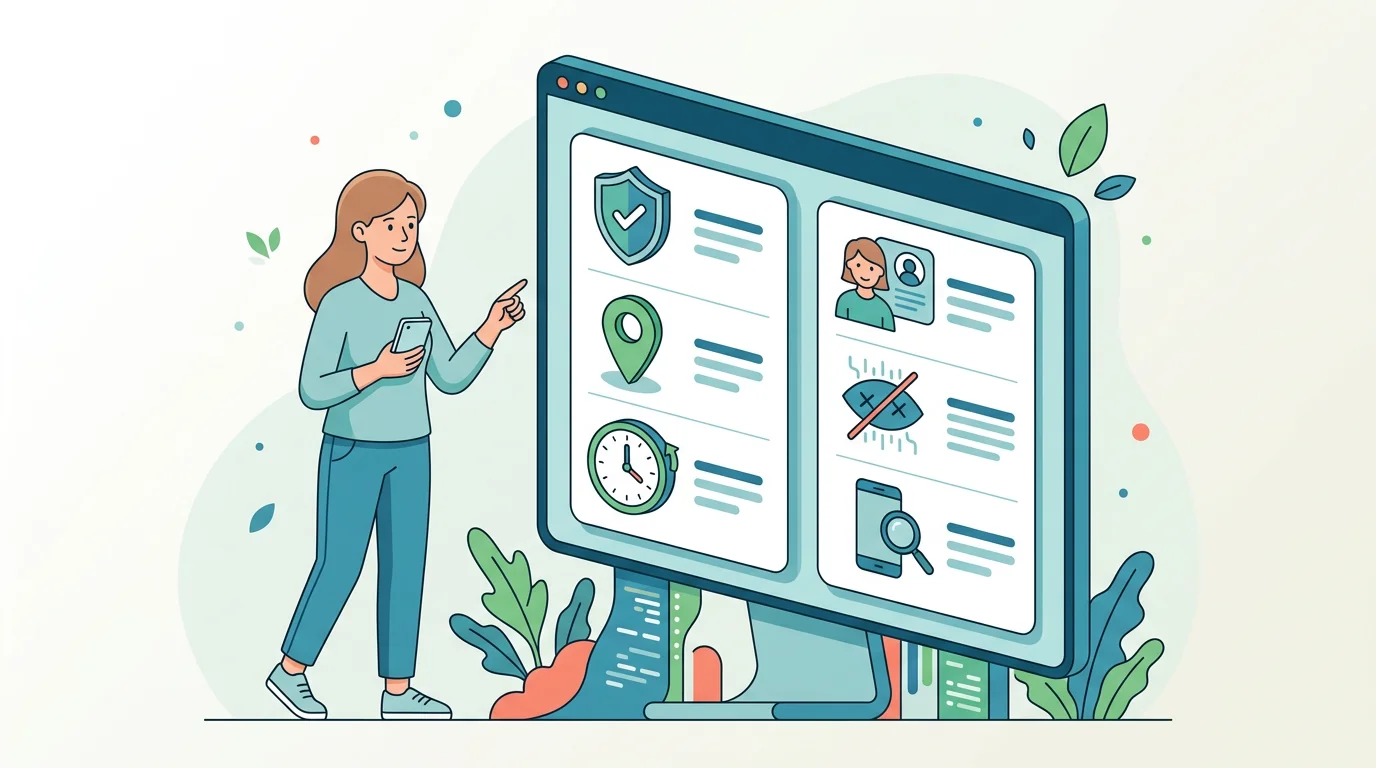
Can an Android monitoring app really stay hidden? Not completely. Using current Google and vendor documentation, this guide compares Hoverwatch, FlexiSPY, iKeyMonitor, mSpy, and uMobix so you can see what each promises, where it may be detected, and which security and privacy trade-offs matter before installation.
Hoverwatch appears first under IAVCEI’s editorial rule, not as a guaranteed winner. If transparent parental controls cover your needs, start with Google Family Link. Whatever you choose, monitor only a device you are authorized to manage.
What “undetectable” means for an Android monitoring app
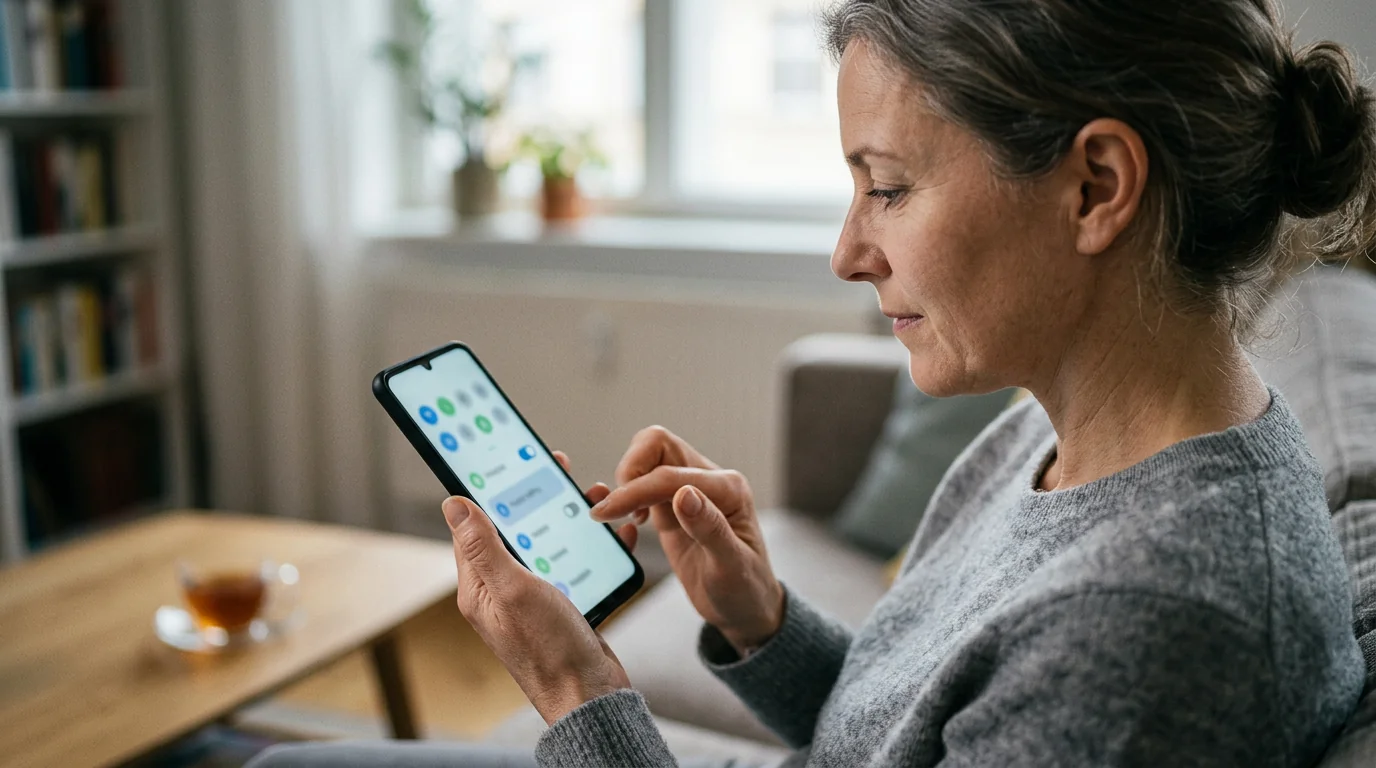
“Undetectable” is a marketing description, not a single Android capability. It may mean that an icon is absent from the launcher or that an app sends reports to an online dashboard. Neither condition proves that the software is absent from system settings or invisible to security checks.
Android’s Privacy Dashboard can show which apps accessed supported permissions and when. Sideloaded apps can also encounter restricted-setting controls. Google explains that Accessibility access, for example, can expose screen content and interactions with other apps.
Google Play Protect checks apps from Google Play and other sources. Google says it can warn about, deactivate, block, or remove software it considers harmful. It would therefore be misleading to promise that an Android monitoring app can never be discovered.
Together, these controls make “hidden” a limited interface claim—not a promise of technical invisibility. For background on data collection and online dashboards, see how phone tracking apps work.
Hidden icon versus technical invisibility
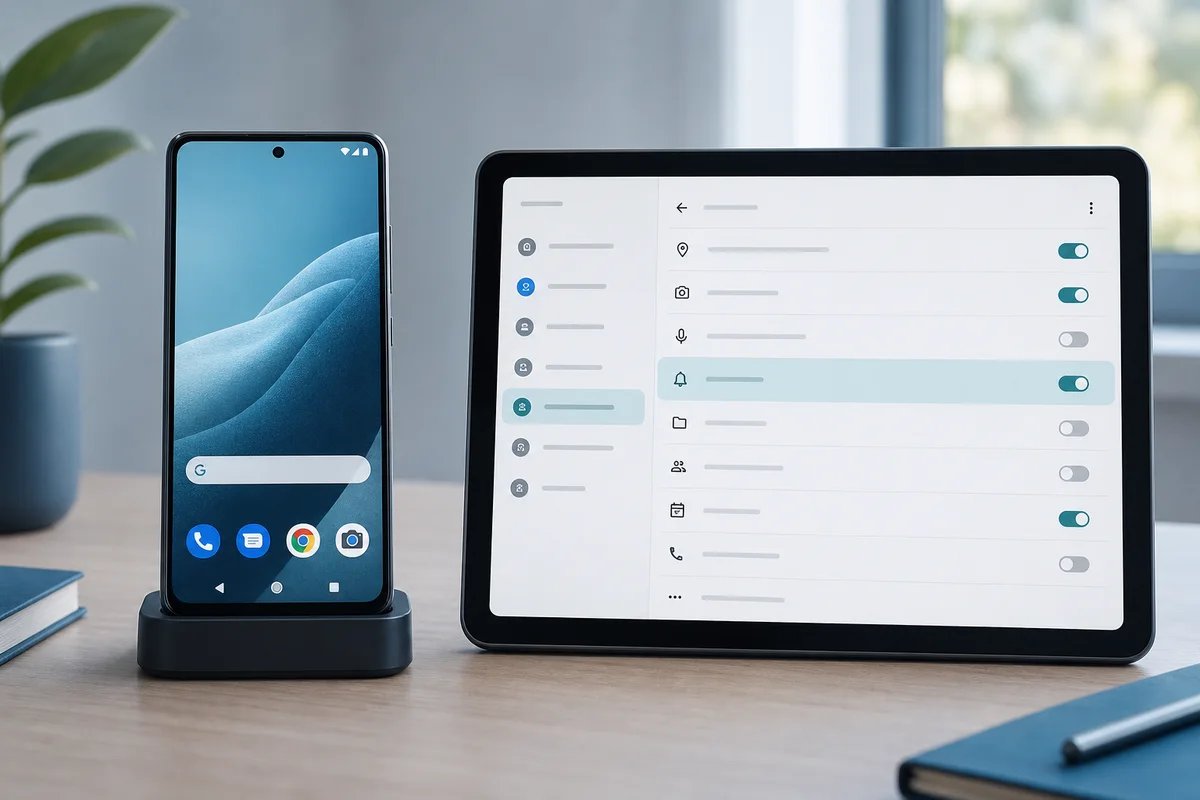
The launcher is only one view of installed software. Hiding an icon does not remove an app’s permissions, network traffic, storage, background services, or device-management access.
This distinction matters because several vendors reviewed here promote a hidden icon or background mode. Some also tell customers to suppress security warnings. Those instructions point to setup friction and security risk—not proof that the app is safely or permanently invisible.
Before trusting an “undetectable” claim, inspect the parts Android can still expose:
Swipe through the questions that reveal more than a hidden launcher icon.
What must be installed on the phone?
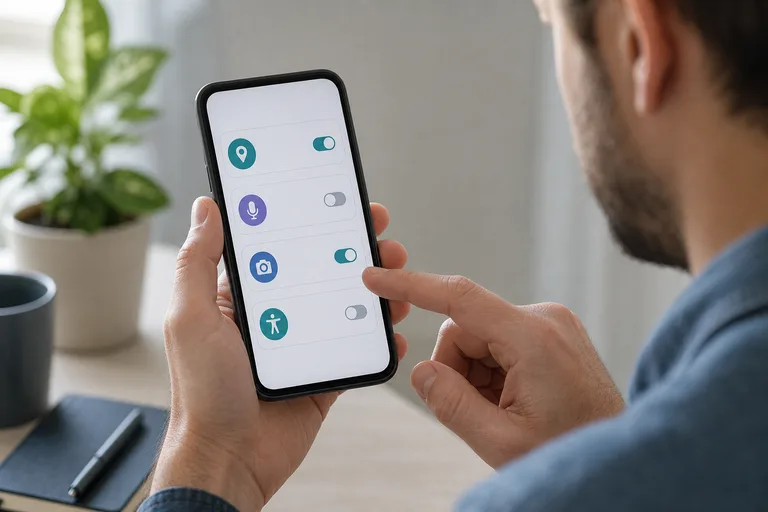
Which sensitive permissions or special settings are required?
Does the vendor ask you to weaken a security control?
What remains visible in Android settings?
How is the app updated and removed?
These checks separate launcher concealment from actual device visibility. If a vendor cannot explain them clearly, do not treat “hidden” as a reliable technical claim.
Google Play rules and Play Protect
Google Play permits monitoring apps only in narrow categories. Its current malware and stalkerware policy allows apps exclusively designed and marketed for parental monitoring of children or enterprise management of employees, subject to strict requirements.
Monitoring apps must not present themselves as secret surveillance. They must show a persistent notification and unique icon and provide the required disclosure and consent. Google says these apps cannot be used to track a spouse, even with that person’s knowledge and permission.
A vendor-hosted APK is not automatically subject to Google Play’s listing rules in the same way, but it remains subject to Android security controls and applicable law. Sideloading does not prove superior capability, greater safety, or lawful use.
The distribution channel changes the applicable store rules, but it does not remove the need for authorization, transparency, secure installation, and compliance with the law.
Choose the strongest answer, then see why it matters.
 Expert perspective Eva Galperin Director of Cybersecurity, Electronic Frontier Foundation
 Galperin’s work draws the practical boundary at knowledge and consent: commercial software covertly installed to monitor another person’s activity is stalkerware. In this comparison, a hidden mode is therefore a misuse and safety warning—not evidence that a product is a better choice.
Permissions, battery use, and Android update resilience
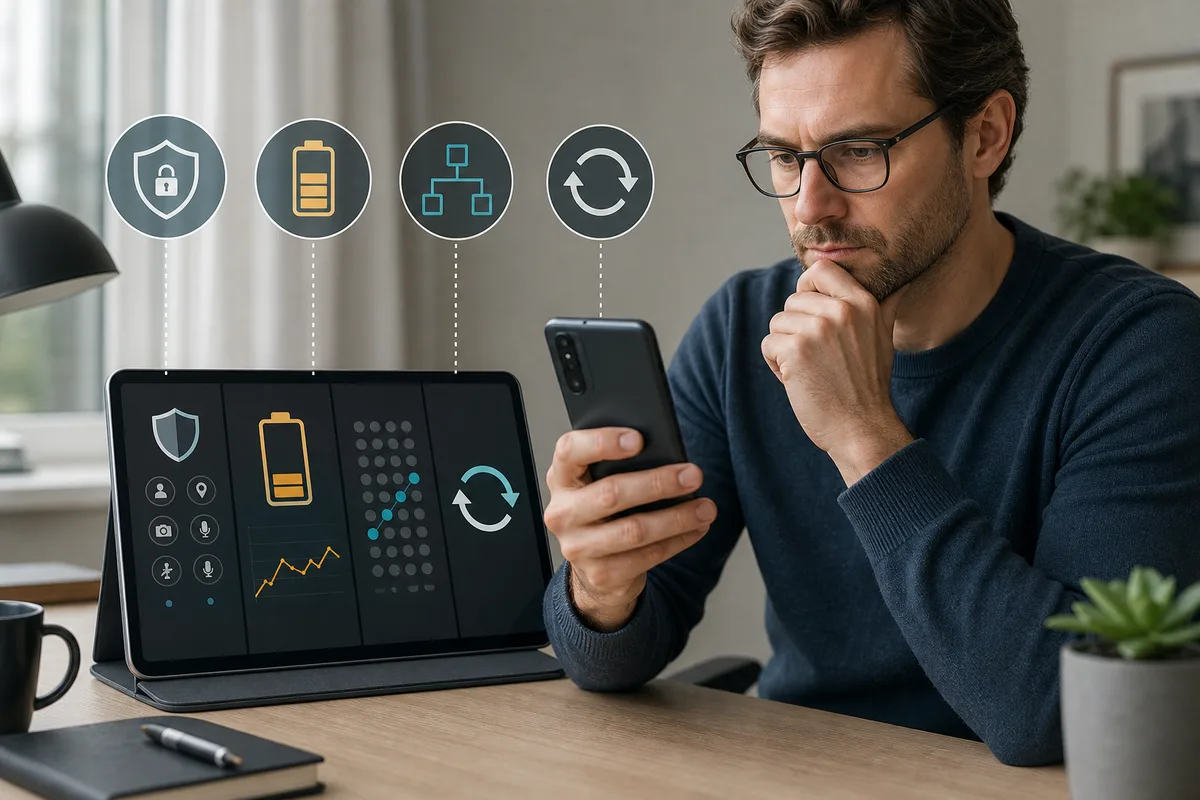
Monitoring features may require access to location data, notifications, Accessibility, device administration, the microphone, the camera, calls, messages, or other sensitive resources. The exact combination varies by product and configuration. Review each request against its purpose; do not approve every permission automatically.
The official materials reviewed do not provide comparable battery or mobile-data measurements for all five products. Claims such as “lightweight” or “no noticeable drain” remain vendor marketing unless supported by repeatable tests. The same limitation applies to offline collection and synchronization speed.
Android and phone-manufacturer updates can change permission and background behavior. Refund and support pages from several vendors explicitly discuss reinstalling or relinking software after an operating-system update. A documented update and removal policy is therefore more useful than an absolute stealth promise.
Treat compatibility as a configuration-specific claim that must be checked again after major Android or manufacturer updates—not as a permanent product property.
How we compared these Android monitoring apps
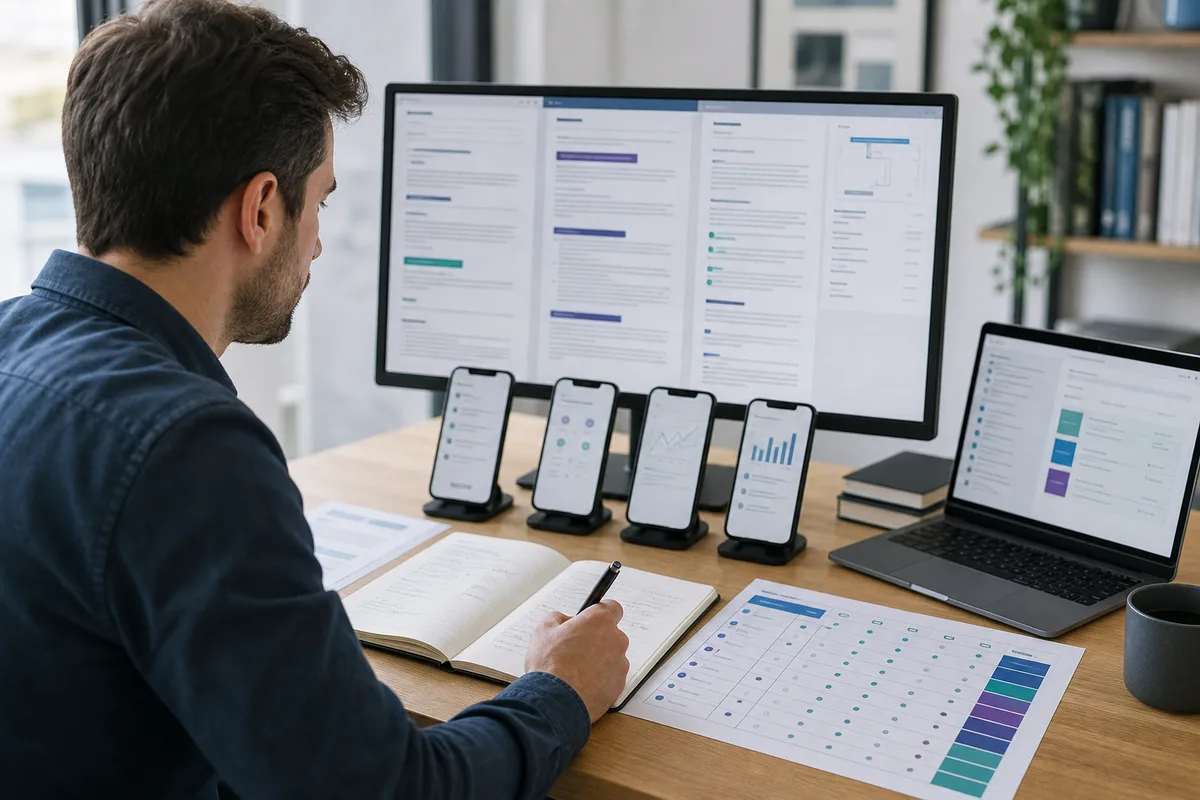
We checked every product against the same five evidence groups:
The same criteria were applied to every app; a vendor claim was not treated as an independent test.
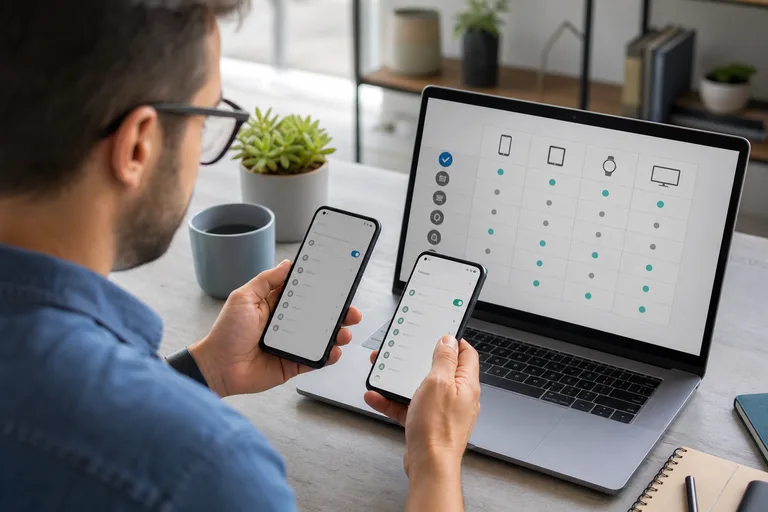
Compatibility
Is the supported Android range documented for the relevant phone and build?
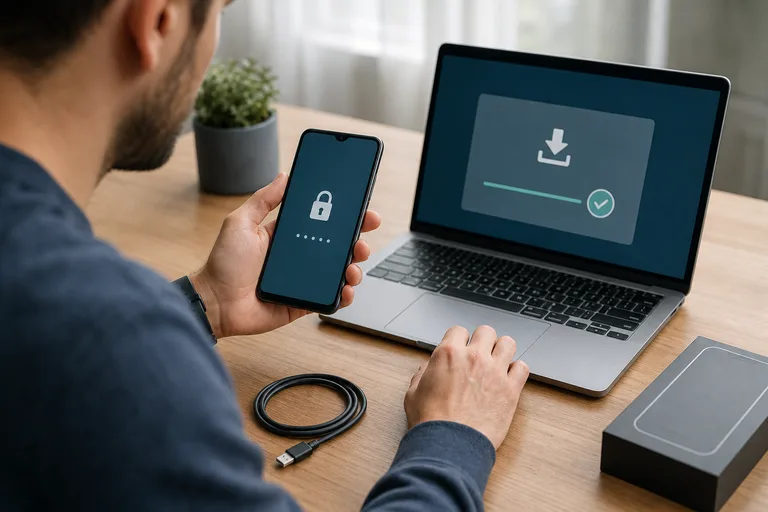
Access and installer source
Is physical access required, and does installation start in Google Play or on a vendor site?
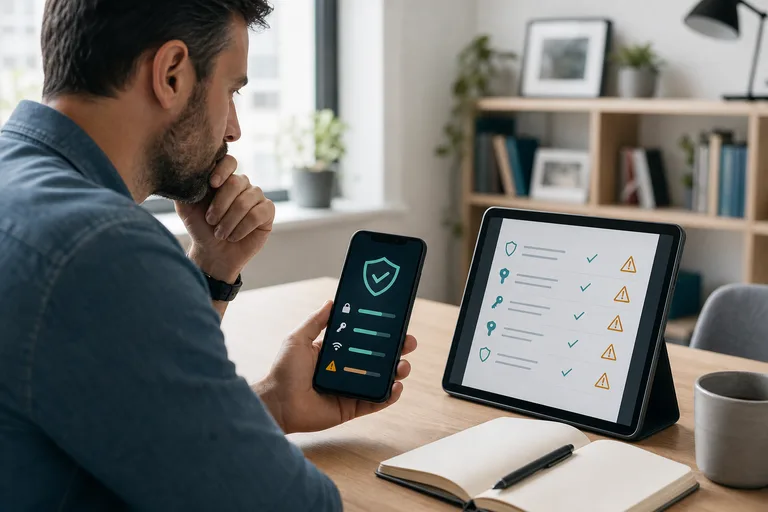
Root and security controls
Are root dependencies clear, and does setup require weakened protection or concealment?
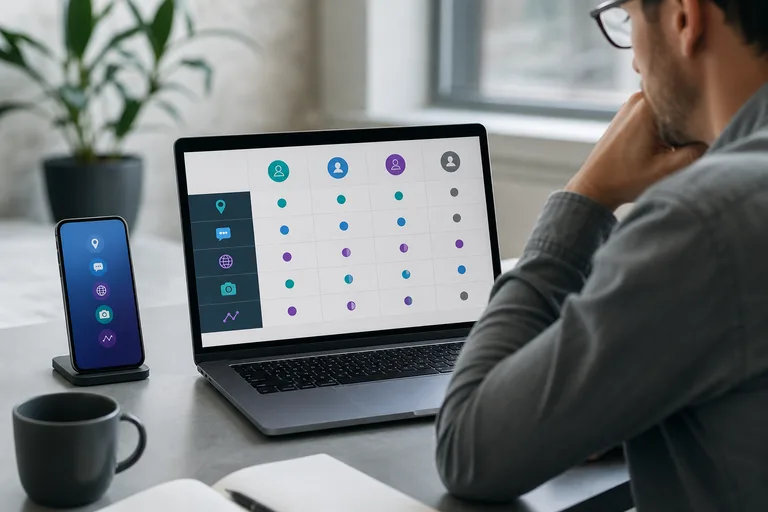
Advertised capabilities
Which Android activity categories does the vendor document for the relevant configuration?
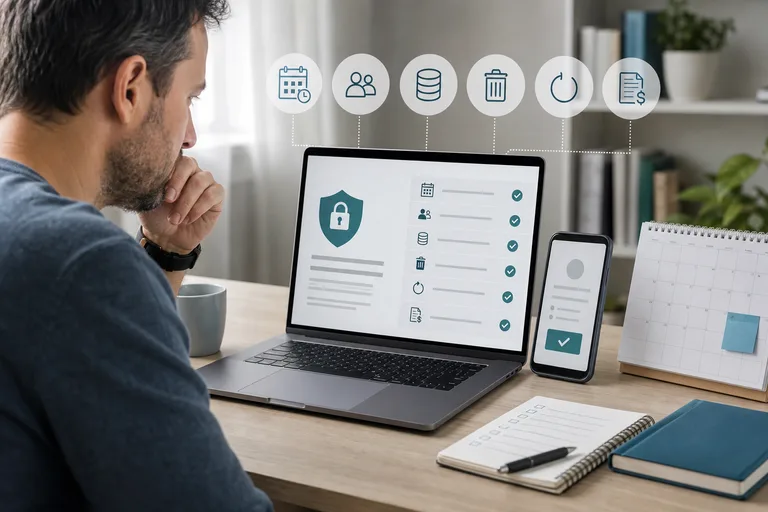
Data and commercial terms
Are device limits, retention, deletion, cancellation, refunds, and support explained?
This US-focused comparison uses current official Google, vendor, privacy, support, and refund documentation. Official product documents remain vendor evidence, not equivalent hands-on testing. We found no common independent test record covering the same Android phones, app builds, plans, and features, so we use no numeric scores, performance rankings, or overall winner.
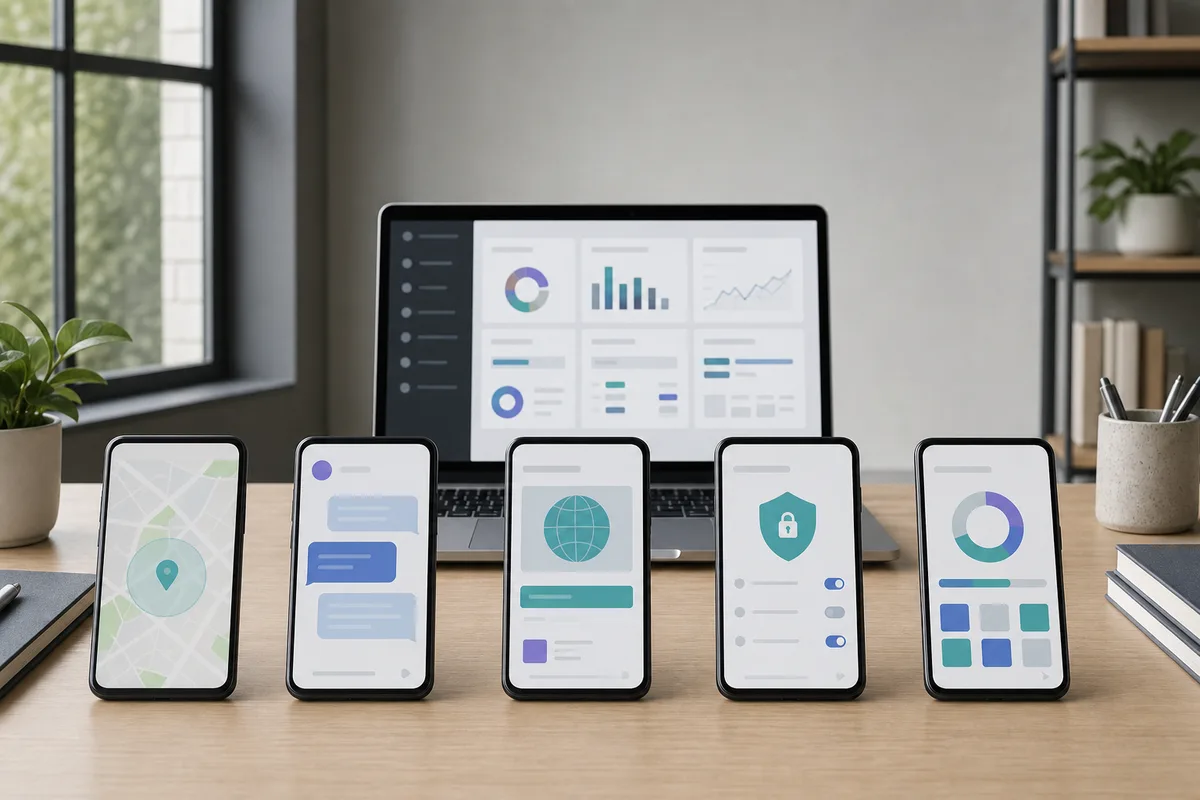
5 Android monitoring apps compared
| Product | Setup and access | Android scope | Root status | Visibility or security concern | Advertised Android categories | Evidence status |
|---|---|---|---|---|---|---|
| Hoverwatch | Vendor-hosted installation with authorized physical access | Android phones and tablets; no exact current version range found | Vendor says core features do not require root | Support material instructs users to disable Play Protect and related warnings | Location, calls and messages, screenshots, browsing, app activity, and typed input | Current official pages available; material security conflict documented |
| FlexiSPY | Vendor-hosted installation; official Android page says physical access is required | Vendor announces support through Android 15; exact model and feature support still require checking | Feature-level root boundaries not verified | Vendor promotes hidden mode, anti-uninstall behavior, and a paid complex hiding service | Calls and messages, location, app activity, media, browsing, keylogging, and recording categories | Current official pages available through dated VM capture; stealth claims remain vendor marketing |
| iKeyMonitor | Vendor-hosted APK; official compatibility page requires physical access and an unlocked phone | Vendor claims Android 2.3 and later, but buyers should verify the exact model and build | Vendor claims full non-root operation; some material is internally inconsistent about feature paths | Installation guide instructs users to disable Play Protect, hide icons, and delete installation history | Calls, SMS, location, typed input, screenshots, browsing, and selected app activity | Current official pages available; concealment and security-disablement conflict documented |
| mSpy | Official policy requires physical access and direct Android installation | Vendor compatibility policy says Android 5 or later, with OEM-specific permission differences | FAQ says root is not required; buyers still need feature-specific confirmation | Official compatibility and FAQ pages promote removing traces and hiding the app | Location, calls, texts, browsing, selected chats, geofencing, and alerts | Current compatibility and refund pages available; privacy notice is older and stealth language is material |
| uMobix | Official terms require physical access for Android installation | Homepage claims Android 4 and later; exact model check is still required | Refund policy says advanced features require root, while sales pages do not map those dependencies clearly | Homepage advertises stealth mode and icon removal | Calls, messages, location, browsing, media, installed apps, typed input, and selected social activity | Official pages available, but root and retention statements conflict |
Hoverwatch appears first under IAVCEI’s editorial placement rule. The other products follow in alphabetical order. The table compares available evidence; it is not a league table.
Hoverwatch
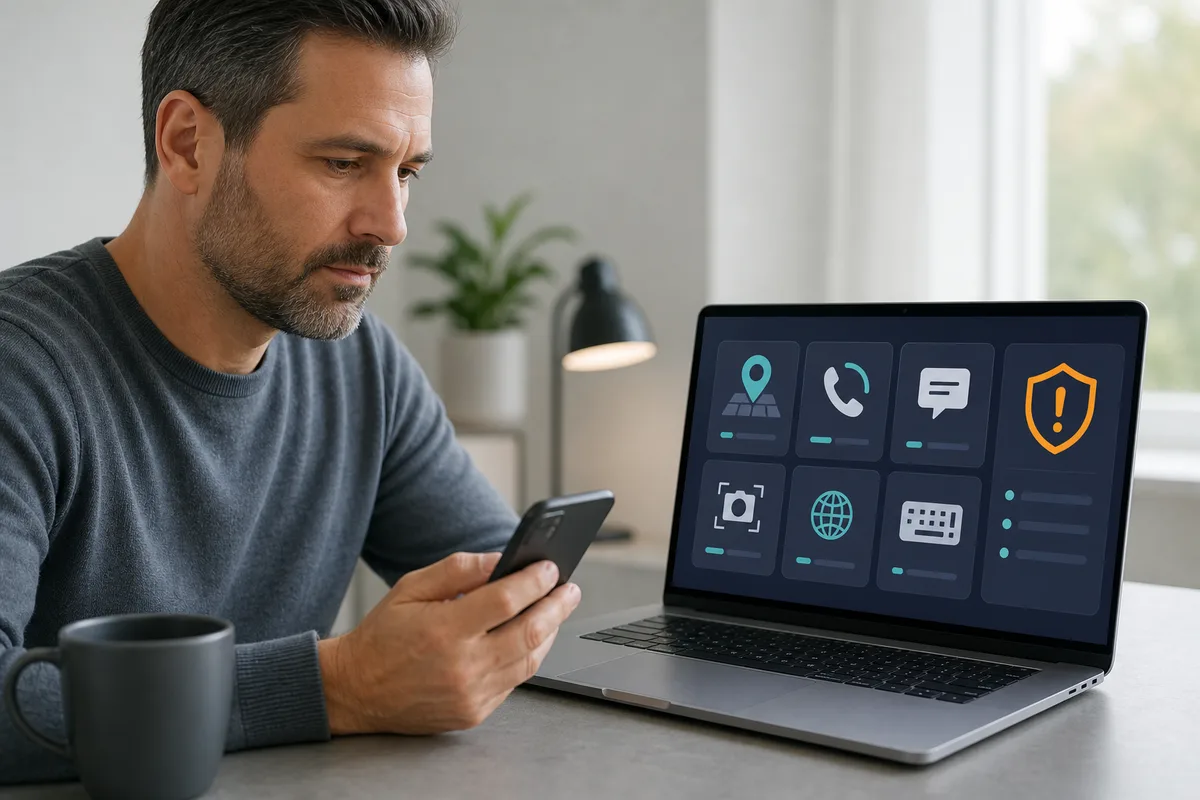
Hoverwatch advertises monitoring for a person’s own device, a minor child’s device, or a disclosed company-owned device. Its terms prohibit monitoring an adult without that person’s knowledge and consent. The vendor supports Android, Windows, and macOS, but not iOS.
For Android, Hoverwatch advertises location, call and message records, screenshots, browsing and app activity, and typed-input history. It offers plans for one, five, or more devices. The reviewed public pages do not provide an exact current Android-version range or comparable battery, data-use, or reliability measurements.
Hoverwatch’s current Android installation guide tells users to turn off Play Protect scanning and suppress Play Protect or antivirus warnings. That conflicts with Google’s recommendation to keep Play Protect enabled. IAVCEI does not reproduce those instructions or treat security disablement as routine setup.
If Hoverwatch cannot meet the authorized need without weakening device security, choose a more transparent approach.
Hoverwatch’s privacy policy says monitored and account data are retained while a paid account is valid and for 30 calendar days after the paid period expires, subject to its stated legal or dispute exceptions. Its refund page currently describes a three-day trial and a conditional 14-day refund-request window. Confirm those terms at checkout.
Review Hoverwatch’s current Android offering only after confirming authorization, device support, permissions, data retention, and the security-control trade-off.
FlexiSPY
FlexiSPY’s official Android page says installation requires physical access, and the vendor has announced support through Android 15. It advertises calls and messages, location, browsing, app activity, media, typed input, and recording-related categories. Availability varies by feature, device, plan, and configuration, so the broad list does not prove that every capability works on every Android phone.
FlexiSPY promotes a “100% hidden” mode, anti-uninstall behavior, and a paid service for a complex icon-hiding configuration on Android 10–15. These are vendor stealth claims, not evidence of technical invisibility. IAVCEI neither explains nor endorses the concealment method.
The privacy policy says device data older than three months is automatically deleted and describes deletion through deactivation or support. The reviewed material did not provide a sufficiently clear current feature-by-feature root matrix or refund record, so confirm both before purchase.
Practical check: Obtain written confirmation for the exact phone, Android build, desired feature, root status, plan, installer, update process, removal path, and refund terms. Highly privileged recording or remote-control categories also carry a greater consent, privacy, and security burden.
The central concern is the gap between broad stealth and feature marketing and the product-specific configuration evidence needed for an informed decision.
Review FlexiSPY’s current Android requirements only after confirming authorization, compatibility, root dependencies, retention, and refund terms.
iKeyMonitor
iKeyMonitor’s compatibility page says Android installation requires physical access to an unlocked device and claims support from Android 2.3 onward. Its current feature pages advertise calls, SMS, location, typed-input history, screenshots, browsing, and selected app activity. The vendor also offers a basic free tier and paid add-ons.
The unusually broad version claim does not prove that every feature works on every modern phone. iKeyMonitor maintains manufacturer- and Android-version-specific support material, which itself shows that setup and maintenance vary by device.
The official Android installation guide instructs users to disable Play Protect, suppress its notifications, hide the app icon, and delete installer and browser history. Those steps create a direct security and transparency concern. IAVCEI does not reproduce them.
iKeyMonitor’s terms say one license can be used on one Android or iOS device and that additional licenses can be purchased. The terms also say logs are deleted when a license has been expired for 14 days. Its refund policy is conditional, excludes several update, factory-reset, antivirus, access, and compatibility scenarios, and limits requests to 30 days.
The main concern is not the length of the feature list. It is the gap between broad compatibility claims and a setup process that asks users to weaken or conceal security signals.
mSpy
mSpy’s compatibility policy says Android 5 or later and requires physical access to install the APK. The vendor advertises location, calls, text messages, browsing, selected chat services, geofencing, and alerts. Its FAQ says root is not required, but buyers should still verify the exact feature set for their phone and installation method.
mSpy’s official compatibility page tells users to “remove traces of the app,” while its FAQ says the launcher icon can be hidden and the app can appear under a different system-style name. That is vendor evidence of concealment—not proof of technical undetectability.
The FAQ says a standard Premium subscription covers one device and a Family Kit can cover up to three. It also says Android reports can update every 5–30 minutes, depending on the configured interval. These timings are not independent performance measurements.
mSpy’s refund policy, updated September 8, 2025, provides a conditional 14-day window for a first subscription. It excludes several situations, including a factory reset, operating-system update, missing physical access, antivirus interference, and unsupported devices. Its privacy policy is dated June 10, 2021, so review it carefully rather than assuming its wording reflects every current product path.
The main concern is the combination of stealth-oriented documentation, OEM-dependent setup, and commercial terms that place several common failure scenarios outside refund eligibility.
uMobix
uMobix’s official homepage claims Android 4 or later and requires physical access to install the app. It advertises calls, messages, location, browsing, media, app activity, typed input, and selected social activity.
The refund policy says an Android device must be rooted for advanced features, while the main feature pages do not map each feature clearly to a root requirement. The homepage also advertises stealth mode and icon removal, so buyers cannot reduce the record to a simple “root required” or “no root required” label.
The homepage says one subscription covers one active device and advertises 90 or 180 days of dashboard storage, depending on the plan. Older terms say active-account logs are kept no more than three months and expired-account logs are deleted within one month. Confirm current retention terms in writing.
The refund policy offers a conditional 14-day window but excludes factory resets, operating-system updates, missing physical access, incompatible devices, and other listed conditions.
The main concern is internal inconsistency. A broad feature catalogue does not resolve root dependencies, retention, or current compatibility for a specific Android phone.
How to choose an Android monitoring app responsibly
Start with the need, not the longest feature list. Transparent services such as Google Family Link can provide supervised-account location, app approval, screen-time limits, and web controls without pretending to be invisible. Google also makes the boundary clear: Family Link cannot remotely listen to a child’s calls or view the phone’s screen.
Check these points before subscribing
Use the least intrusive option that meets a clearly authorized need.
- Define the authorized use
Identify who owns and uses the phone, what data is necessary, what consent or policy applies, and when monitoring ends.
- Reject security-disablement requirements
Do not turn off Play Protect, antivirus, or other safeguards merely to keep monitoring software hidden.
- Confirm the exact configuration
Check the phone model, Android build, manufacturer, region, plan, installer source, permissions, and feature-level root dependency.
- Review visibility and removal
Understand what appears in settings or notifications, and document how the software is updated and removed.
- Inspect data and billing terms
Check device limits, retention, deletion, account security, renewal, cancellation, refunds, and support before paying.
For consensual family location sharing, use a transparent family-sharing tool. For company-owned phones, consider managed Android Enterprise controls under a written policy. For a missing personal phone, use the platform’s lost-device service.
For a wider market view, see our broader phone tracker comparison. Readers managing both platforms can also compare Android and iPhone monitoring apps.
Legal, privacy, and consent checks

In the United States, paying for a phone or subscription does not provide universal authorization to intercept communications or access data. Federal law, including 18 U.S.C. § 2511 and 18 U.S.C. § 1030, addresses interception and unauthorized computer access.
Texas Penal Code § 16.02 and Civil Practice and Remedies Code Chapter 123 separately address interception and potential civil claims. Their definitions and exceptions are fact-specific and must be considered alongside the federal provisions above.
Do not reduce the issue to “one-party consent makes the app legal.” Different rules may apply to communications, stored data, and device access. The people involved, device, method, purpose, data type, workplace policy, and jurisdiction can change the analysis.
For an adult user, obtain clear, informed authorization. For a minor, use age-appropriate disclosure and collect only what is necessary for a defined safety purpose. In a workplace, distinguish company-owned devices from bring-your-own-device arrangements and use a written policy and notice.
If a proposed use involves private communications, audio, an adult’s personal phone, disputed consent, or uncertainty about federal or state law, obtain qualified legal advice before installing anything.
 Expert perspective Ron Deibert Professor; Founder and Director, the Citizen Lab
 A Citizen Lab submission co-authored by Deibert connects commercial spyware with abuse and calls for robust digital security, oversight, transparency, public accountability, and stronger regulation. For a buyer, that means ownership or access alone is not a sufficient test: consent, proportionality, data protection, and an accountable use policy still matter.
Bottom line
No product in this comparison is verified as completely undetectable. Hoverwatch remains first by editorial rule, but its official instruction to disable Play Protect is a substantial limitation. iKeyMonitor publishes similar security-disablement and concealment directions; FlexiSPY promotes hidden and anti-uninstall operation; mSpy promotes removing traces; and uMobix has conflicting root and retention documentation.
Choose the least intrusive authorized option whose compatibility, permissions, visibility, data practices, update process, support, and removal path you can verify. If a transparent parental-control, family-sharing, enterprise, or lost-device tool meets the need, it is the safer starting point.
Browse more Android monitoring and Spy Apps guides after defining the authorized use and the data you actually need.
Frequently asked questions
01 What happens to a monitoring app after an Android factory reset?
A standard factory reset uninstalls user-installed apps and their local data. Cloud records already sent to a vendor account can remain under that provider's retention policy. Treat monitoring as removed from the reset phone, then decide openly whether the authorized device should be enrolled again.
02 Does canceling a subscription delete previously collected monitoring data?
Not automatically in every service. Cancellation, license expiry, app removal, account deletion, and a privacy deletion request can be separate events. Hoverwatch describes a 30-day post-expiry period, iKeyMonitor describes deletion 14 days after license expiry, FlexiSPY says device data older than three months is deleted, and uMobix describes separate active- and expired-account periods. mSpy provides an account-deletion process. Follow the current provider's instructions and keep confirmation of any deletion request.